
A standalone product experience for every demo
Create a standalone, high-fidelity version of your application that looks and behaves like the product you sell. Demo without exposing the real app, creating a product login for every prospect, or depending on network access when configured for offline use.

A Reprise Clone is a standalone, high-fidelity version of your application that looks and behaves like the product you sell. It captures the front end and the requests behind it, so teams can customize, reset and share the demo without exposing production, creating a product login for every prospect, or depending on the network.
What you can ask for
Your application, on your terms
Every row here is one prompt to the Reprise agent and what came back. A Clone of the app you sell, answering every request itself.

01
Clone it
Prompt
Clone the Acme security console, all eight screens.
Front end and the requests behind it captured. The app runs on its own.

02
Make it behave
Prompt
Make investigating an alert update its status, like the real app.
The captured response answers the click. Production never receives it.

03
Your prospect’s name everywhere
Prompt
Replace Acme with Northwind Financial across the whole Clone.
Every screen and every response, one pass.

04
Change what comes back
Prompt
Set open alerts to 27 and add a critical alert about a payments bucket.
The response edited, the chart and rows follow.

05
Switch the story
Prompt
Load the healthcare dataset on this Clone.
Saved datasets on the same Clone, one Activate away.

06
Reset between calls
Prompt
Reset it to the approved state before my 2pm.
Whatever the last buyer clicked is gone.

07
Demo without a network
Prompt
Package it for the trade-show kiosk, no Wi-Fi.
Runs offline, on a kiosk or a laptop.

08
Protect production
Prompt
Make sure nothing in the demo can touch production.
The Clone answers every request itself. Production stays out of the room.

09
Show what hasn’t shipped
Prompt
Add the Risk page we’re releasing next quarter.
A screen the live app doesn’t have yet, in the Clone today.

10
Share it
Prompt
Send a link the buyer can open without a login.
One link, no account, opens in their browser.

11
Keep versions
Prompt
Sync the Clone to GitHub and tag this as v3.
Every change in git, any version restorable.

12
Run it live
Prompt
Present this Clone on Thursday’s call.
The Clone on screen, the prepared story, no surprises.
Why clone the application
When the live application cannot be the demo
The real application may be the product you sell, but it is not always the environment you can safely or reliably present. Reprise gives the team a standalone version designed specifically for the demo.
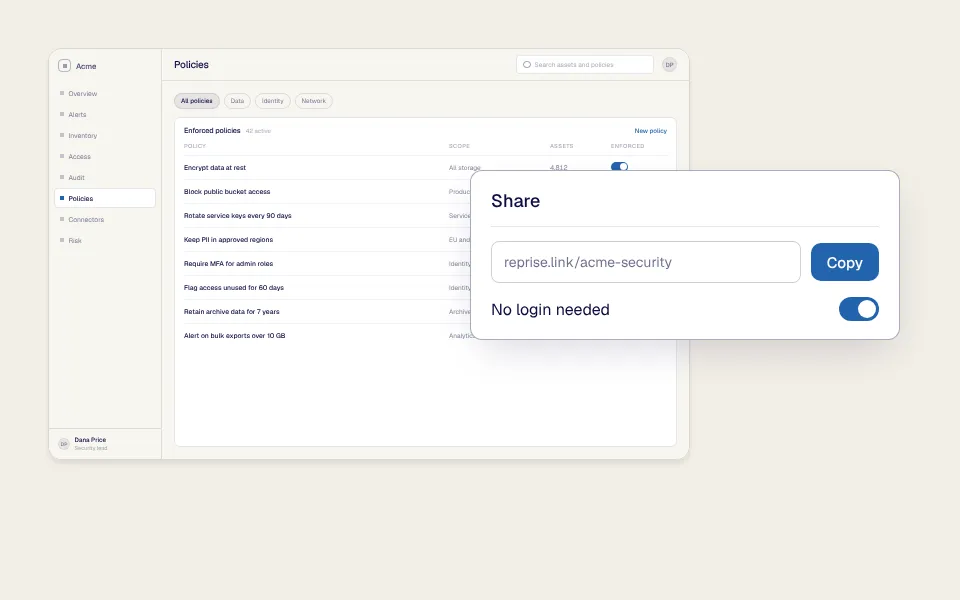
Demo without creating another product login
Some companies cannot provision a live application account for every prospect, seller, partner, or event attendee. A Clone lets the audience experience the product without becoming a user of the real application.
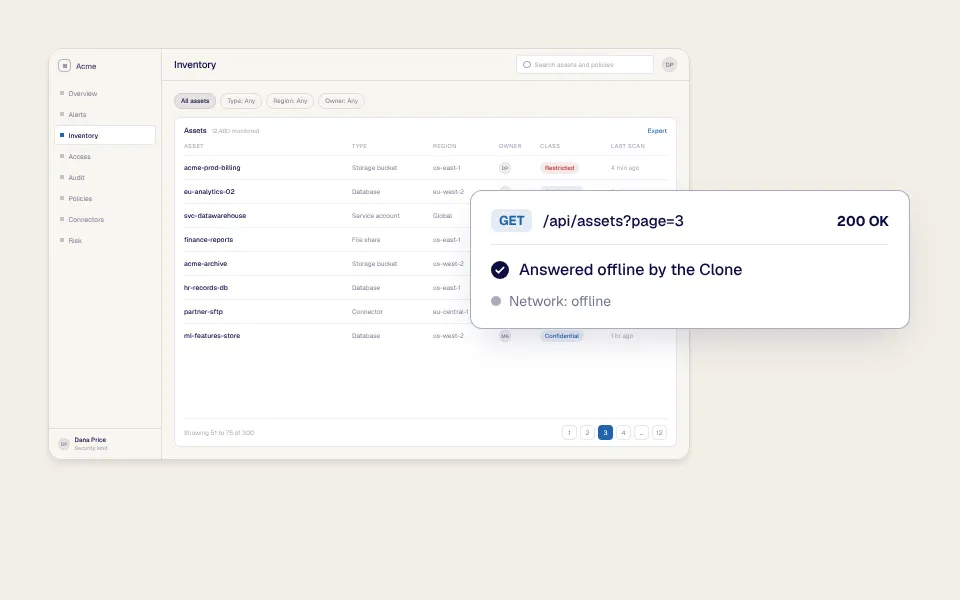
Present without relying on the network
Prepare a standalone offline version for tradeshows, secure facilities, government environments, travel, or any situation where the network is unavailable or cannot be trusted.
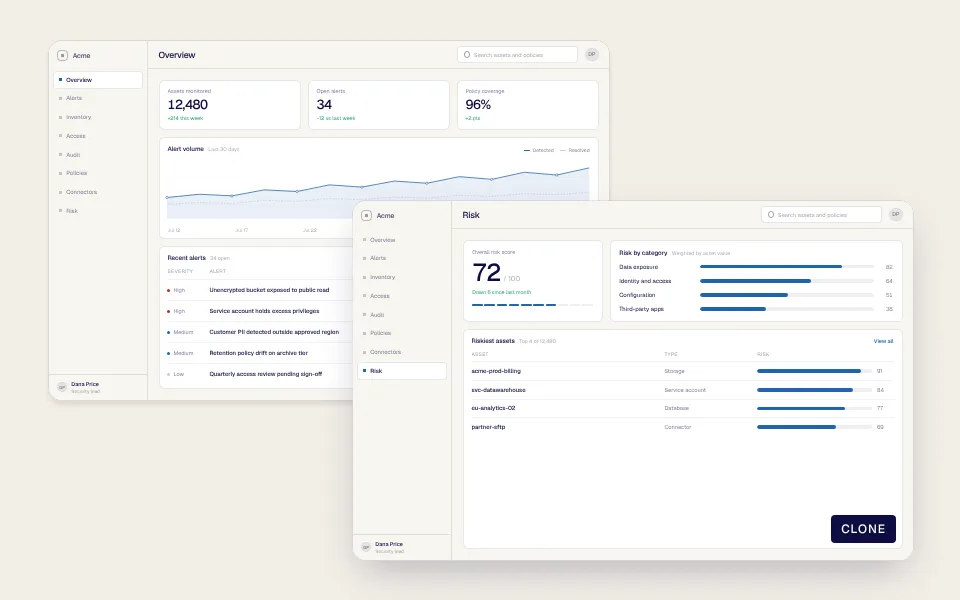
Protect the real application
Keep prospects and presenters out of production. Avoid exposing customer data, internal information, live permissions, or actions that could change the real system.
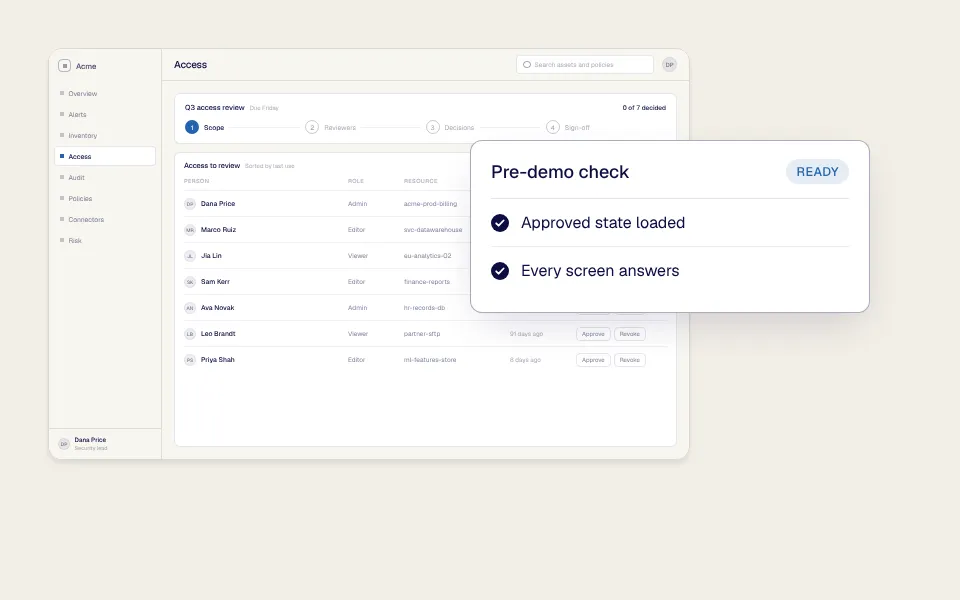
Minimize avoidable demo errors
Start every presentation from a known state. Remove surprises caused by releases, outages, permission changes, expired credentials, broken integrations, and other users changing a shared environment.


No new product account. No production exposure. No network dependency when offline. Fewer surprises on the call.
Built for real demos
A Clone that works the way your demo needs to
Your buyers expect the real product. Your team needs it to hold up on every call. Clones are built for both.

Your agent builds it and keeps it working
Ask your agent to create a Clone, record it, fix a screen and publish the link. Your Clone stays current without a ticket queue.

Fully interactive, tailored to every buyer
Buyers click, fill in forms and complete real workflows, and the Clone keeps everything they enter. You can tailor names, data and screens to each prospect.

One data story, everywhere you demo
Use the same Data Injection dataset in your live app and in your Clone. You can switch it mid-call and stay on the screen you're presenting.

Made for complex apps
Logins, paging, expiring files and custom behavior are all handled, so even your hardest workflows demo cleanly.

Demos pick up where they left off
When a tab closes or the browser crashes, reopening the link returns to the same step, with every record created or edited still in place. Or start over with a clean demo.
How it works
From live application to reliable demo environment
Capture the application experience, preserve the behavior that matters, customize the story, and run it independently from production.
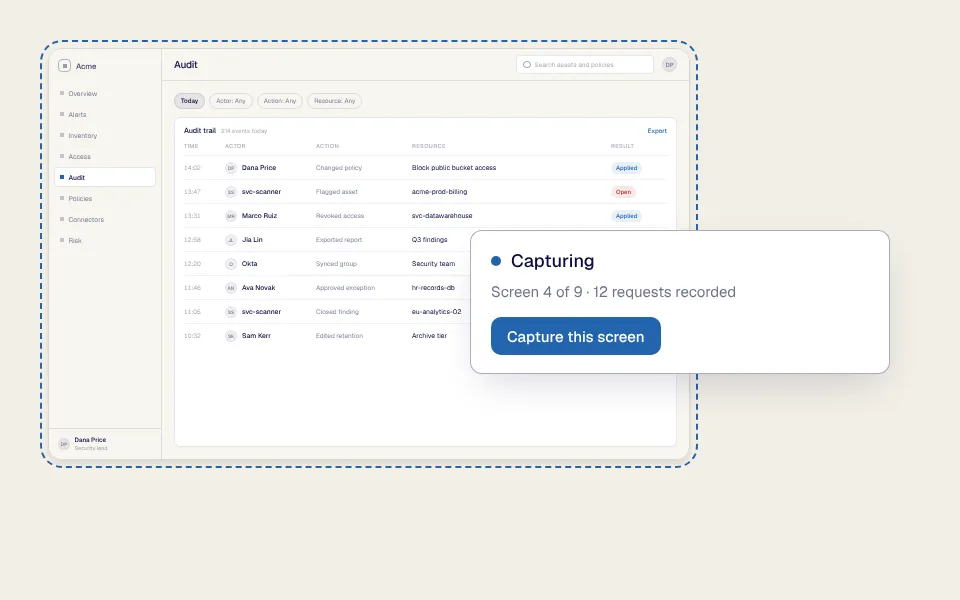
01
Capture the application
Capture the front end of the product together with the requests and responses needed to reproduce its important workflows.
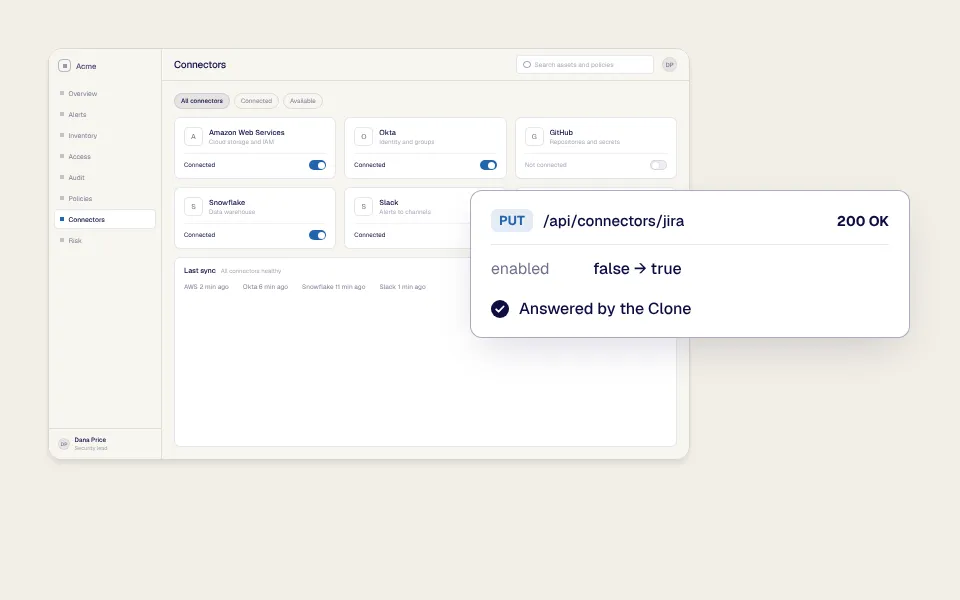
02
Recreate the behavior safely
Turn the captured experience into a standalone environment that can respond like the application without triggering unintended activity in production.
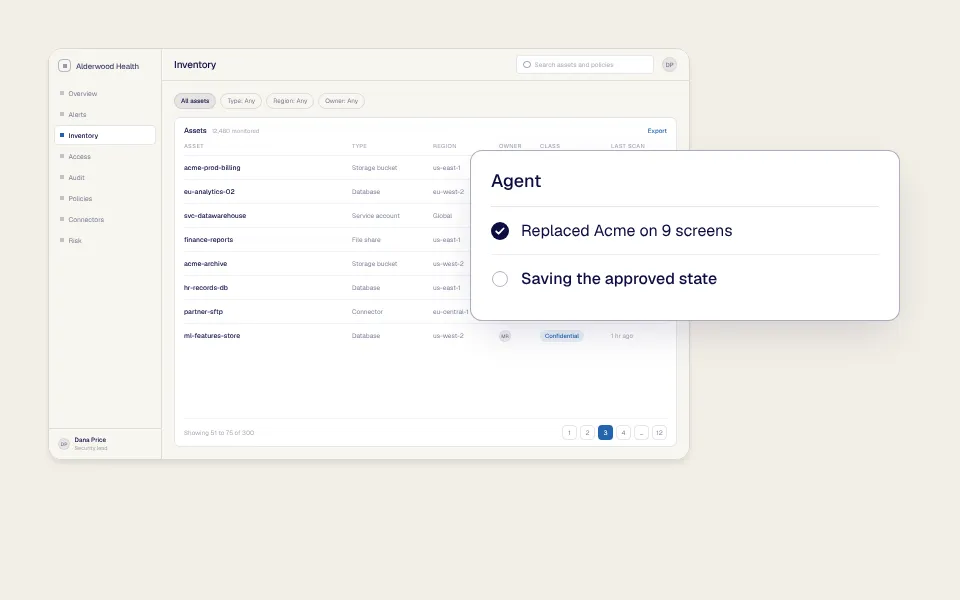
03
Personalize the environment
Tailor the interface, data, branding, and behavior for the buyer. Start with AI, use the editor, or apply advanced controls where needed.
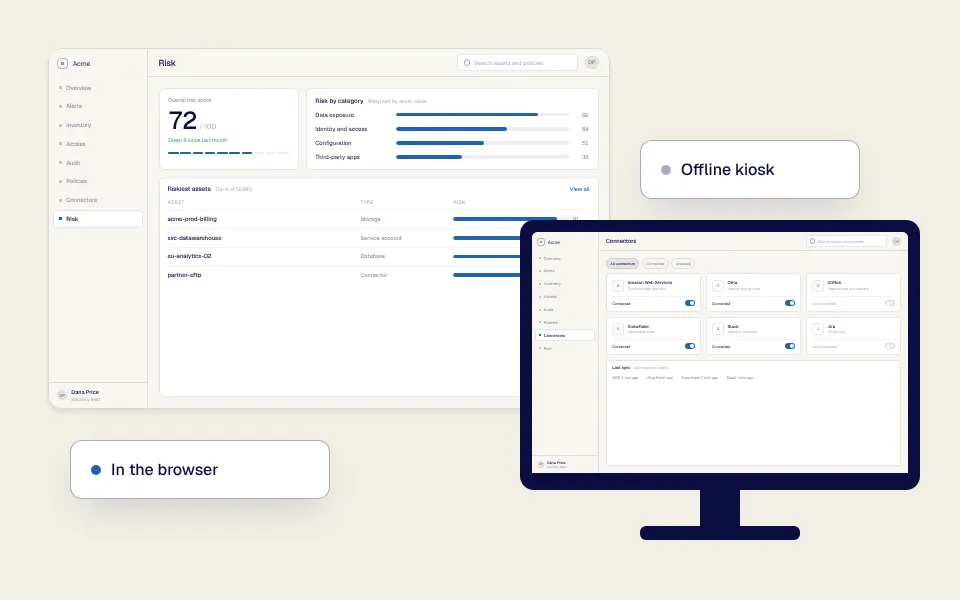
04
Run it anywhere
Deliver a reliable demo online, at scale, or as a standalone offline experience where internet access is limited or restricted. The presenter does not need to open the live application or create a live product login for the prospect.


Three ways to build
Build the way your team works
Use AI to make Clone creation and customization faster without forcing every user into one workflow or removing expert control.
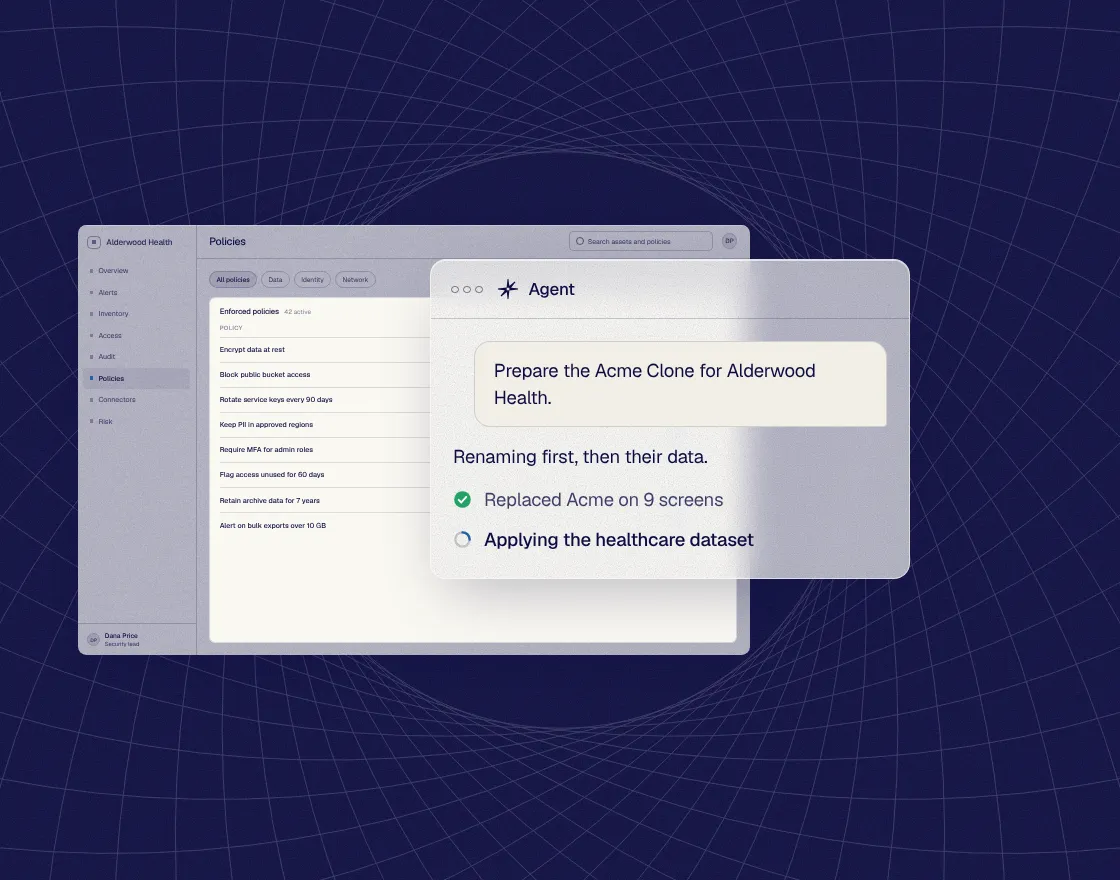
Build inside Reprise
Use the native Reprise agent to capture, customize, or prepare the environment from a direct request. Let the agent complete repetitive work while the team reviews the result.
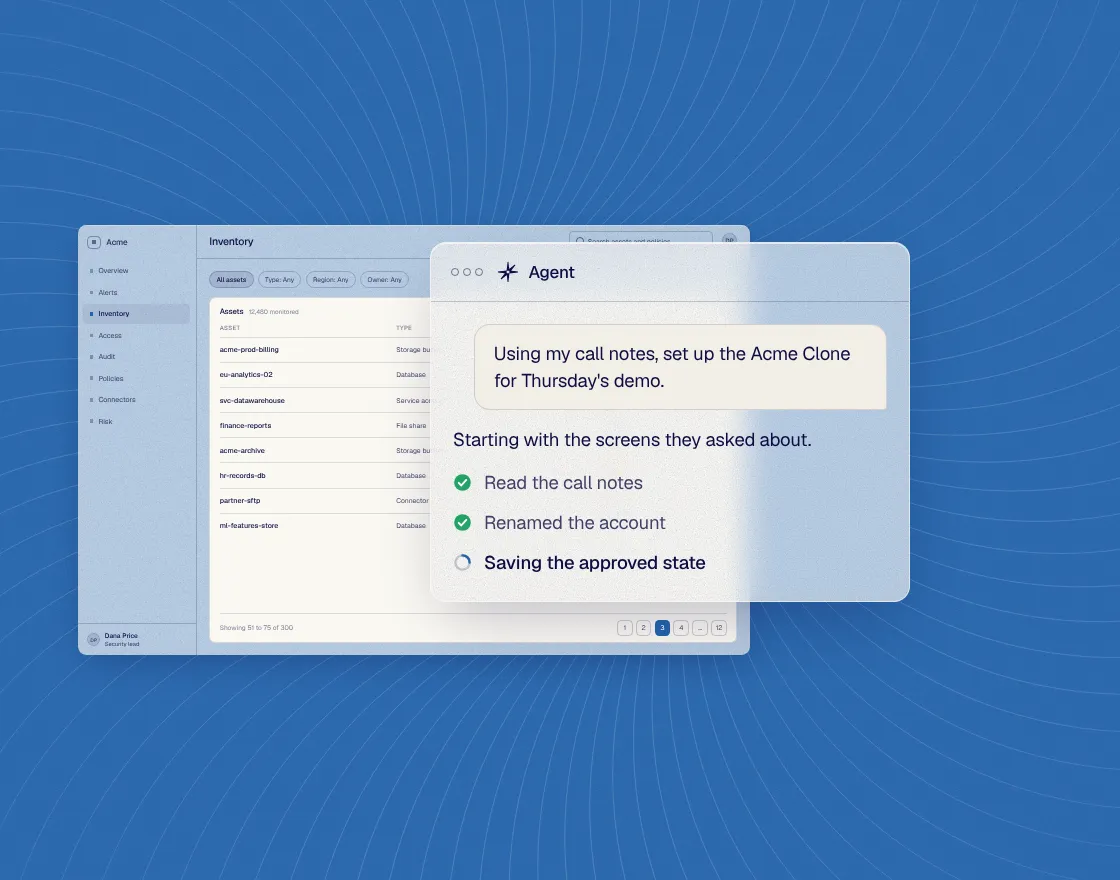
Build through your preferred agent
Use Reprise MCP from Claude, ChatGPT, Copilot, or another supported agent. Turn customer context, call notes, and internal information into a relevant demo request inside the workflow your team already uses.
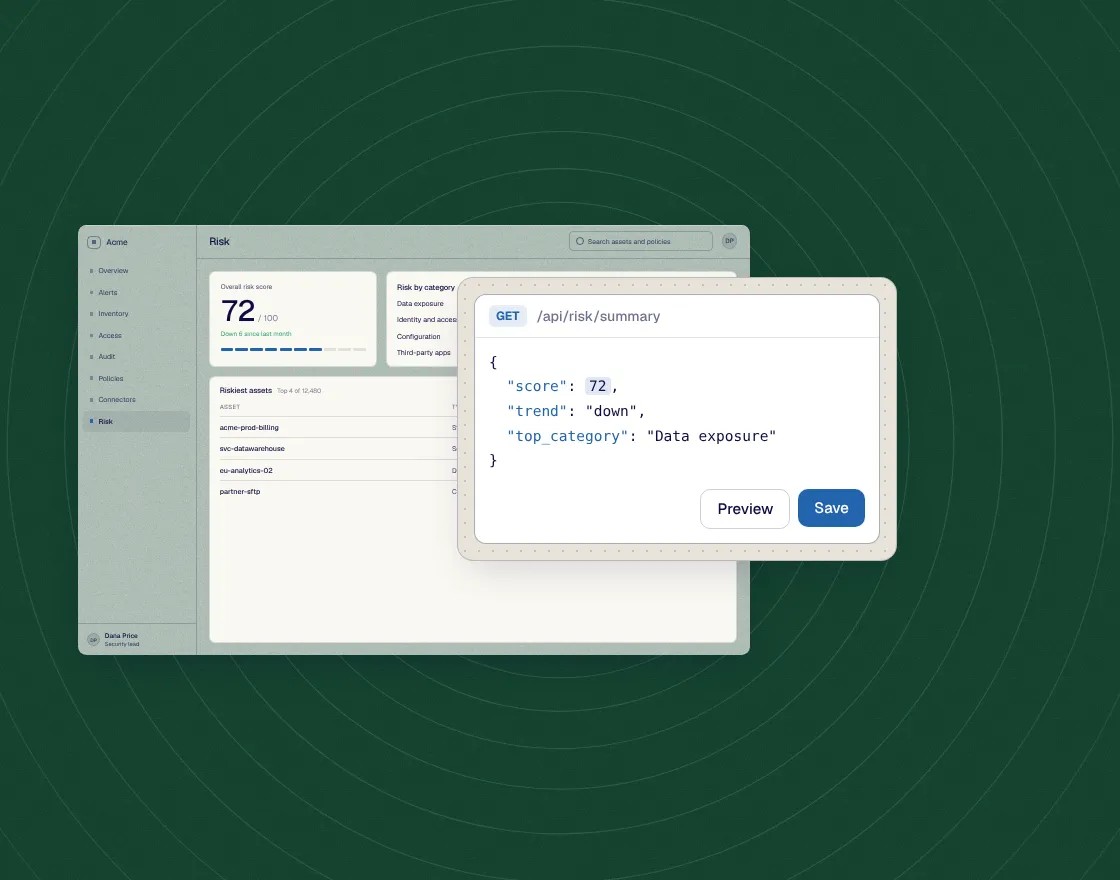
Refine every layer
Review and improve the environment directly. Use visual editing for fast changes and advanced controls for the details that make complex products feel real.


Why Reprise
More than a sandbox. One connected demo platform.
A reliable demo environment is the foundation, not the end of the story. Reprise lets teams use the same Clone across the wider demo program.
Populate it with the right data using Data Injection. Add a guided Product Tour when a buyer needs a known path. Place the experience inside a personalized Flow. Deliver it with the rest of the deal content through a Sales Room. The products stay distinct, but the work connects.
At every stage, the team can use native Reprise AI, work through a preferred agent with MCP, or manage the experience directly. The result is a demo environment that can support one important call and also become reusable enterprise infrastructure.
Reprise combines the freedom of a working demo environment with the control of a managed demo platform.
Where Clones are used
Built for every high-stakes demo
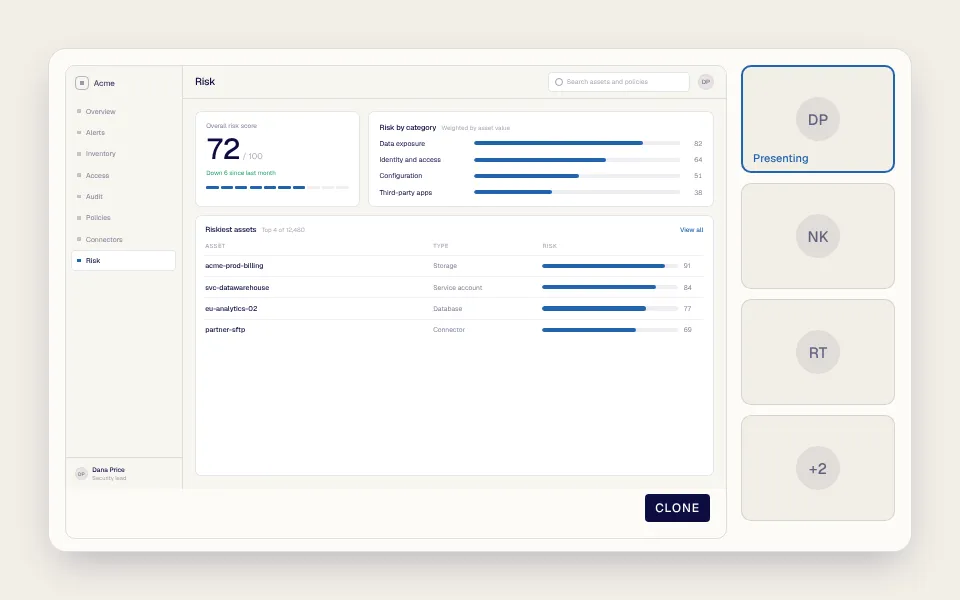
Live sales and solution engineering
Give presenters a dependable environment for discovery, technical validation, and tailored demonstrations without relying on a shared account or production system.
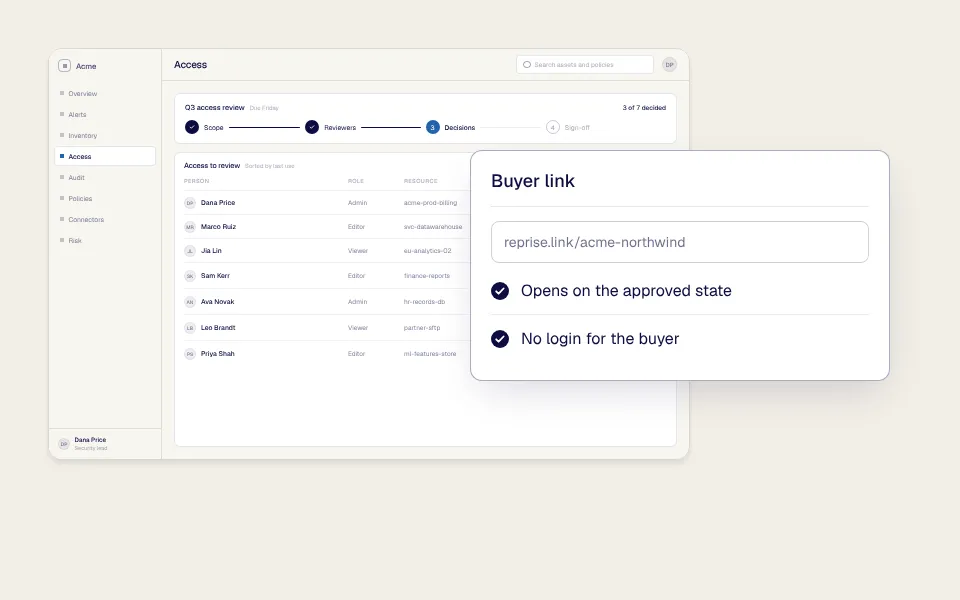
Technical evaluations and demo sandboxes
Let buyers explore important workflows in a controlled environment that protects the real application and starts from an approved state.
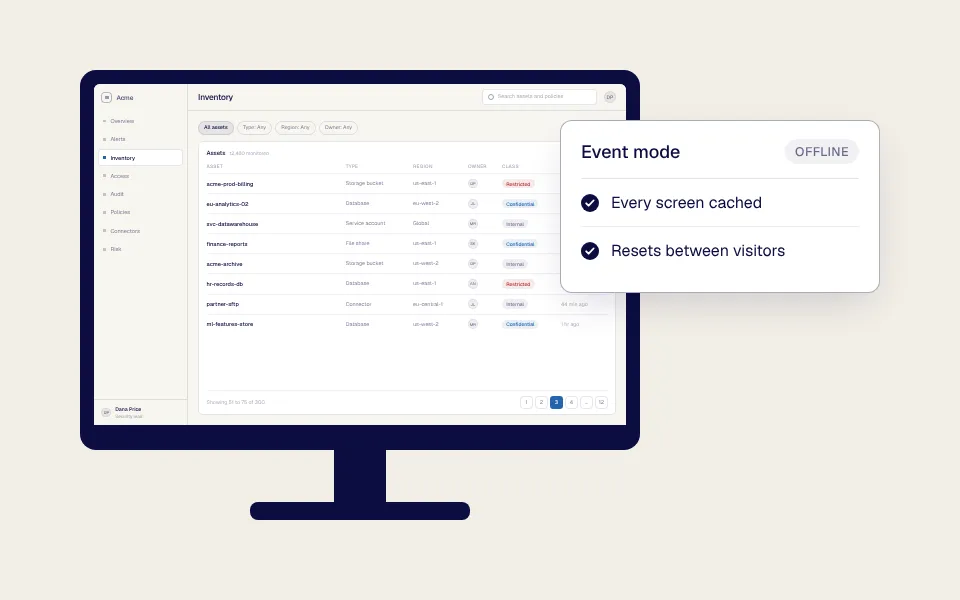
Events and restricted environments
Run interactive demos where connectivity is unreliable, restricted, or unavailable, subject to the supported offline configuration.
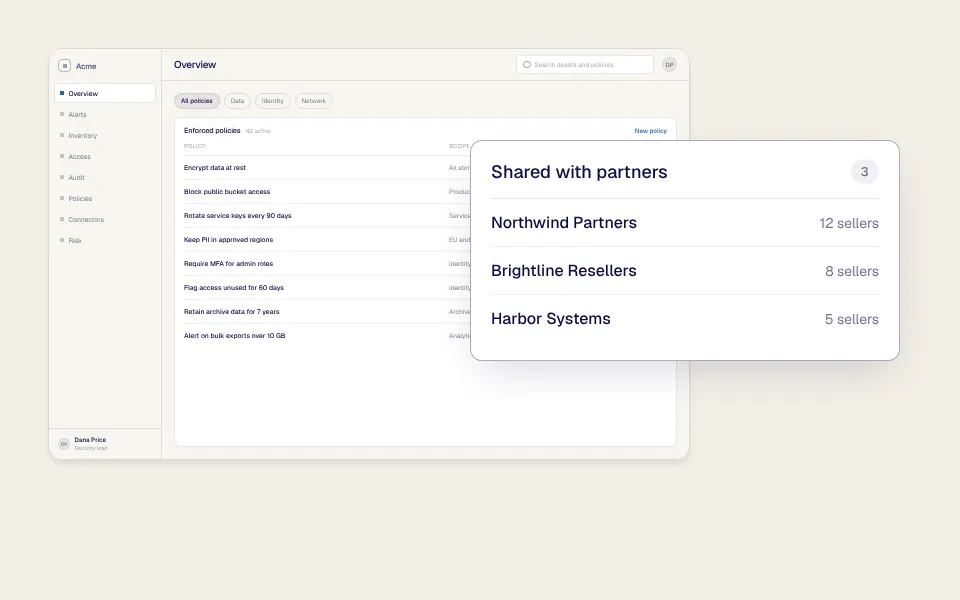
Partner and seller enablement
Provide approved, reusable environments that let more people demonstrate the product without making every request dependent on a small group of experts.


Enterprise demo operations
Built for enterprise demo operations
Create, govern, maintain, and deliver Clone environments across products, teams, regions, and buyer audiences.
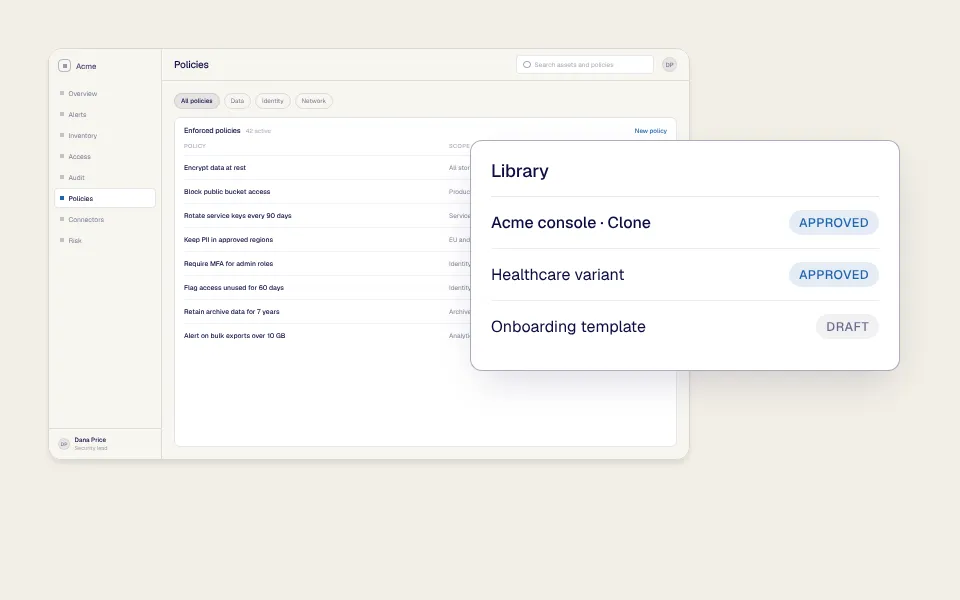
Reusable environment library
Organize approved Clones, templates, and variants so teams can start from a trusted environment instead of creating competing versions.
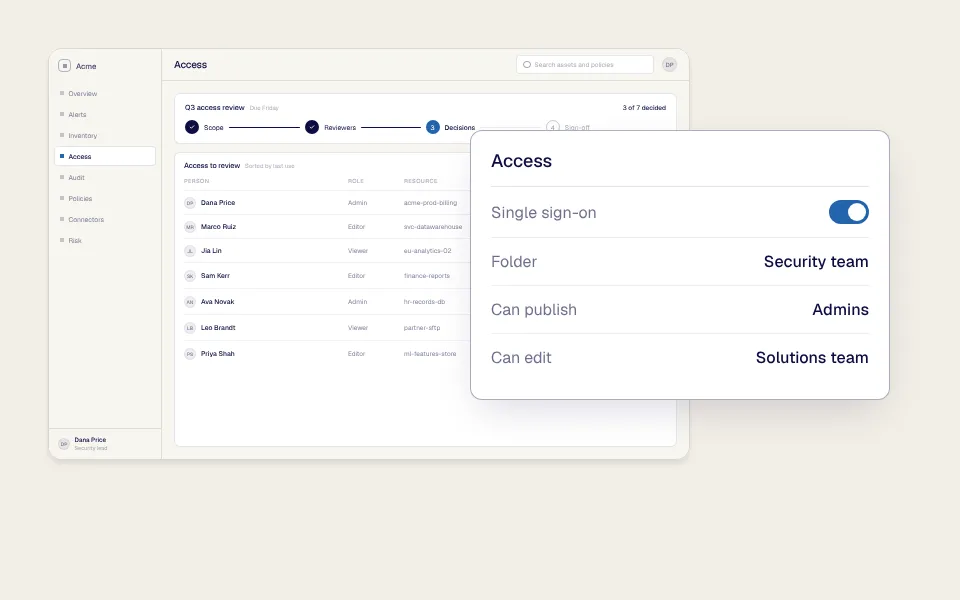
Access and governance
Use role-based and folder-level controls to define who can capture, edit, publish, and use each environment.
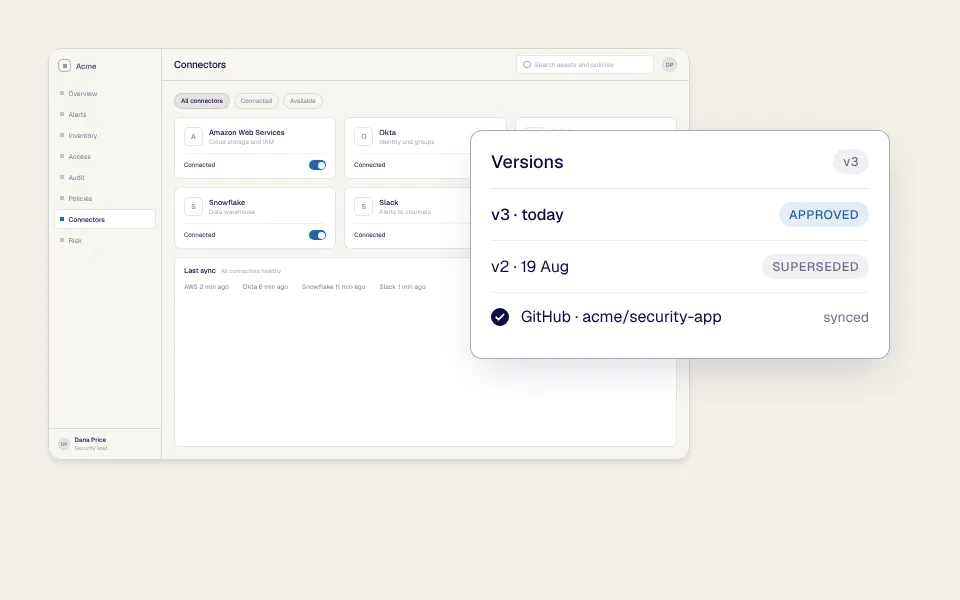
Versioning and maintenance
Keep the Clone aligned with the application as the product changes, with GitHub or GitLab integrations and established ownership workflows.
See Integrations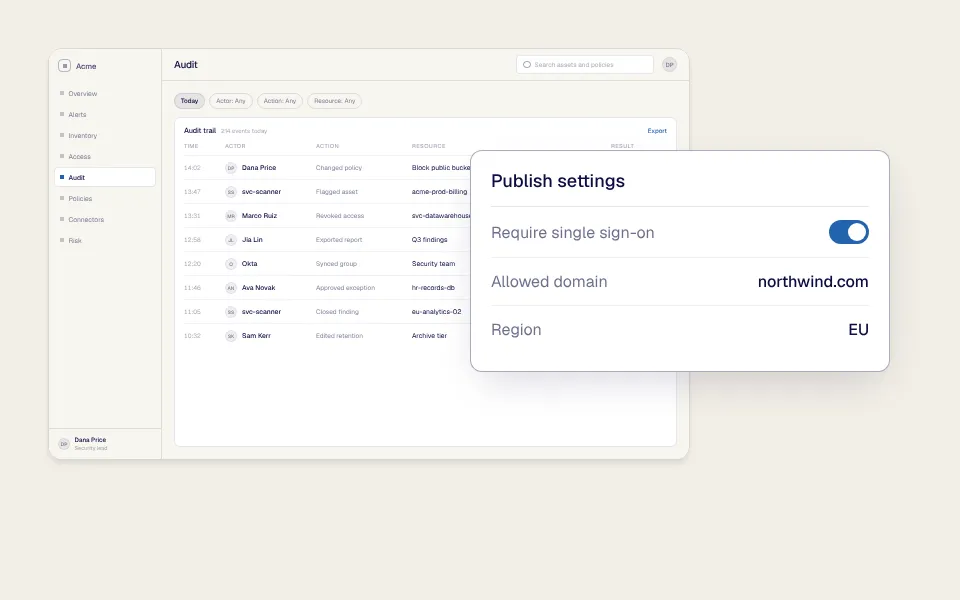
Secure, scalable delivery
Deliver through Reprise's CDN and apply current security controls.
See the Security page


“Reprise eliminates the anxiety of software occasionally failing to perform as expected. Say goodbye to those concerns.”
Clone questions
A complete explanation of Reprise Clones
What is an application clone for product demos?
An application clone is a standalone demo environment that reproduces the parts of a software product a seller or buyer needs to experience. It looks and behaves like the application, but it runs separately from the live production system. Reprise creates Clone environments by capturing the application's front end together with the requests and responses needed for important workflows. Teams can then customize, publish, reset, and reuse the environment without exposing production data or depending on the live application's current state.
How is a Clone different from a Product Tour?
A Product Tour guides a buyer through a known sequence using explanations, prompts, and a curated path. It is designed to tell a specific story and is well suited to websites, campaigns, sales follow-up, onboarding, and other self-guided experiences. A Clone provides a broader environment for live presentation or open exploration. The presenter or buyer can move through supported workflows more freely, and the environment can reproduce application behavior beyond a fixed guided path. A Product Tour can also be added to or created from a Clone when both control and deeper exploration are useful.
What does Reprise capture when it creates a Clone?
Reprise captures the visible application experience and the requests and responses needed to reproduce selected workflows. This lets the Clone display the interface and respond to supported actions without requiring the live production system to complete them. The exact capture scope and supported behavior depend on the application and how the Clone is configured; external dependencies are handled as part of that configuration.
Can a Clone perform actions without affecting production?
Yes. A Clone is designed to reproduce the demo result in a standalone environment rather than sending the same action into the live application. A demonstration can show outcomes such as created objects, updated workflows, emails, payments, or provisioned resources without causing the corresponding unintended production event. The actions a Clone reproduces are configured and validated for your application as part of setup.
Why use a Clone instead of a shared demo account?
A shared demo account can change without warning. Another user may alter the data, permissions, or workflow state before an important call. Product releases, outages, and maintenance can also affect the story the presenter planned to show. A Clone separates the demo from those risks. Teams can define the starting state, isolate sessions, reset the environment, and reuse an approved experience across sellers without depending on one fragile shared account.
Can a Clone be customized for different buyers?
Yes. Teams can customize the visible interface and the behavior behind it using the controls supported by their Reprise configuration. This can include text, images, links, reusable variables, data, guides, requests, HTML, CSS, and JavaScript. Teams can also use Data Injection to apply saved app-fit datasets for different prospects, industries, personas, regions, or use cases. This makes it possible to reuse the environment while changing the story shown inside it.
Can one Clone use multiple datasets?
Yes. A team can prepare multiple datasets for the same demo environment and select the one that fits the buyer or use case. The selected data can appear across connected tables, charts, filters, and screens so the environment remains believable throughout the demo. Data Injection is a separate Reprise product that works with Clone environments. See the Data Injection page for the full workflow.
Can a Clone be created or customized without AI?
Yes. Teams can capture, edit, customize, publish, and maintain Clone environments directly without using AI. Reprise's native AI agent can make repetitive creation and personalization work significantly faster. Teams can also work through a preferred AI agent using Reprise MCP, then review and refine every important detail through Reprise's visual and advanced controls.
How does Reprise MCP work with Clones?
Reprise MCP makes supported demo-authoring tools available to compatible AI agents. A seller or product marketer can work from a preferred agent that already has customer context, then ask it to prepare or customize a Clone for the upcoming conversation. The resulting environment remains in Reprise, where the team can review, edit, approve, publish, govern, and measure it.
Can Clones work offline?
Reprise supports offline availability for configured demo environments. This is useful at tradeshows, government facilities, secure locations, and other settings where connectivity is unreliable or restricted. Offline use is prepared in advance for the environments that need it; packaging, authentication, and update requirements are part of that configuration.
Can we demo the product without creating a login for every prospect?
Yes. A Reprise Clone runs separately from the live application, so a prospect does not need to be provisioned as a user of the real product simply to see or interact with the demo environment. The Clone still uses Reprise access and sharing controls. Avoiding a live product login is different from the authentication or permissions that protect the published Reprise experience, and both are in your team's hands.
Can multiple people use a Clone at the same time?
Reprise uses scalable delivery infrastructure to support high-volume demo access. Because the environment is separated from a shared live application, teams avoid many of the collisions that occur when multiple sellers change the same account. Session isolation and reset behavior keep each presenter's session independent and returnable to the approved starting state.
How do teams keep a Clone current when the product changes?
Teams can update captured content, requests, responses, data, guides, and other supported elements as the application evolves. Reprise also offers GitHub and GitLab integrations for developer workflows. Versioning and ownership workflows keep the approved environment aligned with the product without every change requiring a rebuild.
Are Clone environments secure?
Clone environments run separately from the customer's live production application and can remove or replace sensitive customer information. Reprise also provides enterprise controls around access, publishing, and platform security. See the Security page for SOC 2 Type II, ISO/IEC 27001:2022, privacy compliance, and RBAC details.
How do Clones reduce demo errors?
Clones let the team prepare and validate a known demo state before the call. Because the environment is separate from production, the story is less likely to be affected by a live release, outage, permission change, expired prospect account, broken external integration, or another seller changing shared data. The Clone can also be reset to its approved starting state for the next session. This minimizes common environmental errors while ownership, testing, and maintenance of the demo experience stay with the team.
What makes Reprise Clones different from a lightweight interactive demo?
Reprise Clones are designed to reproduce supported application behavior in a standalone, deeply customizable environment. They capture front-end experiences and the requests and responses behind them, support advanced editing, use saved datasets, run at enterprise scale, and operate offline where configured. They also sit inside the wider Reprise demo platform. Teams can use native AI or MCP to prepare the environment, add Product Tours, include the Clone in a Flow, deliver it through a Sales Room, and govern the resulting assets across an enterprise program.
Run the demo you prepared, not the environment you inherited
Create a reliable, high-fidelity Clone of your application and give every presenter a safe environment they can customize and trust.