
Demo data that tells the right story
No more “imagine the data looked like...” Show exactly the data to make the point you need. Synthesize, anonymize, personalize.
Reprise Data Injection applies a prepared Dataset to your live application or a Clone, so the product shows the records, charts and scenarios a demo needs. Populate empty screens, replace sensitive customer data with a safe story, and switch the Dataset off afterwards to return the app to exactly how it was.
The demo data problem
Show data that sells the product
The product may be ready for the demo while its data is not. Screens can be empty. Charts can be meaningless. The records that prove value may contain customer information that cannot be shown. Reprise gives the application a dataset designed for the story, without exposing real customer data or rebuilding the environment.
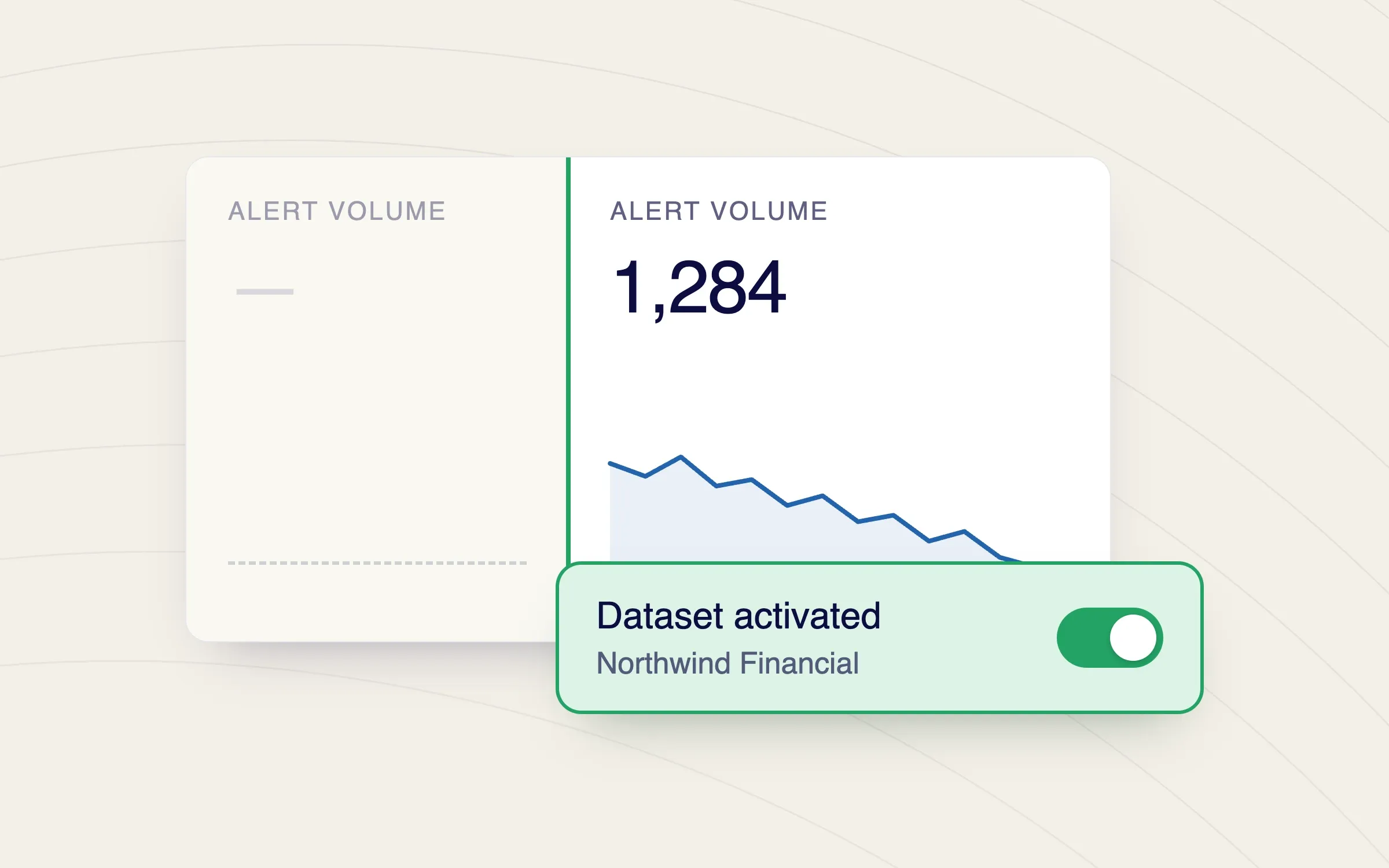
Populate empty product screens
Replace blank pages and incomplete views with realistic records, activity, trends, and results that show what the application is capable of doing.
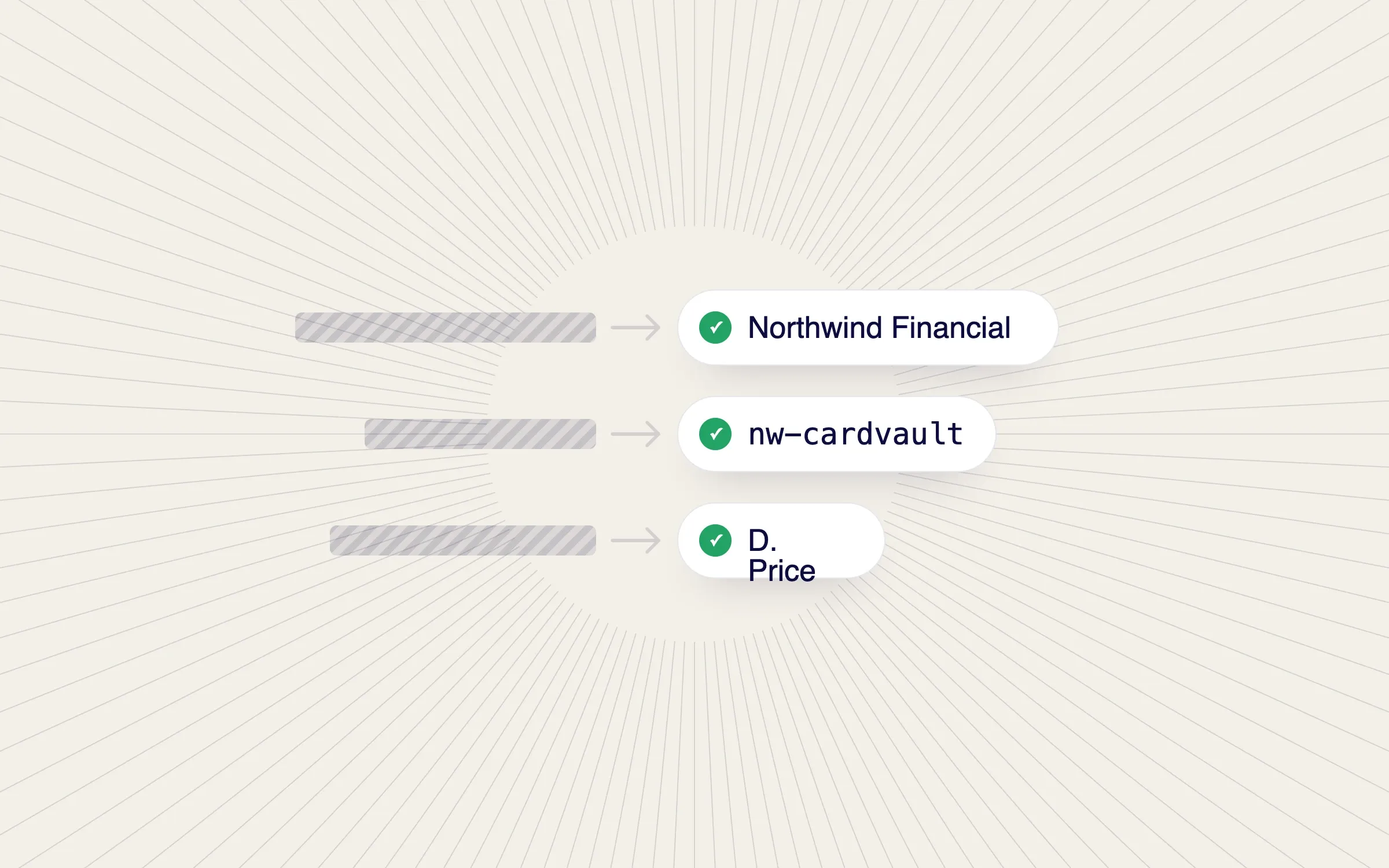
Replace sensitive data with a safe story
Use synthetic or approved information instead of exposing real customer records, security events, financial data, or internal activity.
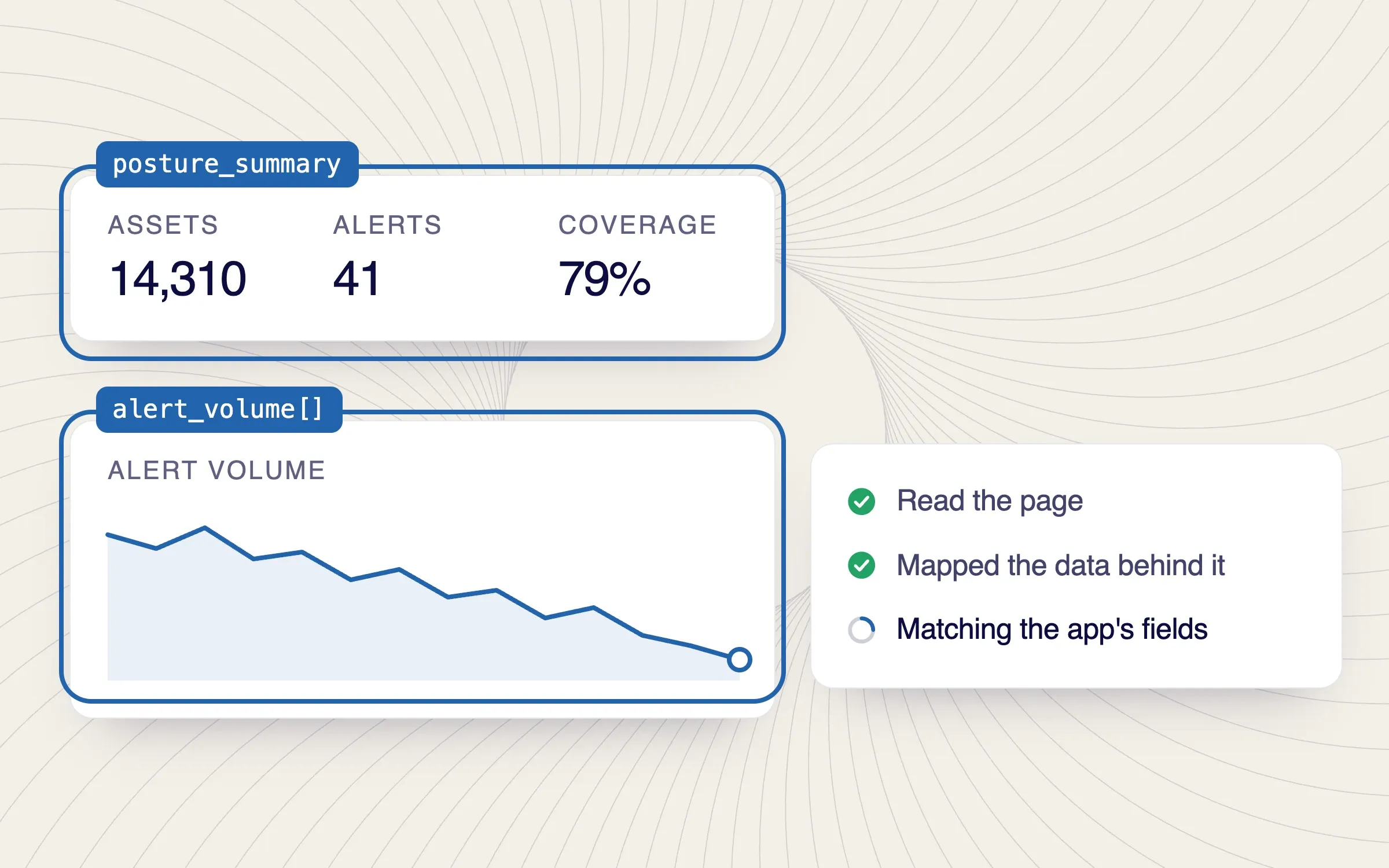
Make the data fit the application
Create records and values that match the application's terminology, structure, relationships, and visual logic.


Not placeholder data. Data built to make the product story believable.
How it works
You ask for what the demo should show. The agent does the work, on the app you already sell.
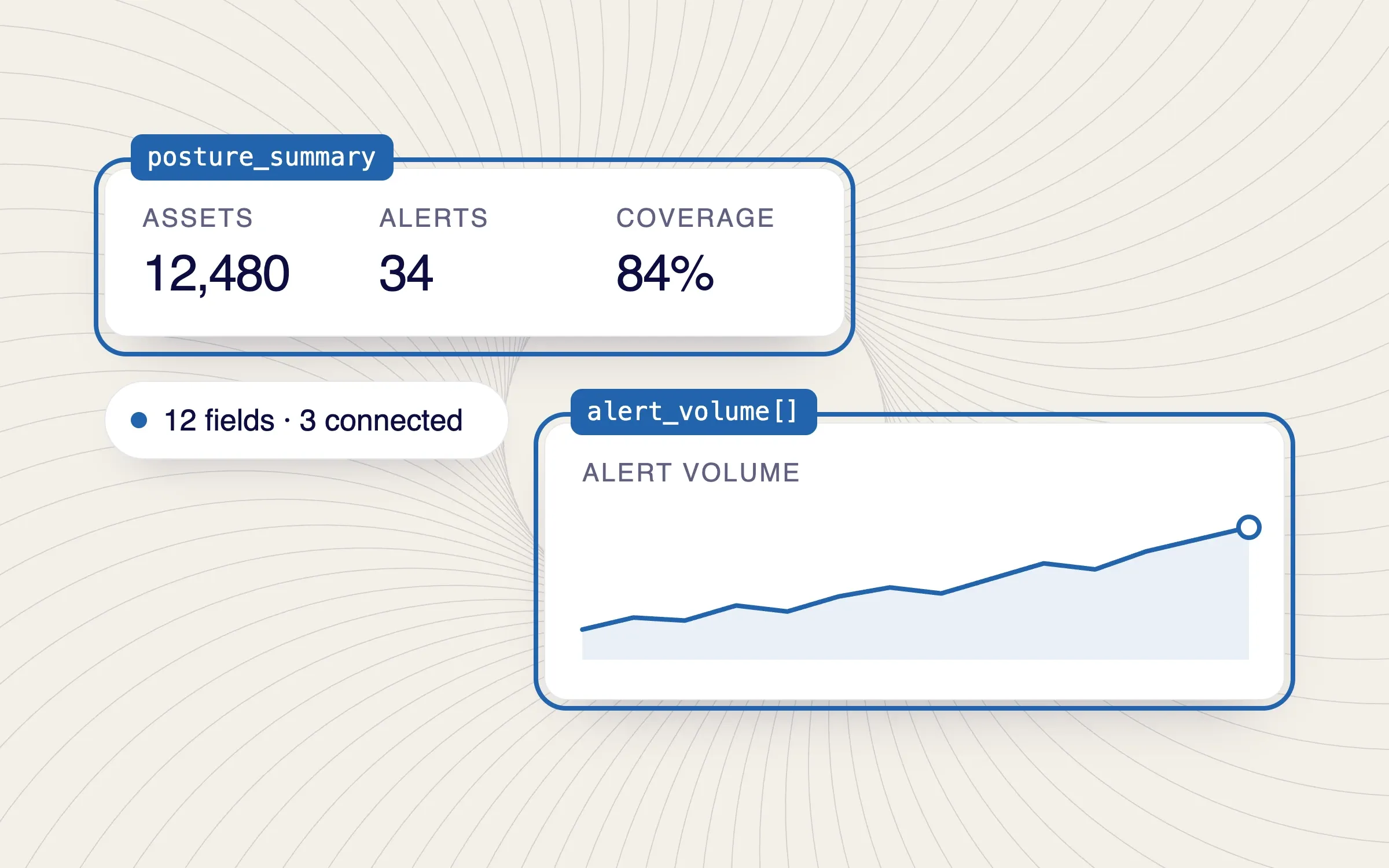
01
Choose data to add or change
Point it at any screen and it takes in the numbers, the records and everywhere they show up.
02
Create the data
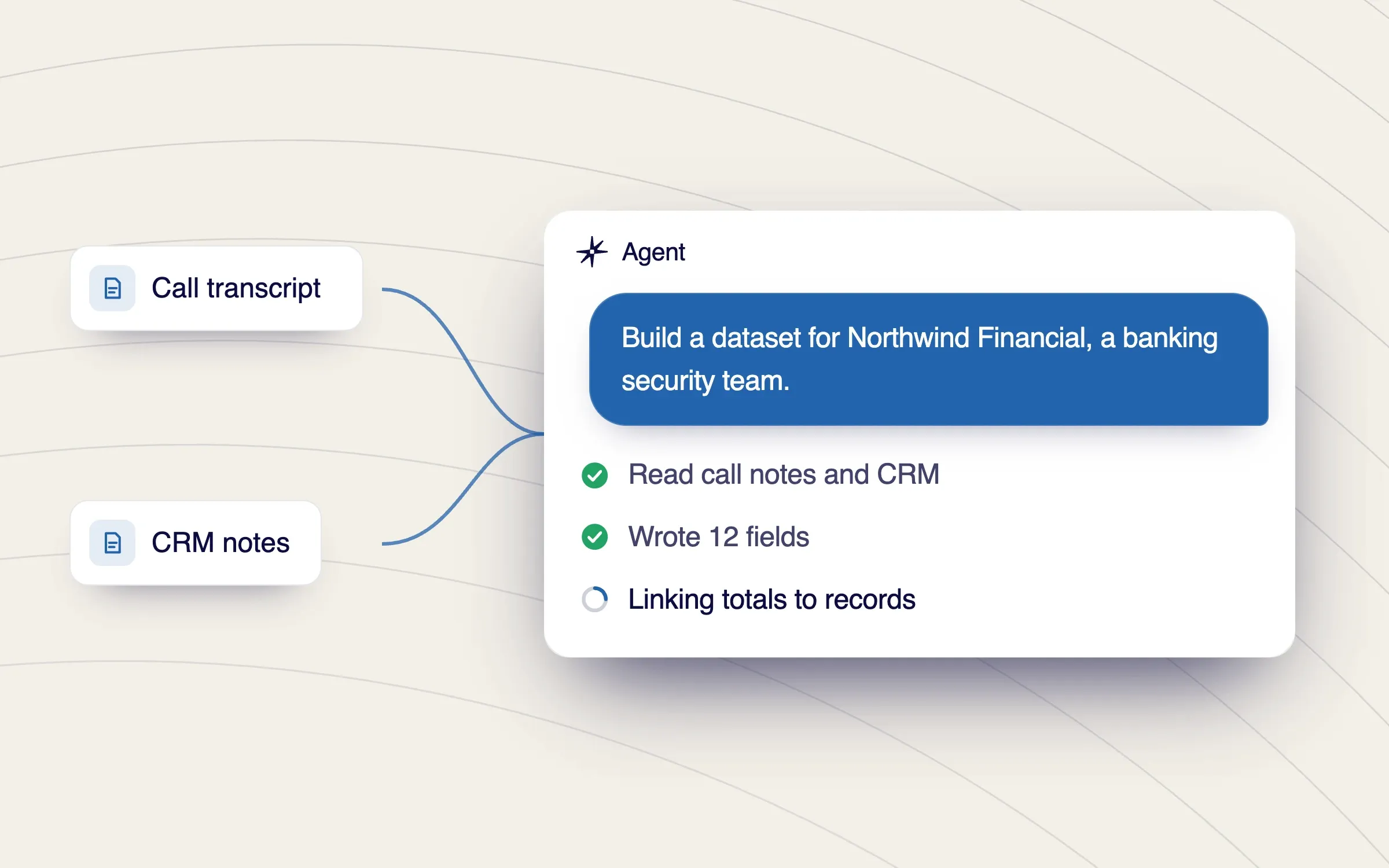
Ask for the account, industry or persona. Reprise draws on your connected AI data layer, call transcripts and CRM notes included, and writes a dataset shaped for the application and the story you need to tell.
03
Turn it on
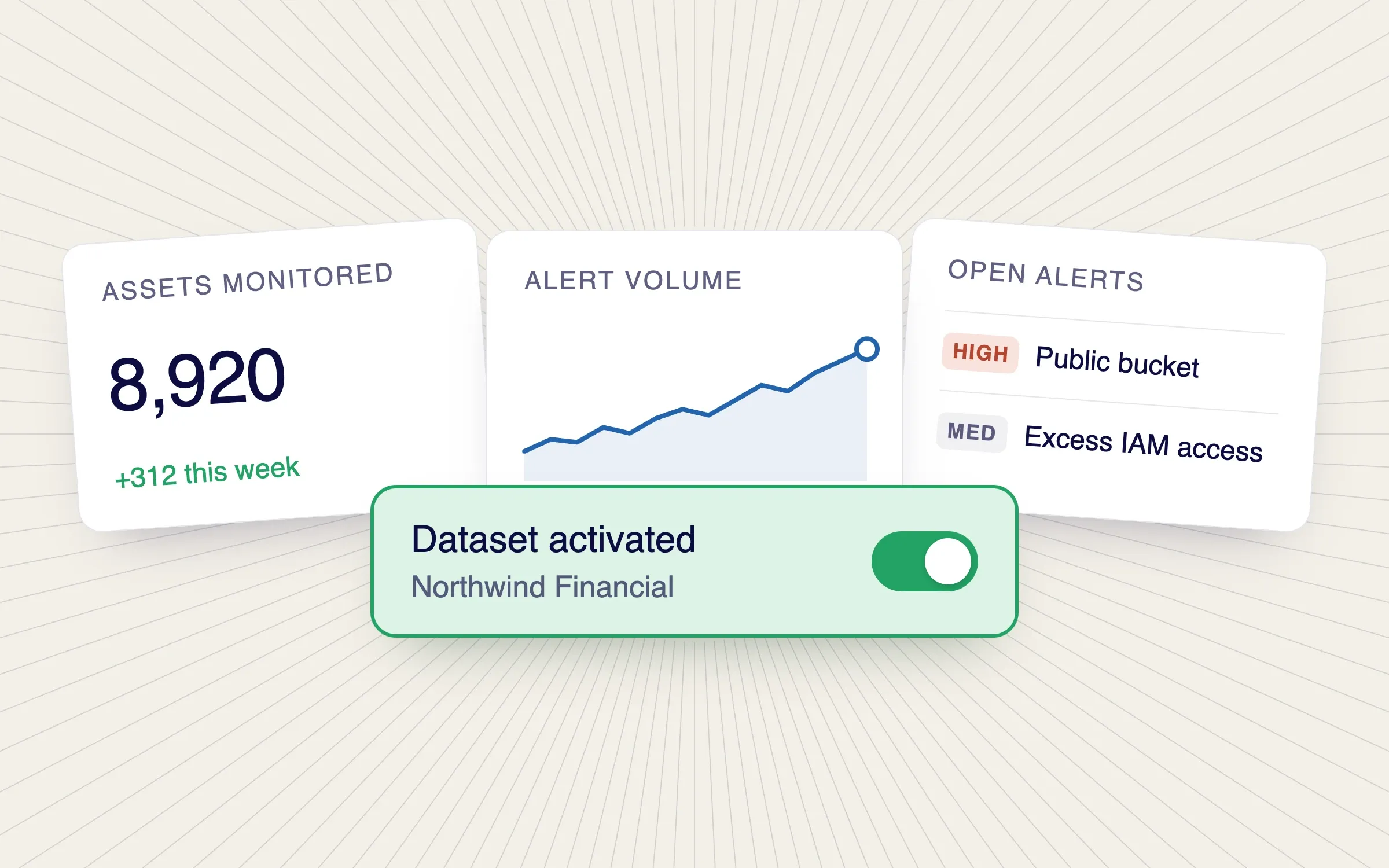
Apply the data and every screen changes with it, so the app is ready for a live call or a Product Tour capture. The story holds as you click through, and when you turn it off the app is exactly as it was.


Three ways to build
Build the way your team works
AI can accelerate dataset creation without forcing every team into one interface or removing control over the final product story.
Build inside Reprise
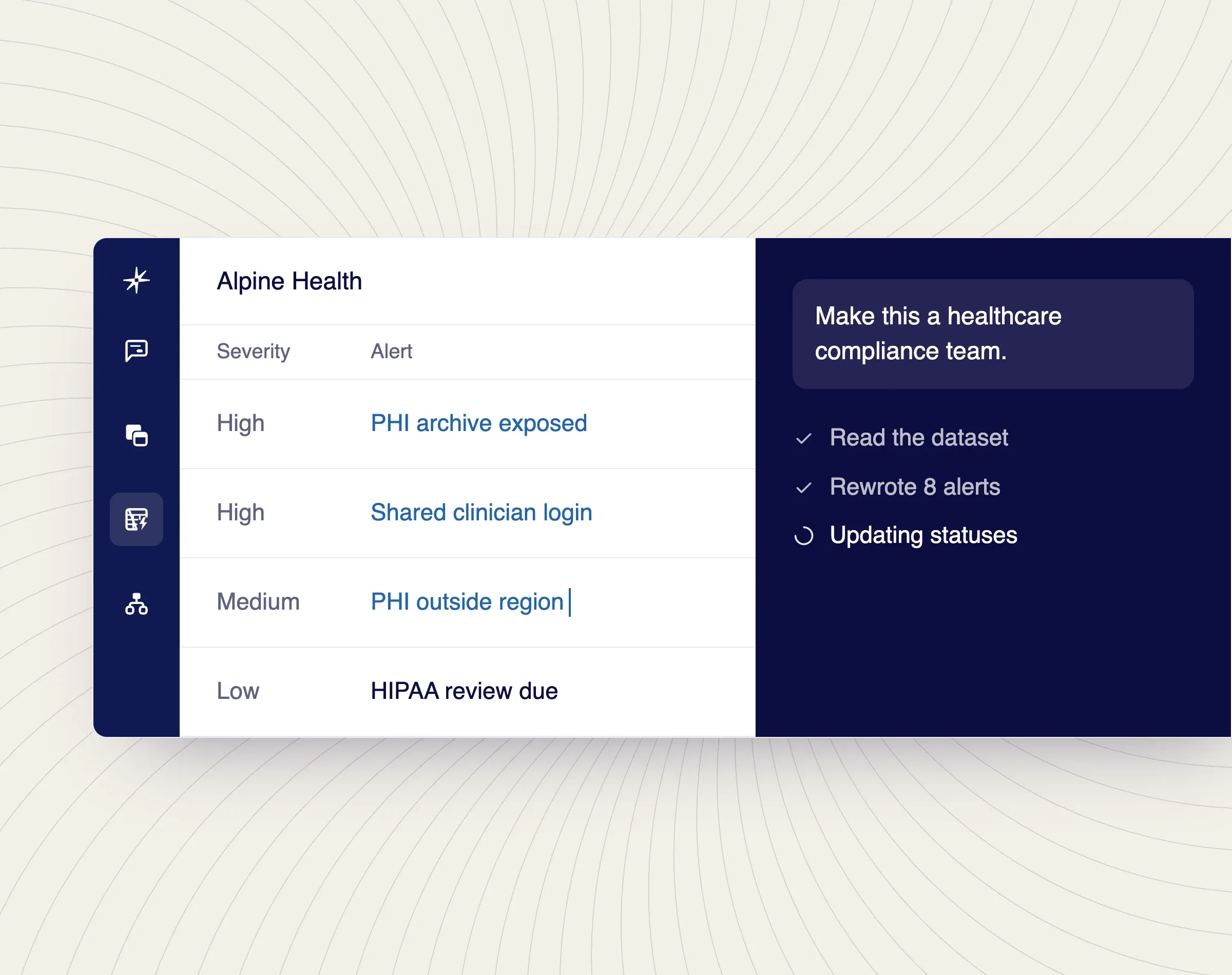
Describe the account, audience, industry, persona, region, or scenario to the native Reprise agent. It can analyze the application and prepare an initial dataset directly in the product workflow.
Build through your preferred agent
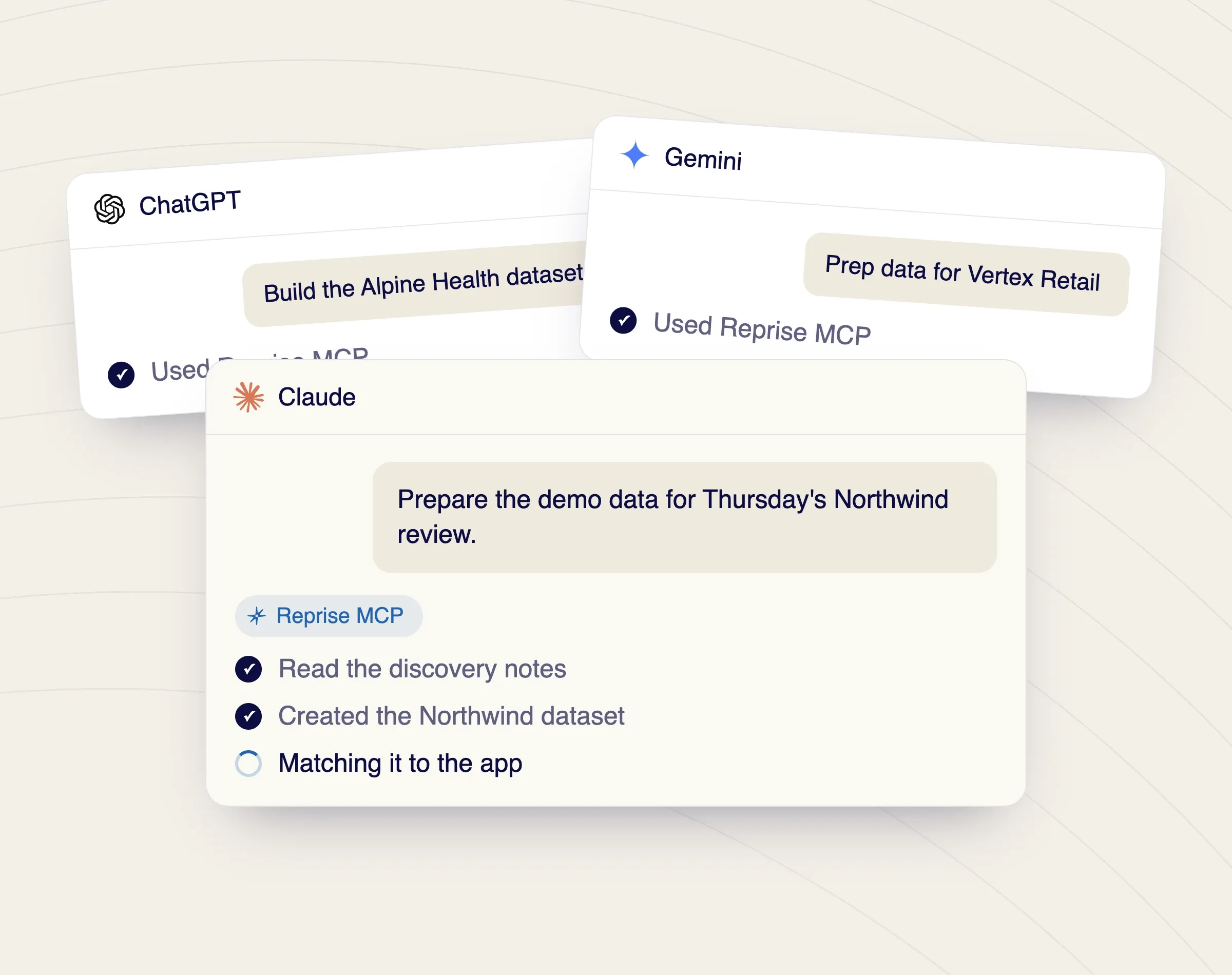
Use Reprise MCP from Claude, ChatGPT, Copilot, or another supported agent. Let the agent use the customer context it already has to prepare the right data story for the upcoming conversation.
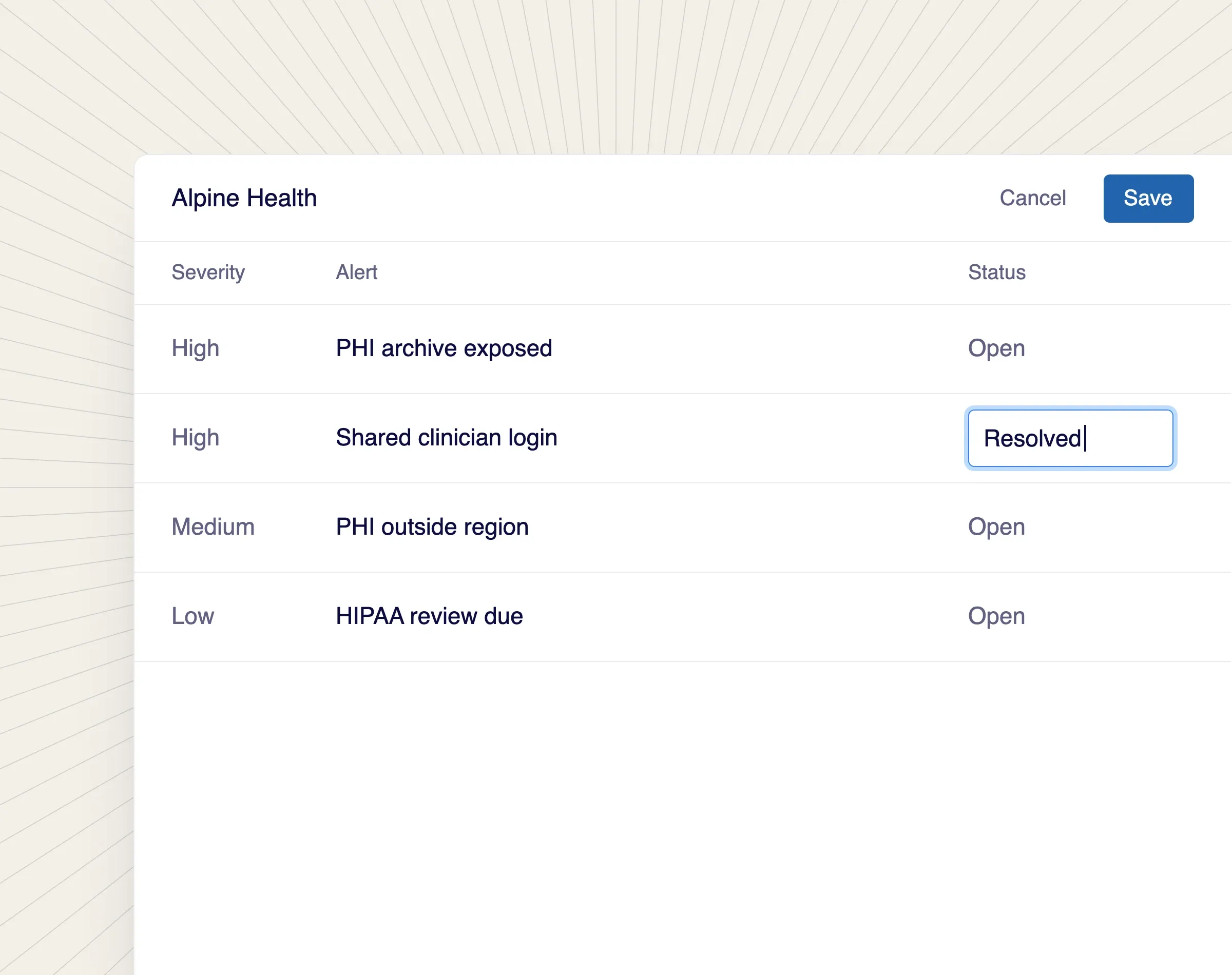
Refine every value
Create or edit the dataset directly, with or without AI. Review the values, relationships, images, labels, and replacement rules before applying them to the application.


What you can ask for
Make your demo data tell the story you need
Every row here is one prompt to the Reprise agent and what came back. Shape the data buyers see, from a single chart to an entire dashboard, on a call or in a tour.

01
One prompt
Prompt
Show me what data I can control on this screen.
Twelve fields found, three connected components outlined. Every number, chart and row you can change.

02
Any data you can imagine
Prompt
Make the revenue data flat, then grow by 3× with medium variability.
The chart follows the description. Flat, then a climb, with the noise you asked for.

03
Change everything
Prompt
Put data in every widget on this dashboard.
Numbers, chart and table filled together, so the whole screen tells one story.

04
Verticalize at will
Prompt
Switch this to the healthcare dataset.
Saved datasets for each industry, one selection away.

05
Personalize the data
Prompt
Use the prospect’s company name and the numbers from the discovery call.
Variables in the dataset carry the prospect’s name and numbers into every screen.

06
Any media
Prompt
Add product thumbnails to every row in the list.
Images injected into the rows, not only text and numbers.

07
Show on a call
Prompt
Make me a dataset for my 4pm call with Northwind.
A dataset for the call, switched on in the live application. Turn it off afterwards and the app is as it was.

08
Show in a tour
Prompt
Fix this chart, then capture the screen for a tour.
The corrected data captured into the tour, so charts, tooltips and hovers agree.

09
Make actions safe
Prompt
Make the delete button look like it removes the row, without touching production.
The row disappears in the demo. Production never receives the request.

10
Manage data centrally
Prompt
Create a list of anonymized company names used by all datasets.
One shared table, used by every dataset. Change a name once and it changes everywhere.

Team scale
Scale personalization beyond the solution engineering team
Create approved dataset templates and make them available to the people who need to prepare demos. Sellers can select a starting point and make the safe final changes allowed by the team instead of sending every request to one expert.
This gives solution engineering more time for discovery, technical validation, and complex deals while keeping the demo story consistent across a larger organization.
Approved dataset library
Organize reusable datasets by audience, product, use case, industry, region, or team.
Seller-safe customization
Define which fields and final changes a seller can make without breaking the application or approved story.
Access and governance
Use Reprise role and folder controls to manage who can create, edit, approve, apply, and share datasets.
Analytics and integrations
Connect supported demo engagement and operational data to the systems used by sales and marketing.
See Integrations
“Reprise helps avoid situations where I need to use technical resources’ valuable time on live product demonstrations.”
Data Injection questions
A complete explanation of Reprise Data Injection
What is demo data injection?
Demo data injection is the process of applying a prepared dataset to a live application or demo environment so the product displays the records, values, charts, and scenarios needed for a specific demonstration. Reprise Data Injection uses an extension-based workflow to identify the data behind application screens, create or load an app-fit dataset, preview the affected fields, and apply the changes for the demo. The presenter can then turn the dataset off and return the application to its original state.
Why use synthetic data instead of real customer data in a demo?
Real customer data may contain sensitive, regulated, confidential, or personally identifiable information that cannot be exposed in a sales presentation. It may also tell the wrong story or leave important areas of the product empty. Synthetic or approved demo data lets the team create a believable product state without disclosing real customer information. The goal is not random sample data. It is a coherent dataset designed for the application and the buyer story.
Can Reprise populate an empty application?
Yes. Reprise can add realistic demo data to an empty or sparsely populated application or demo environment so the presenter can show useful product states, patterns, and outcomes. The example above starts from an empty security overview and fills its numbers, chart, and alerts from one dataset.
Does Data Injection work on the live application?
Yes. Reprise Data Injection works through the extension on the application the team already uses, including supported live applications and demo environments. The selected dataset changes what the presenter sees for the demo without requiring a separate staging copy solely for personalization. Supported browsers and installation requirements are confirmed for your application during setup.
Does Data Injection permanently change the application?
No. The workflow is designed to be controlled and reversible. The presenter can preview the affected values, turn the dataset on for the demo, and turn it off afterward so the application returns to its original state. The applied dataset changes what the presenter sees during the demo; the underlying application data is not modified.
Can one demo use multiple datasets?
Yes. Teams can save several datasets for the same application or demo environment and choose the one that fits the account, vertical, persona, region, or use case. This makes the demo reusable. Instead of maintaining a separate environment for every story, the team maintains one foundation and prepares several approved data states around it.
How does Reprise keep charts and connected values consistent?
Reprise can use connected data so changes to the underlying dataset are reflected across related tables, charts, totals, filters, records, and screens. This helps the final experience feel like a real product state rather than a collection of independent text edits. Reprise discovers many of these relationships when it analyzes the application; others are set up once for the environment and reused by every dataset.
Can Data Injection be used without AI?
Yes. Teams can create, edit, review, save, and apply datasets directly without using AI. Reprise's native AI agent can make dataset creation significantly faster and easier. Teams can also use a preferred AI agent through Reprise MCP, then review and refine every value before applying the dataset.
How does Reprise MCP work with Data Injection?
Reprise MCP makes supported demo-authoring tools available to compatible AI agents. A team can work from an agent that already has account, call, or campaign context and ask it to prepare a dataset for the upcoming demonstration. The dataset remains in Reprise, where it can be reviewed, edited, approved, saved, applied, and governed.
Can sellers customize a dataset without involving a solution engineer?
Yes, within the limits the team sets. Teams prepare approved dataset templates and define which fields a seller can select or adjust for their role. This reduces repetitive preparation work while keeping the underlying application and main product story controlled. Sellers work from approved templates; fields the team locks stay as approved.
Can Data Injection work with Clones and Product Tours?
Yes. Data Injection can populate supported live applications or Clone environments. The team can also apply the data first and then capture the populated experience as a Product Tour. Data Injection, Clones, and Product Tours remain separate Reprise products. Their connection lets the team use the same data story in a reliable live environment and in a guided, shareable experience.
How is Data Injection different from editing text and images?
Text and image editing can personalize visible elements, but Data Injection is designed to create a coherent product state around an app-fit dataset. The resulting values appear across records, tables, charts, filters, and connected screens. The difference is the story's consistency. The application looks populated with data that belongs there, not decorated with a few changed labels.
Is demo data secure?
Data Injection helps teams avoid exposing real customer information by using synthetic or approved demo datasets. Reprise also provides platform controls around access, publishing, and governance. See the Security page for certifications, privacy requirements, and role-based controls.
What makes Reprise Data Injection different?
Reprise applies an app-fit dataset to the product environment and maintains the story across connected screens, charts, filters, and records. Teams can preview the affected data, switch the dataset on and off, save multiple stories for the same demo, and work through native AI, MCP, or direct editing. Data Injection also works within the larger Reprise platform. The populated environment can support a live demo, a Clone, a Product Tour, a Flow, or a Sales Room while each remains a distinct product.
What is shared data in Reprise?
Shared data is a set of tables that belong to your Reprise account rather than to one demo. Each table holds one list, such as accounts, users, products or tickets, that many Data Injection sources can read from. Edit a row once, and every demo wired to that table picks up the change the next time it plays.
When should I use a shared data table?
Use one when the same list keeps turning up across several datasets or demos, or when a demo needs hundreds of rows that someone maintains by hand. Keeping the list in one place keeps every demo that uses it consistent.
How does a shared table work with my demo data?
Each source links only the columns it needs. For each linked column, the table's value takes the place of the source's own value, row for row, while unlinked columns keep coming from the source. That way a table can own the account names while each demo keeps its own status or dates.
Can one row of demo data become hundreds?
Yes. Build one complete, realistic row in the source and link it to a longer table. Reprise extends the rows to match the table, so one row linked to a 400-row table renders 400 rows. Link every column that should vary, because unlinked columns repeat the template row.
Can several demos use the same table?
Yes. Any number of sources can link the same table, in one dataset or across many, and each one picks its own columns and how it handles extra rows. The same customer list can appear across a dozen screens of your app with one copy to maintain.
Does playing a demo change the shared table?
No. Nothing that happens during playback is saved back to the table. Records a presenter creates during a session stay in that browser tab and clear when play stops. Two people playing the same dataset at the same time never see each other's changes.
How does shared data relate to Data Injection?
Shared data is part of Data Injection. Data Injection changes the data your live app or demo environment shows during a demo, and shared tables keep the lists behind it consistent across every dataset. Datasets can also be injected into Clones, so the same data story carries across demo types.
Put the right story inside the product you already sell
Create an app-fit dataset, apply it to the demo, and give every buyer a product experience filled with data that makes the value clear.