
Reprise MCP gives it somewhere to go: one demo, built for the person you are meeting tomorrow.

“I wasn’t planning to get this excited today, but here we are. If this works, you’ve just become my best friend.”
“My mouse may or may not have slipped and connected us to the Reprise MCP without IT approval.”

“I gave them the five-minute version after our call and told them I’d seen the future. And they need to get on board.”

“People who can take 10 demos and build them in a couple of days are already reacting to this.”
The Reprise MCP is a Model Context Protocol server that connects your Reprise account to the AI assistant you already use. It gives that assistant more than 100 demo-authoring tools across Data Injection, Product Tours and Application Clones.
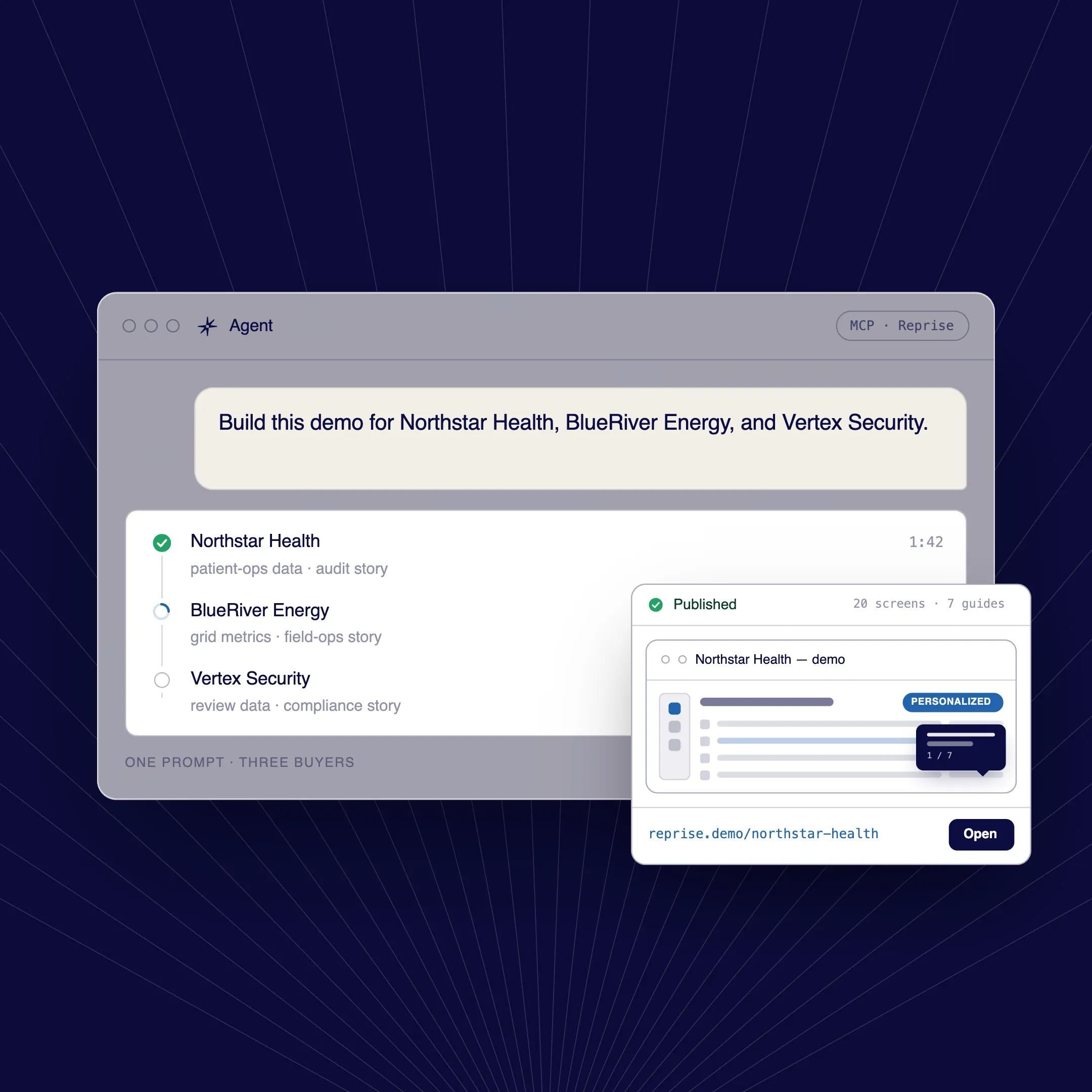
Your agent already holds the account, the call notes and the email thread. With the Reprise MCP, it can use that context to build, edit and analyze a demo for a specific prospect, from a prompt.
Any MCP-compatible assistant can connect, including Claude, ChatGPT, Codex and Microsoft Copilot. Reprise is verified in the Claude Connectors Directory.
Your team keeps working in the agent it already uses for sales and account work, so there is no separate AI tool to learn.
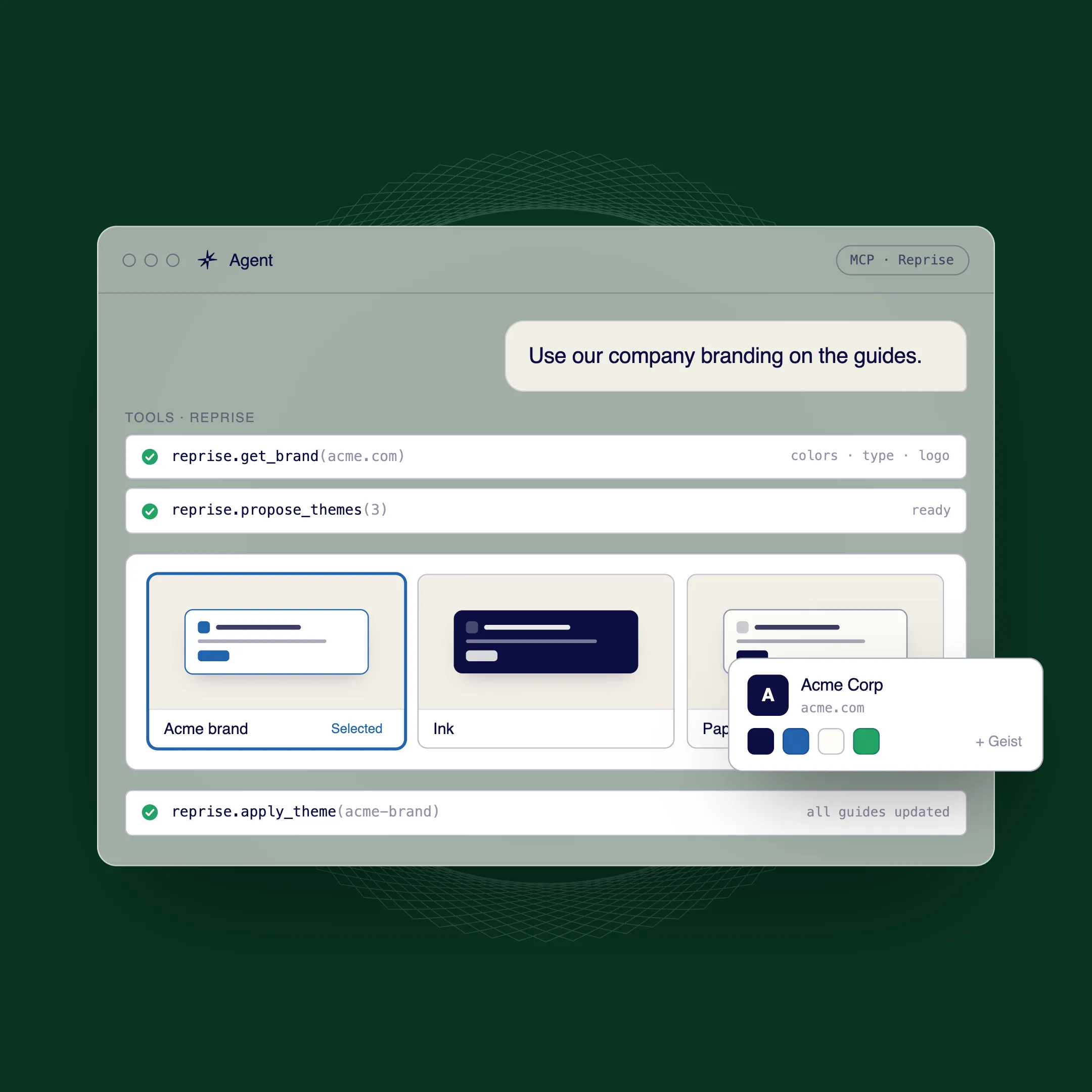
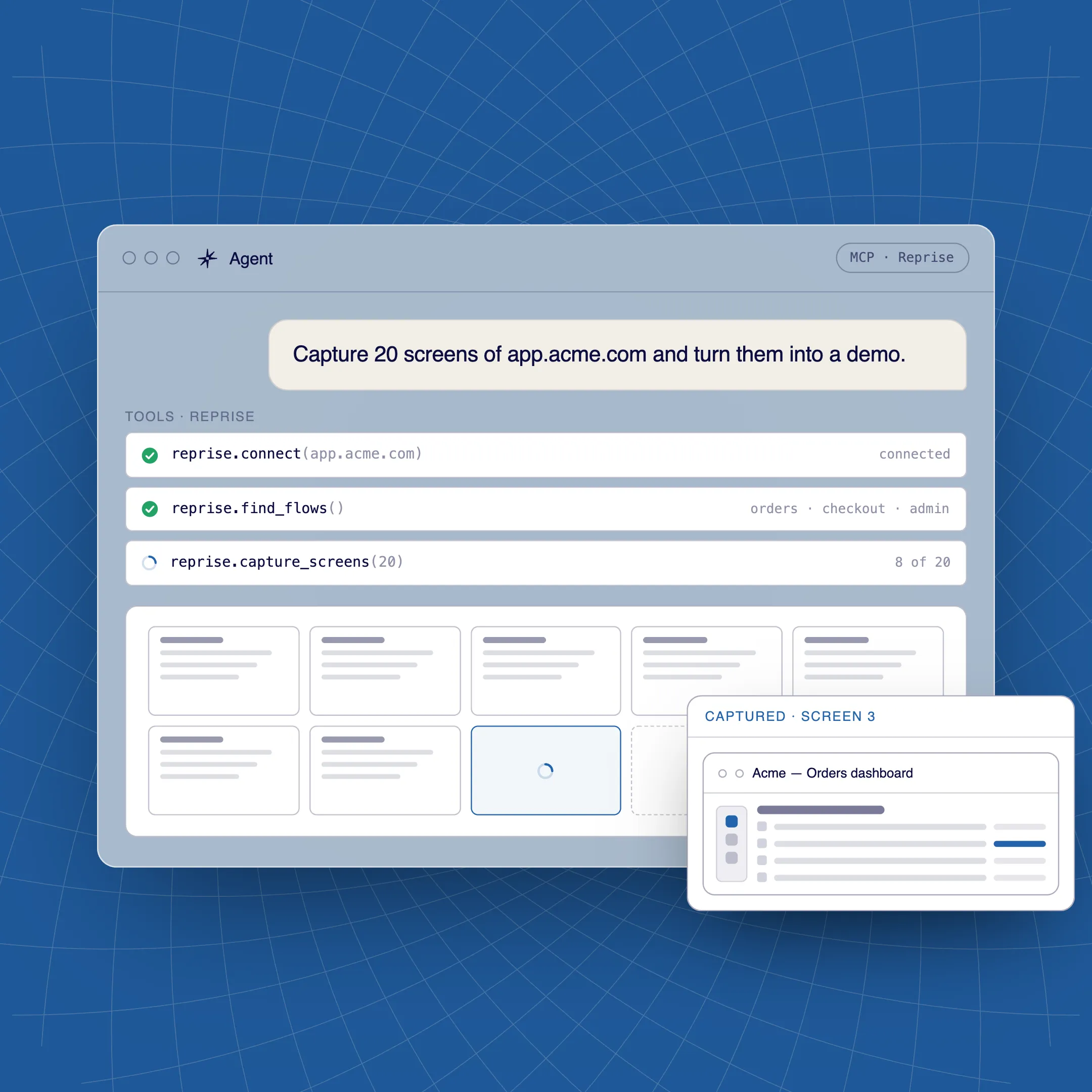
It can capture screens into a Product Tour, add guides and themes, fill an app with prospect-specific data through Data Injection, work on Application Clones and pull analytics. Supported actions also reach Demo Flows and library tasks such as folders.
Every step can be a prompt, and every result stays in Reprise, where your team can open it, review it and edit it by hand.
The native AI agent works inside Reprise and the Reprise extension. The Reprise MCP brings demo-building actions into an outside assistant such as Claude or ChatGPT.
Use the native AI agent when you are working in Reprise, and the Reprise MCP when your context lives in your own agent: CRM notes, call transcripts or email. The AI Tour Guide is a third, separate capability that answers buyers inside a published demo.
Yes. Every action runs as the signed-in user and follows that user's roles, group sharing and folder access. The MCP can only do what that user is allowed to do in Reprise.
State-changing actions are written to the audit log, and deactivating a user in your identity provider also revokes the tokens issued to their AI assistant. See Security and compliance.
No. The Reprise MCP introduces no new AI models and no new sub-processors on the Reprise side.
The assistant you connect is the one your company already uses, under your own agreement with its provider.
The Reprise MCP is available on every plan, including the free plan, along with the native AI agent.
You can start with a free account and connect your assistant from there.
Only when you want to. The agent can do the heavy lifting, and every tour, dataset and clone it builds can be opened and refined in Reprise, with or without AI.
That gives anyone on the team a simple start and gives the people who want to go deeper full control.

