
This is a Reprise Clone of a sample application. Investigate or resolve an alert, then reset. Every request is answered by the Clone; nothing reaches production.
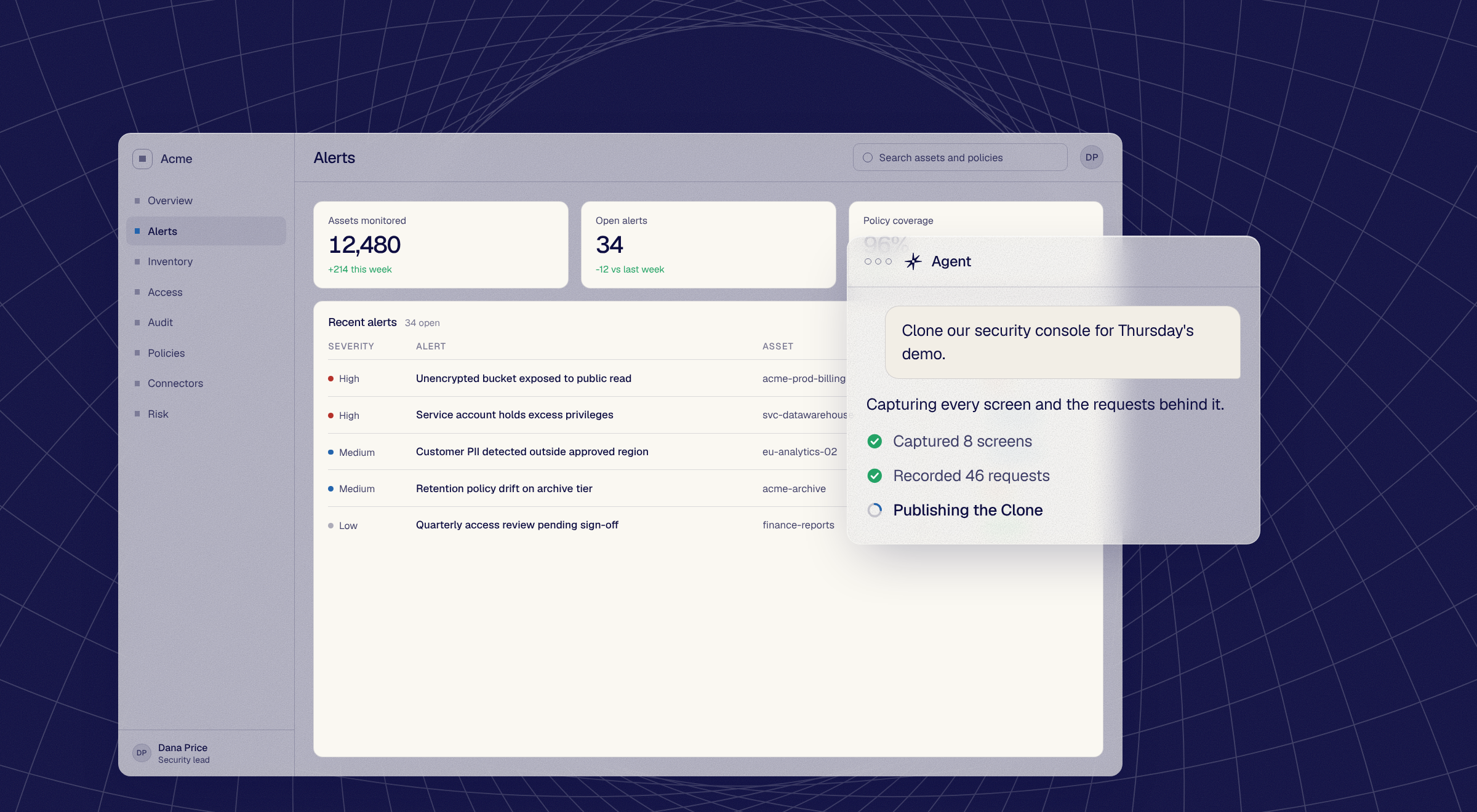
Every row here is one prompt to the Reprise agent and what came back. A Clone of the app you sell, answering every request itself.
Clone the Acme security console, all eight screens.
Front end and the requests behind it captured. The app runs on its own.
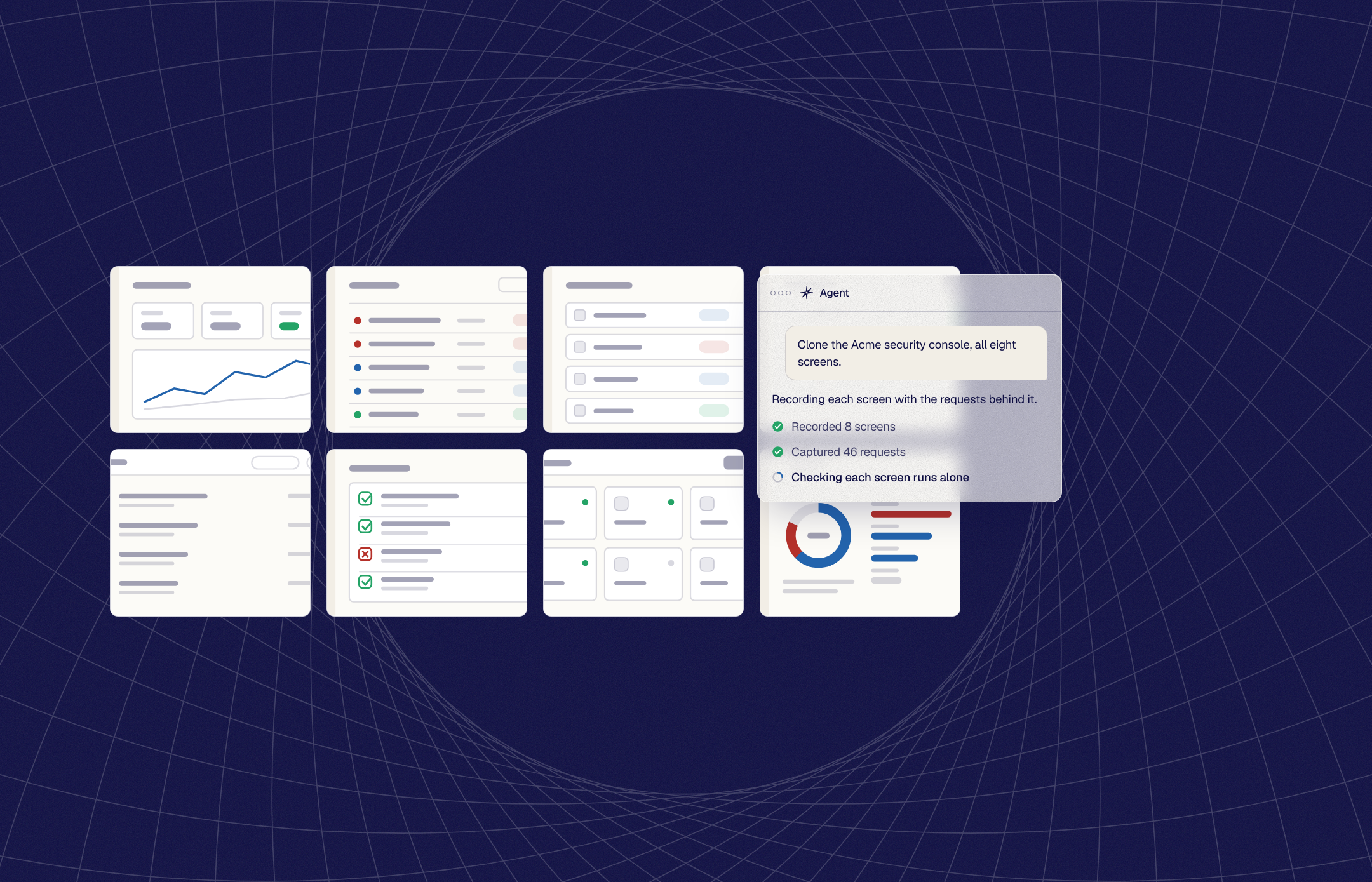
Make investigating an alert update its status, like the real app.
The captured response answers the click. Production never receives it.
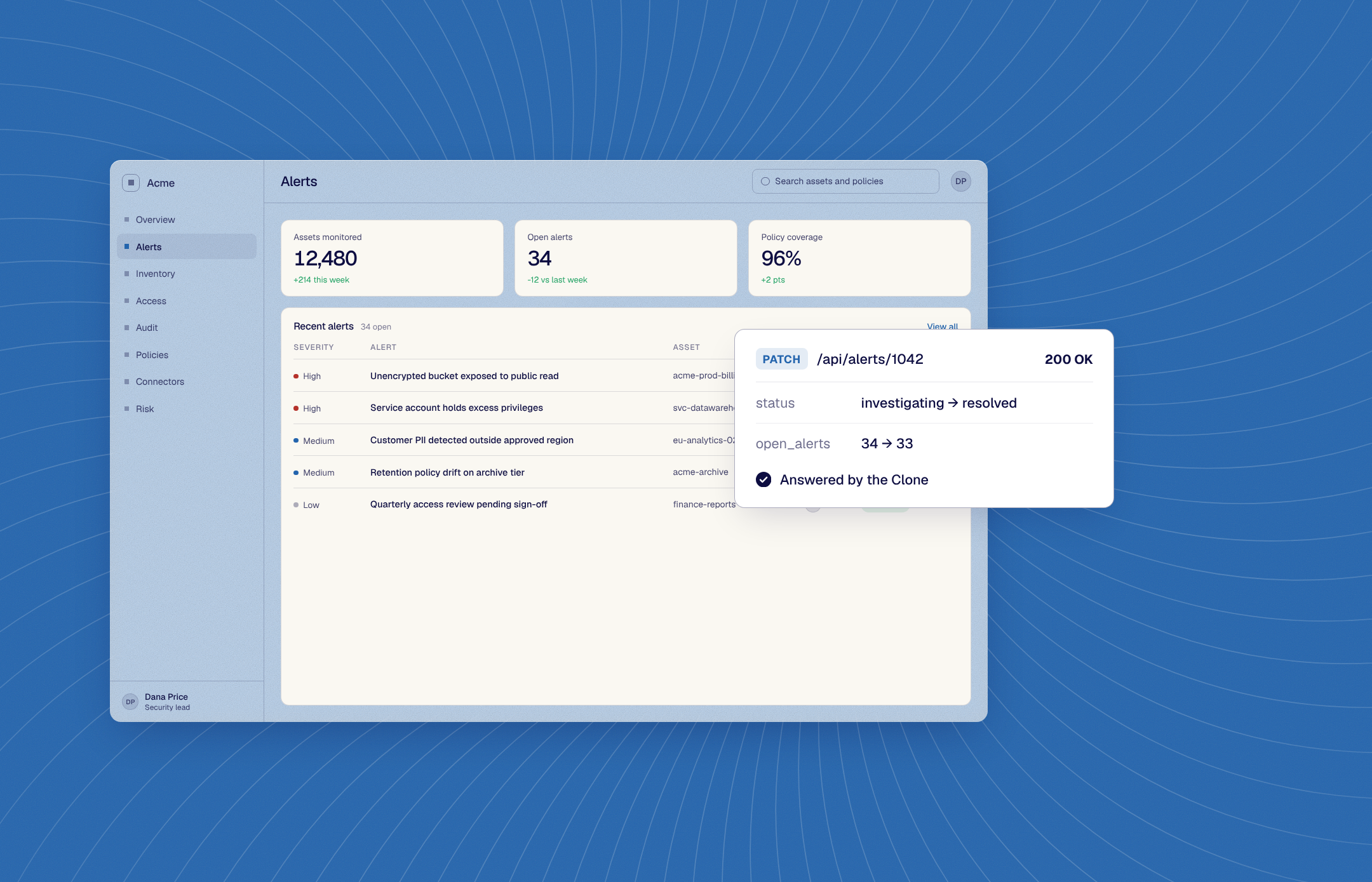
Replace Acme with Northwind Financial across the whole Clone.
Every screen and every response, one pass.
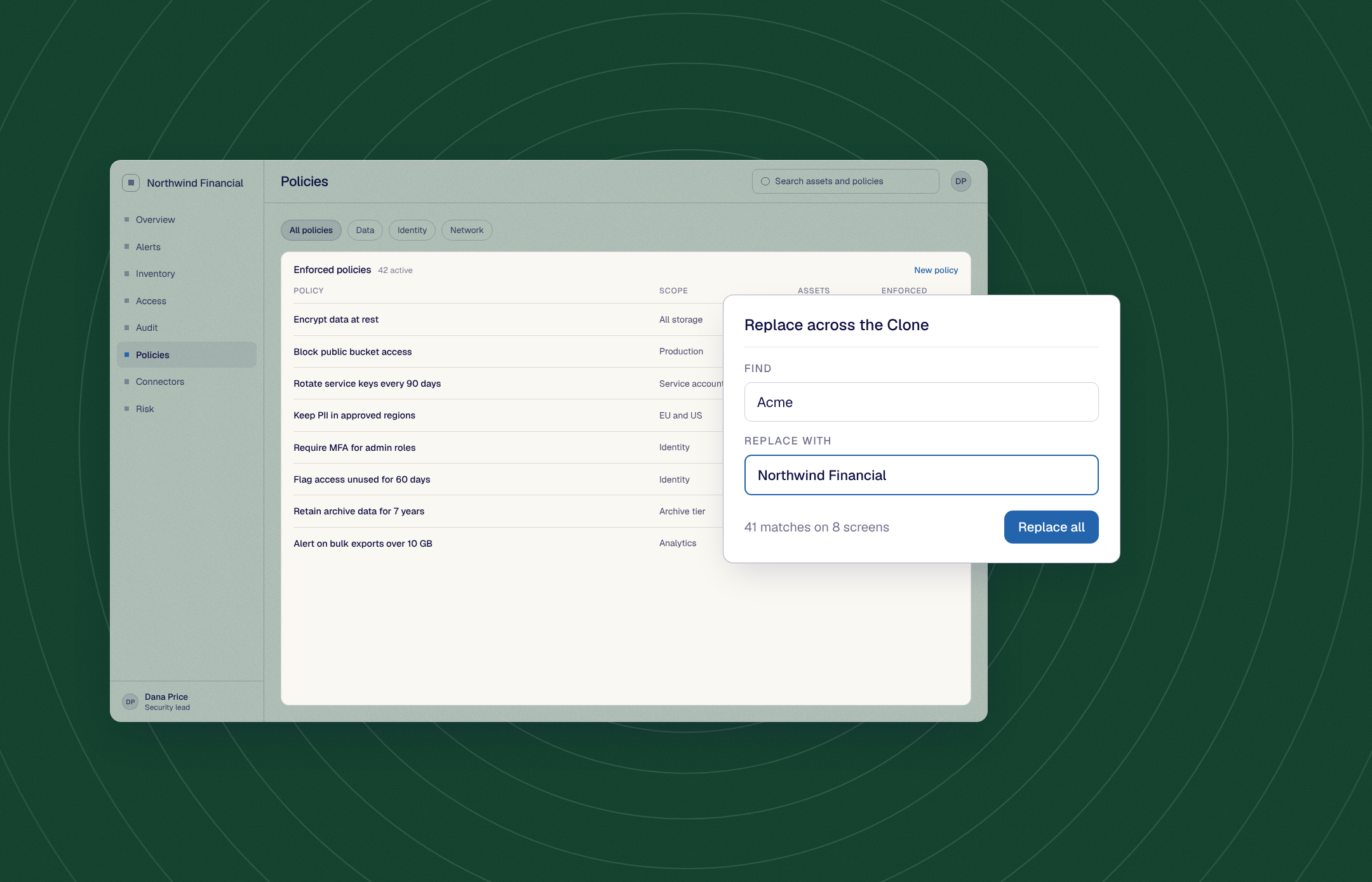
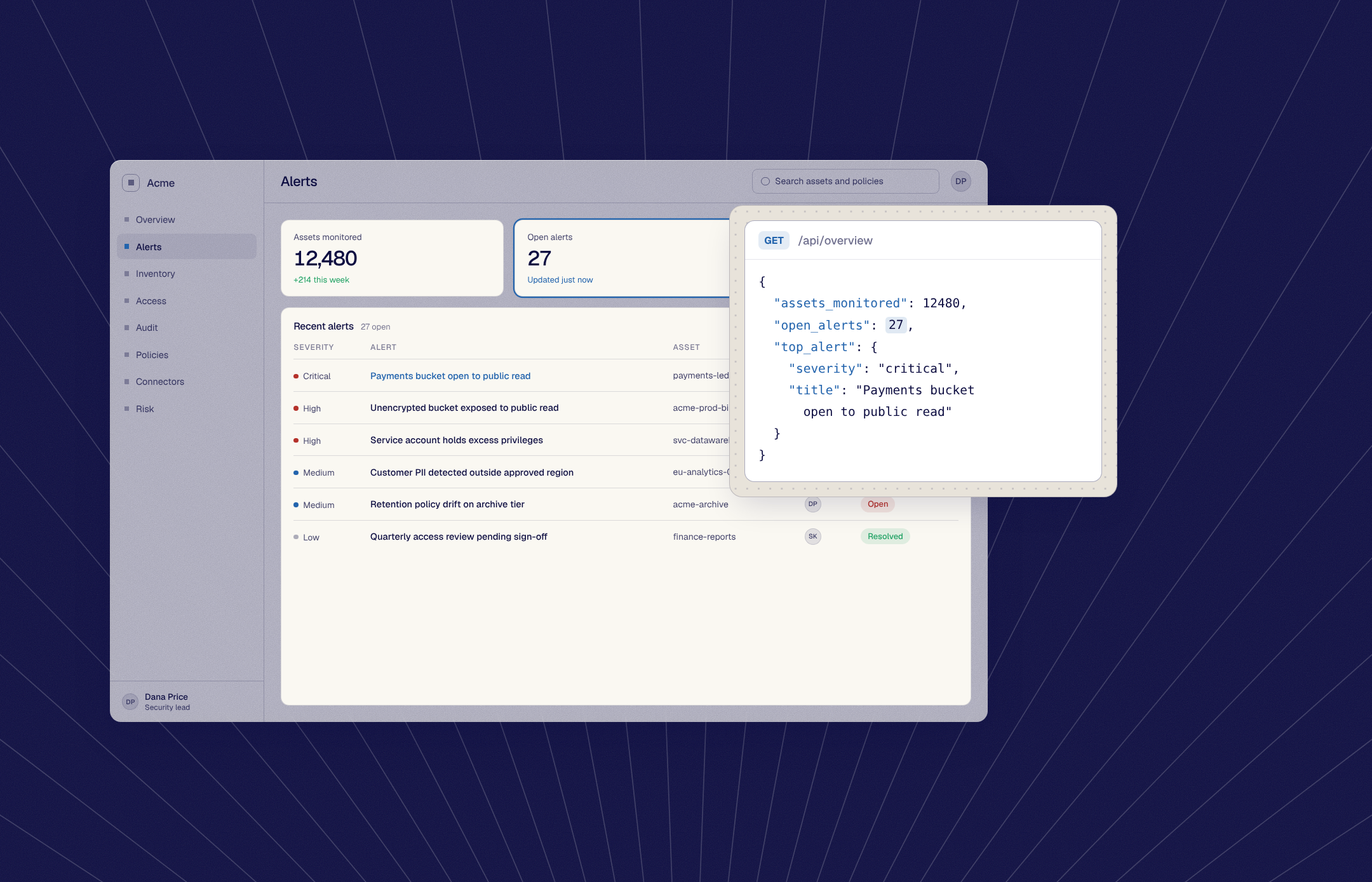
Set open alerts to 27 and add a critical alert about a payments bucket.
The response edited, the chart and rows follow.
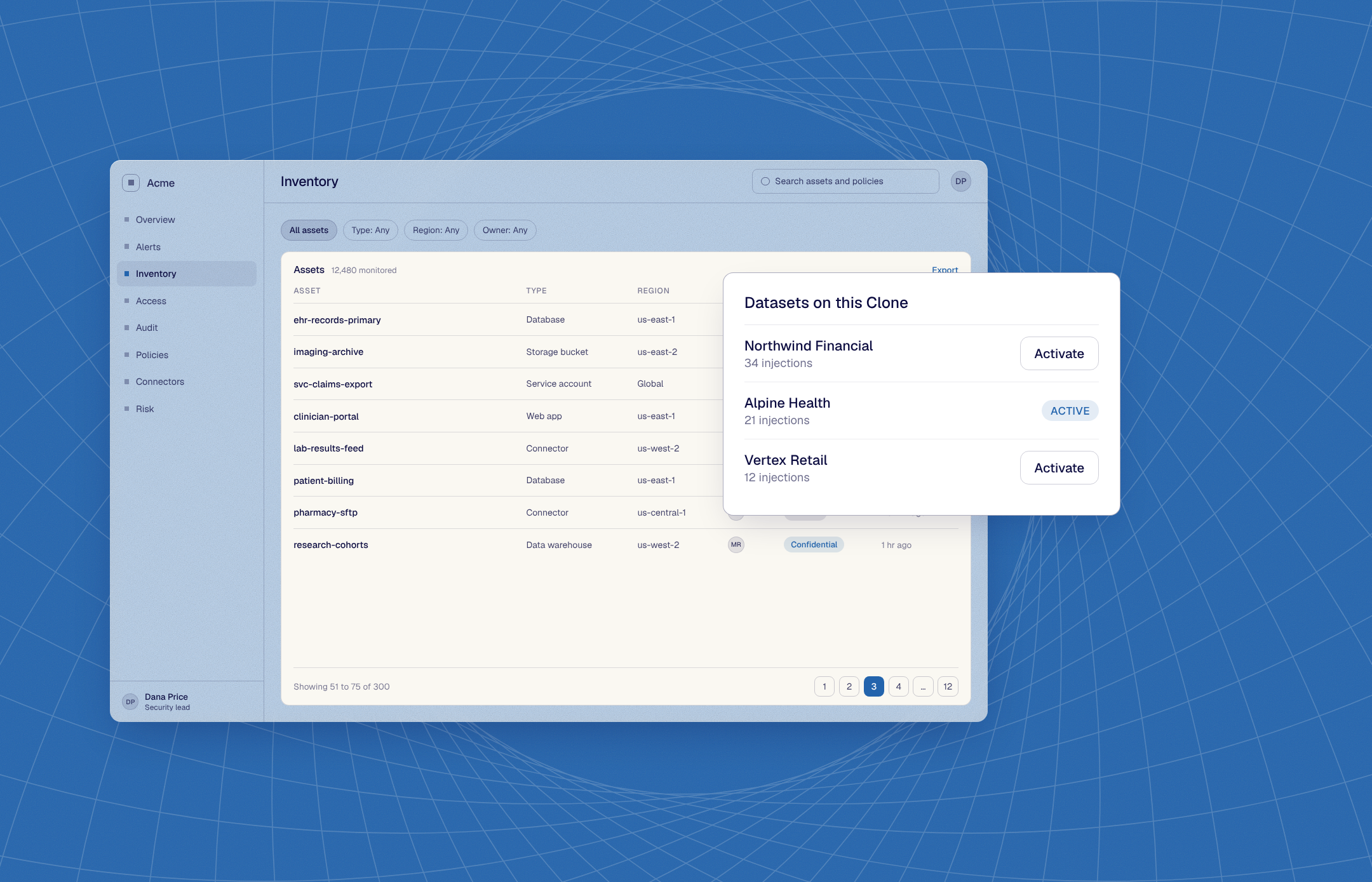
Load the healthcare dataset on this Clone.
Saved datasets on the same Clone, one Activate away.
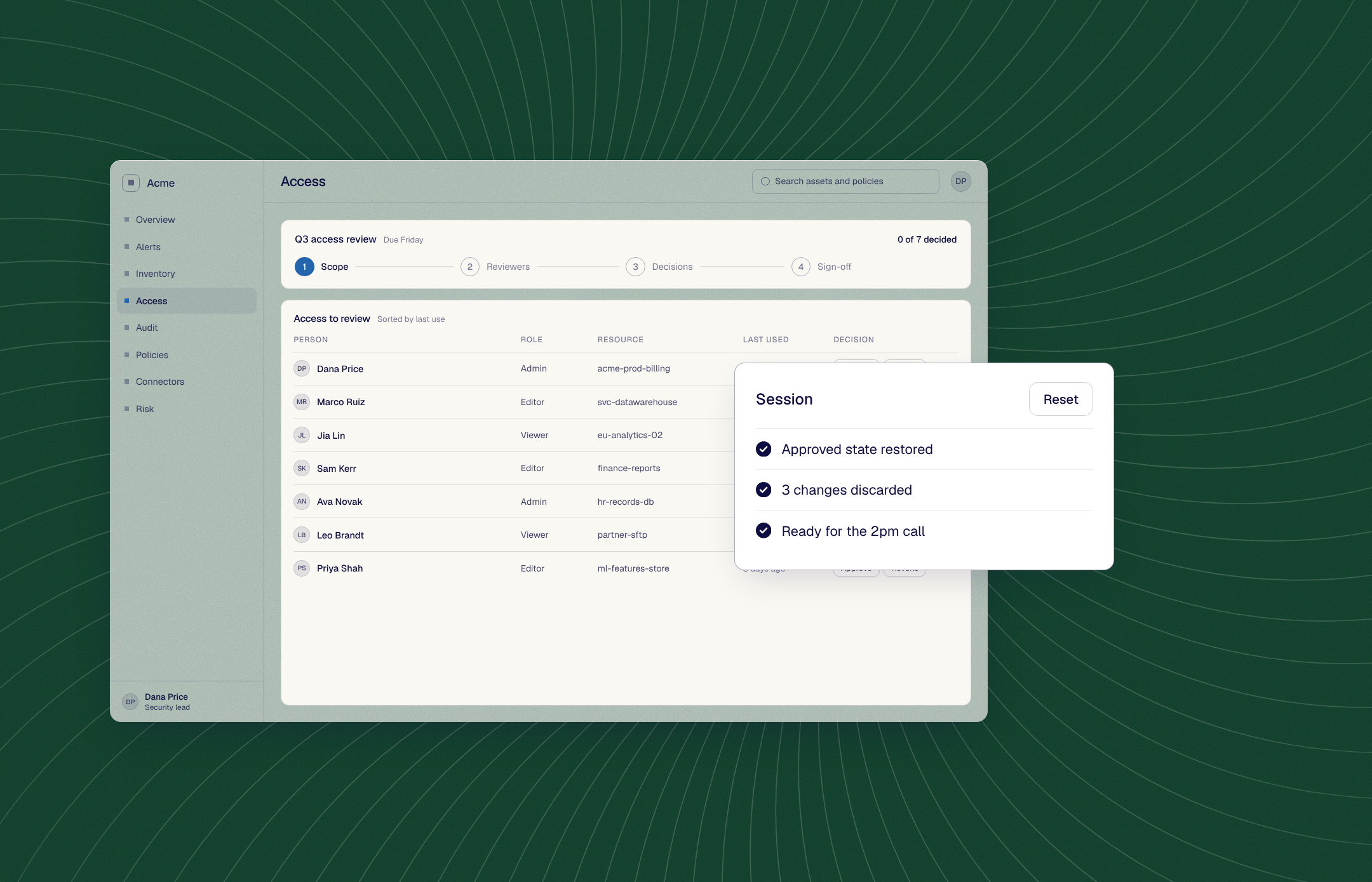
Reset it to the approved state before my 2pm.
Whatever the last buyer clicked is gone.
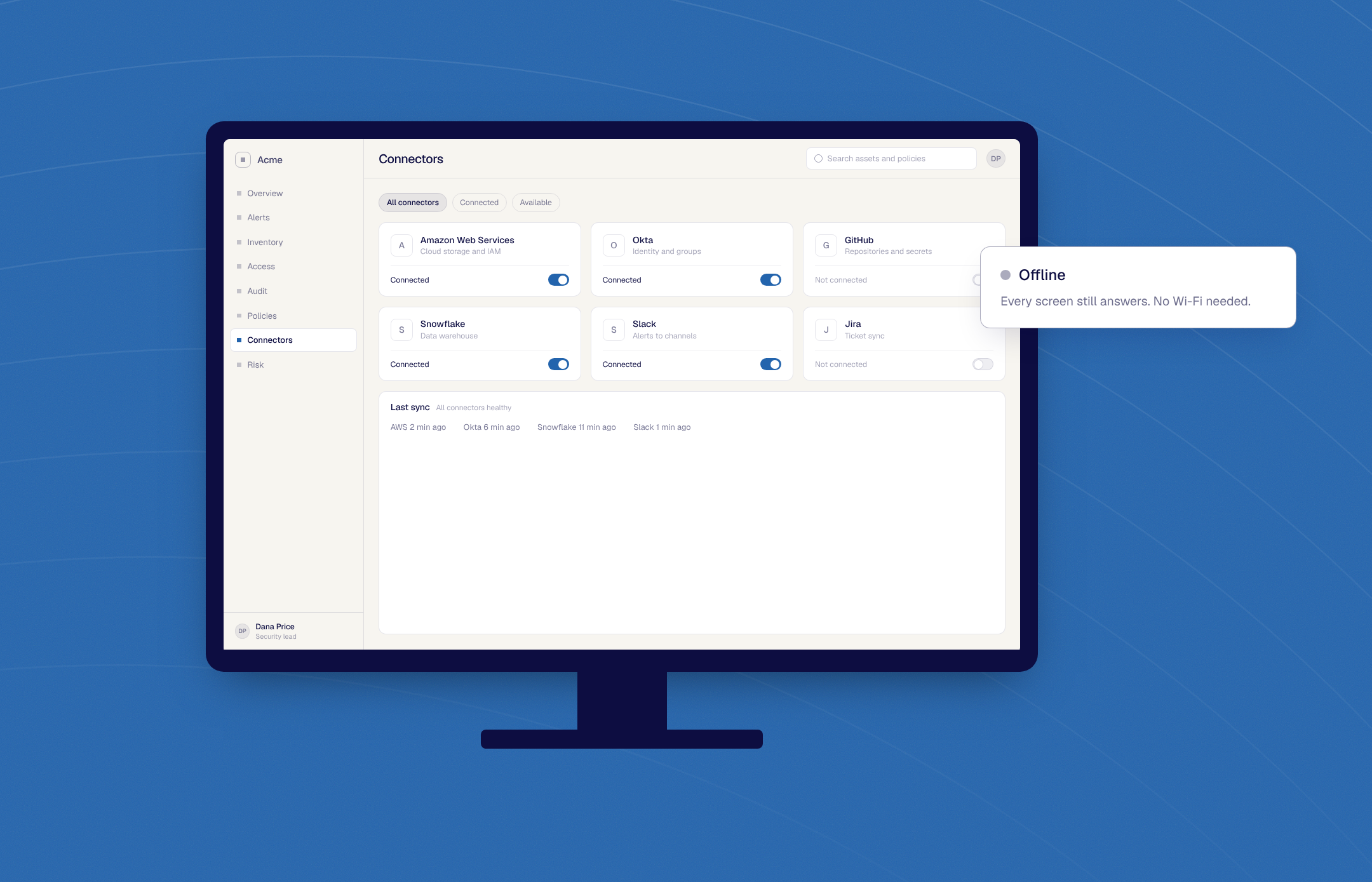
Package it for the trade-show kiosk, no Wi-Fi.
Runs offline, on a kiosk or a laptop.
Make sure nothing in the demo can touch production.
The Clone answers every request itself. Production stays out of the room.
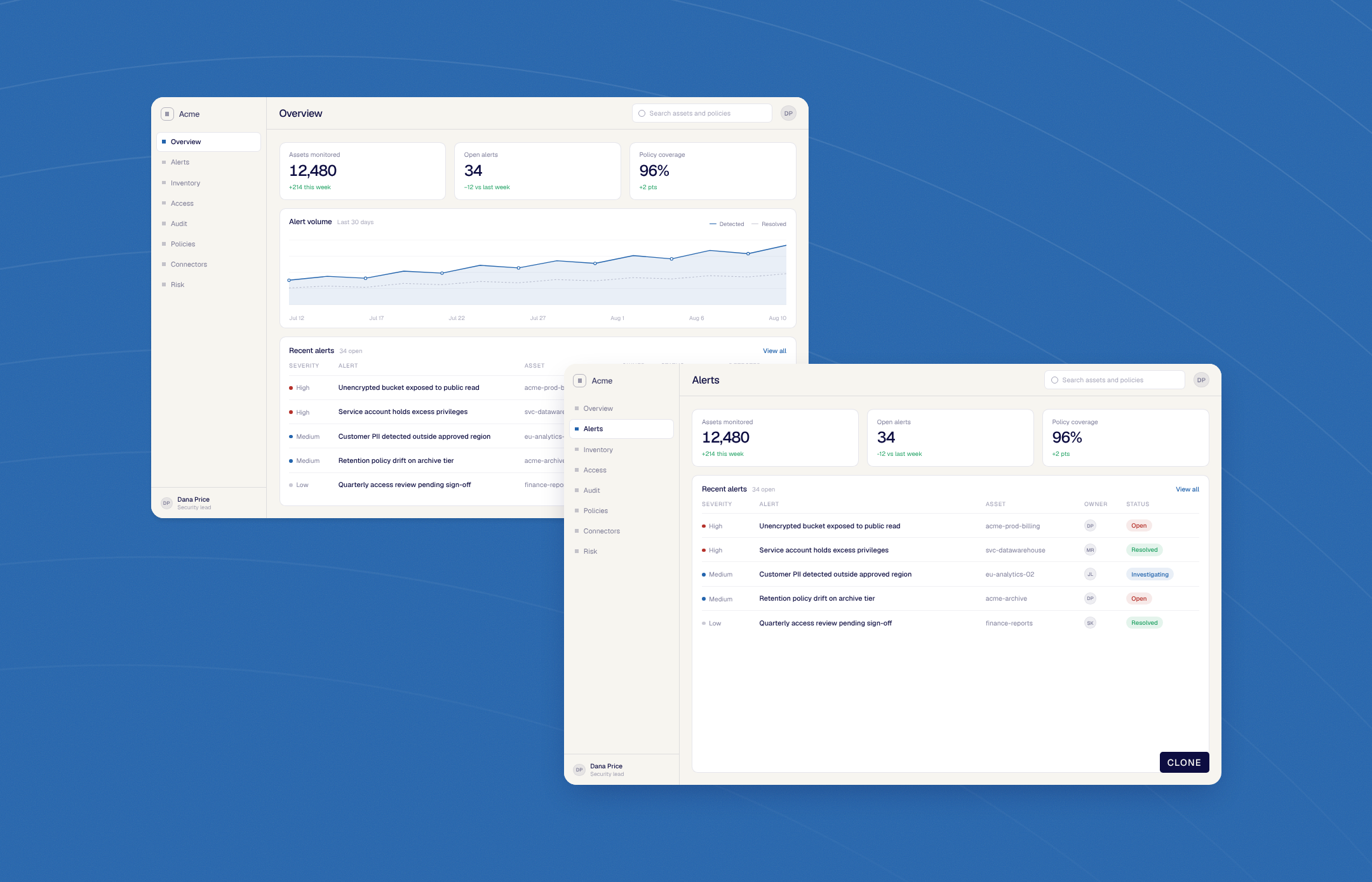
Add the Risk page we’re releasing next quarter.
A screen the live app doesn’t have yet, in the Clone today.
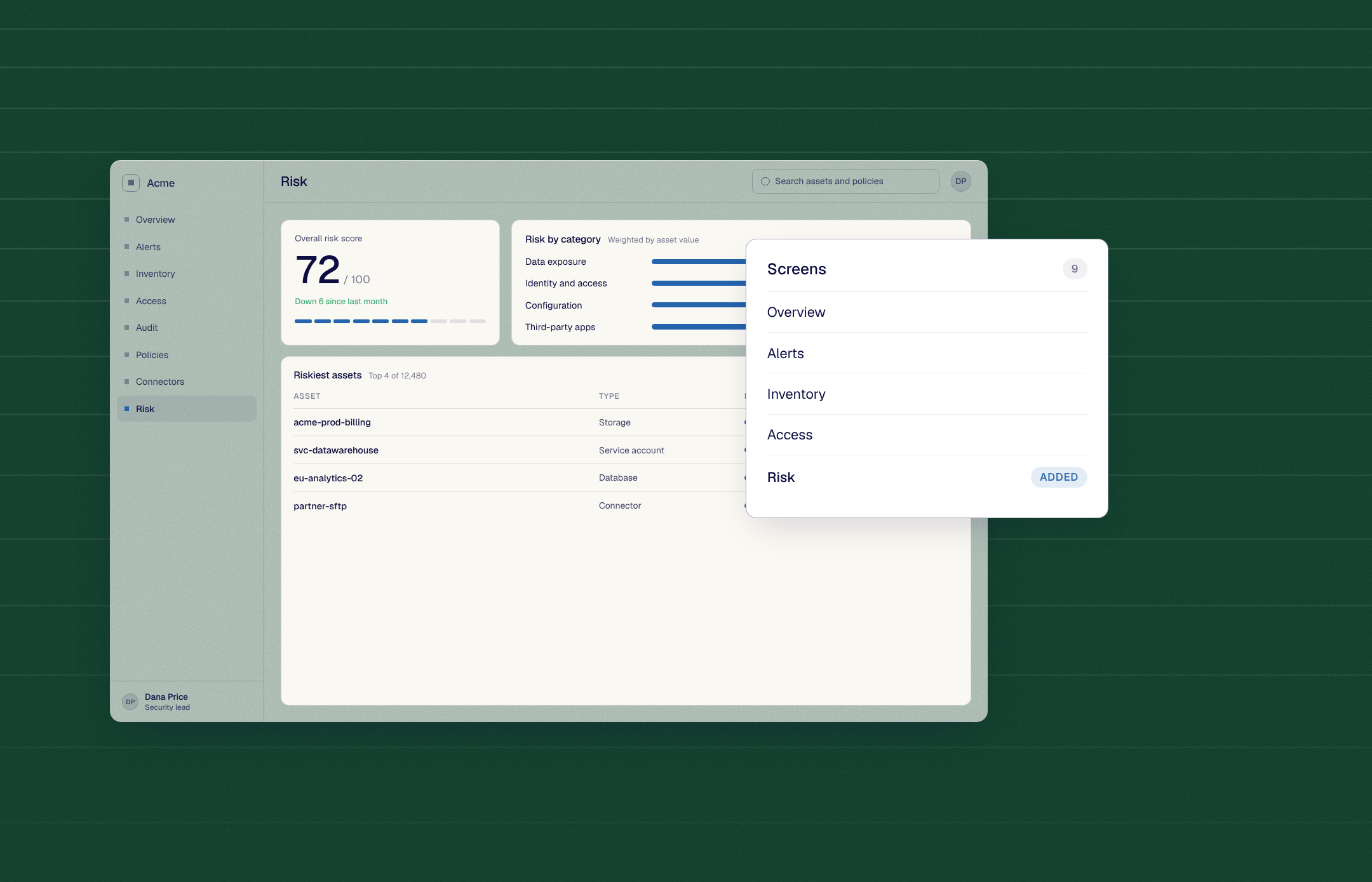
Send a link the buyer can open without a login.
One link, no account, opens in their browser.
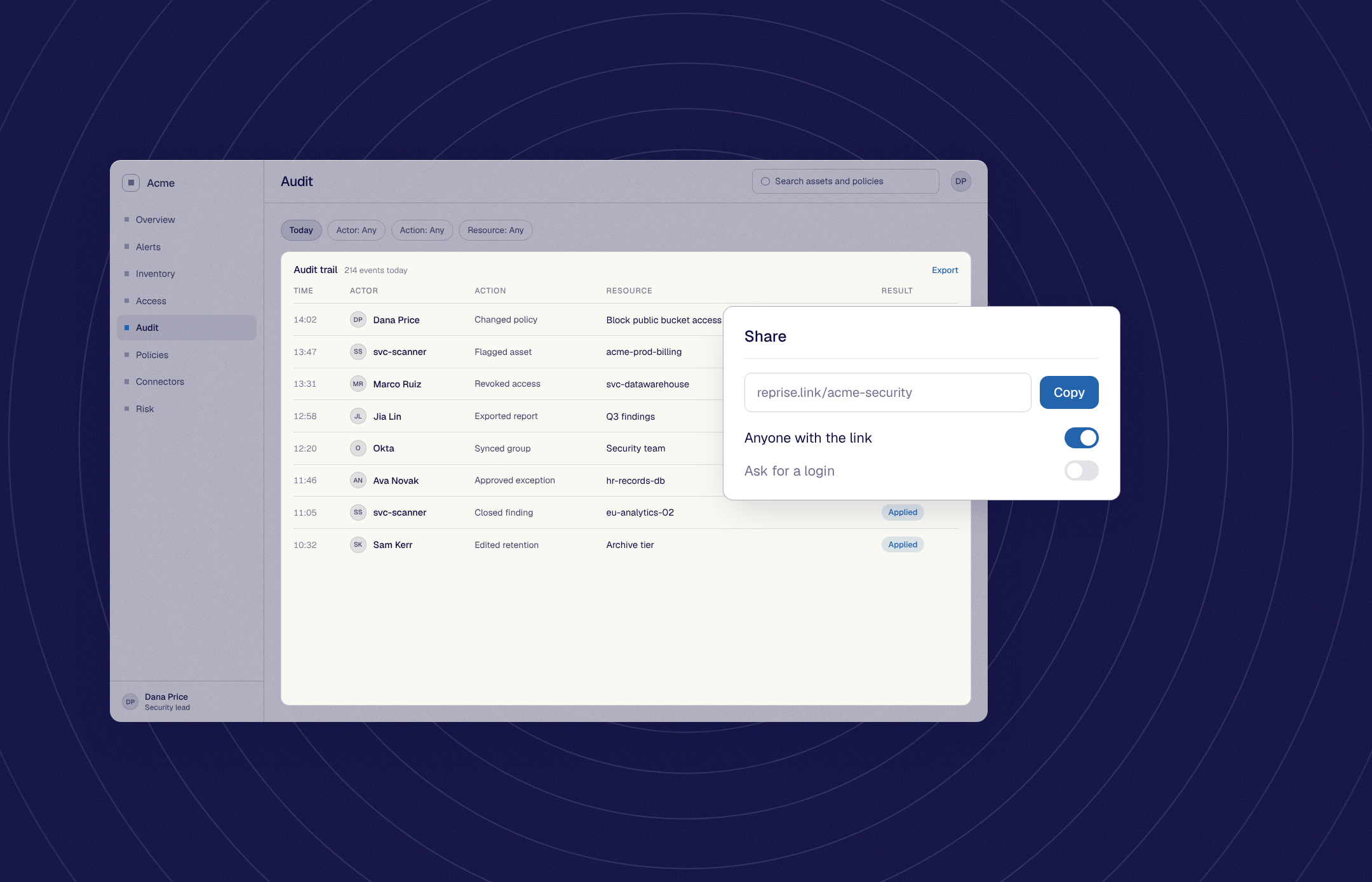
Sync the Clone to GitHub and tag this as v3.
Every change in git, any version restorable.
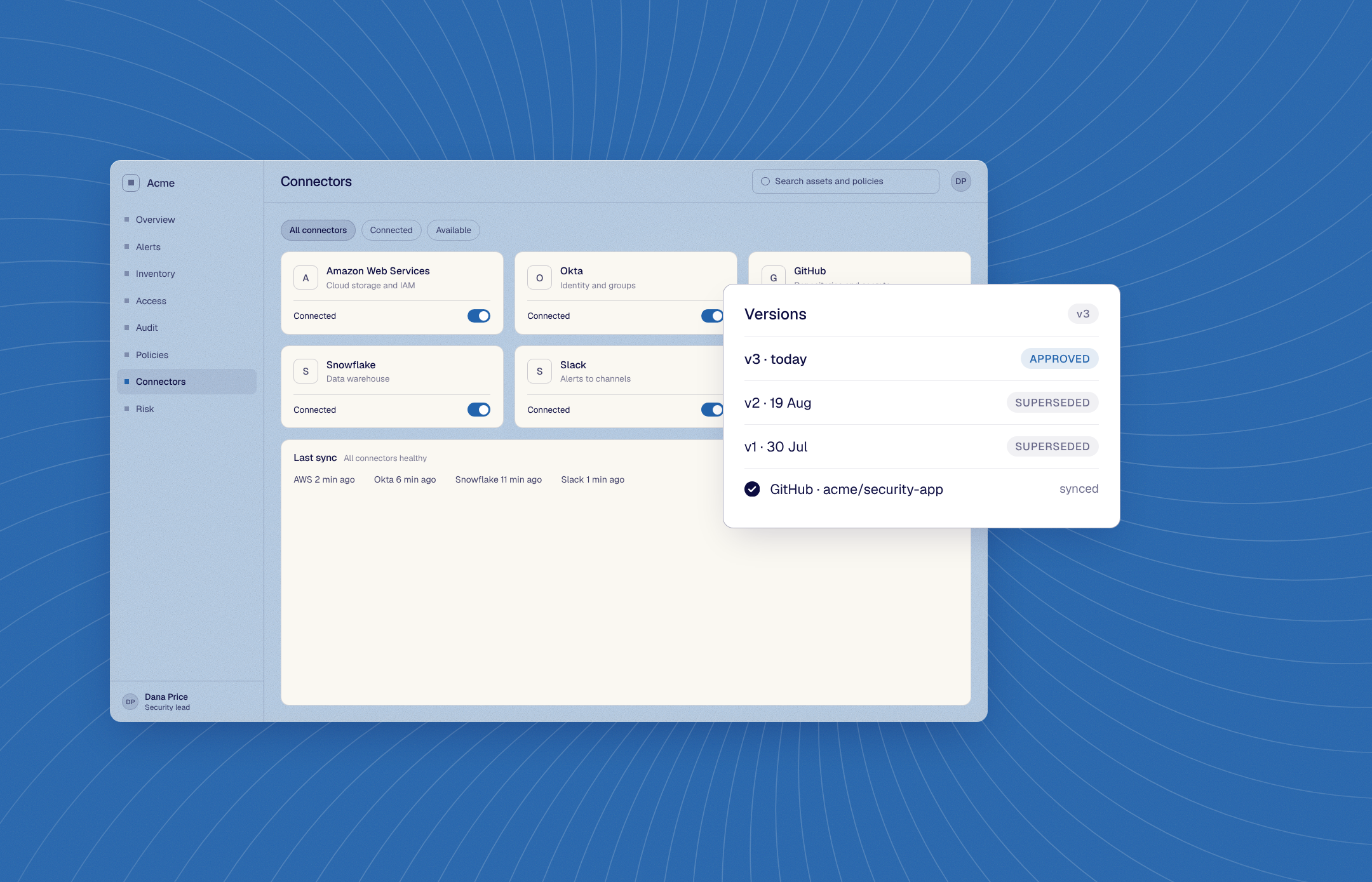
Present this Clone on Thursday’s call.
The Clone on screen, the prepared story, no surprises.
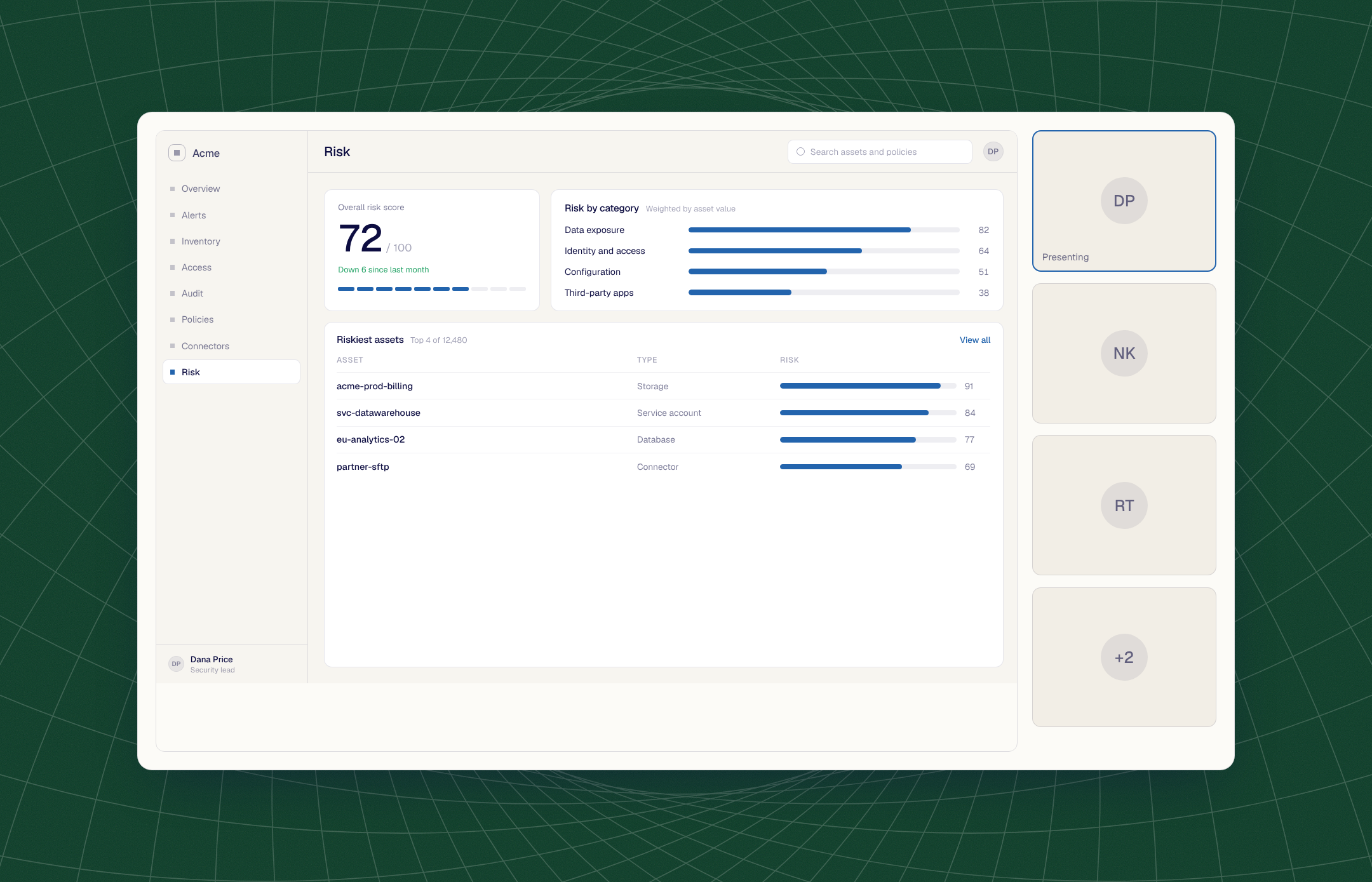
The real application may be the product you sell, but it is not always the environment you can safely or reliably present. Reprise gives the team a standalone version designed specifically for the demo.
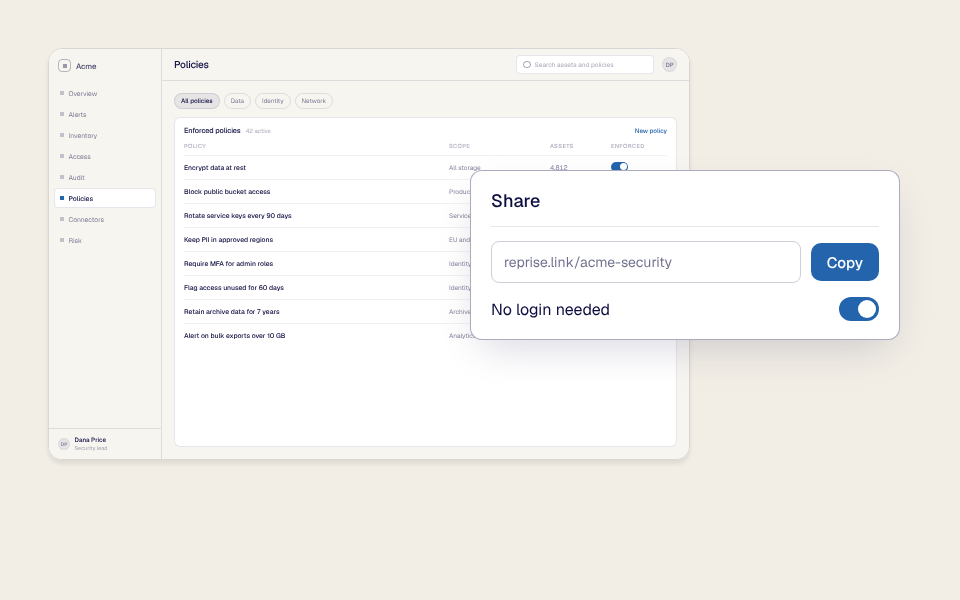
Some companies cannot provision a live application account for every prospect, seller, partner, or event attendee. A Clone lets the audience experience the product without becoming a user of the real application.
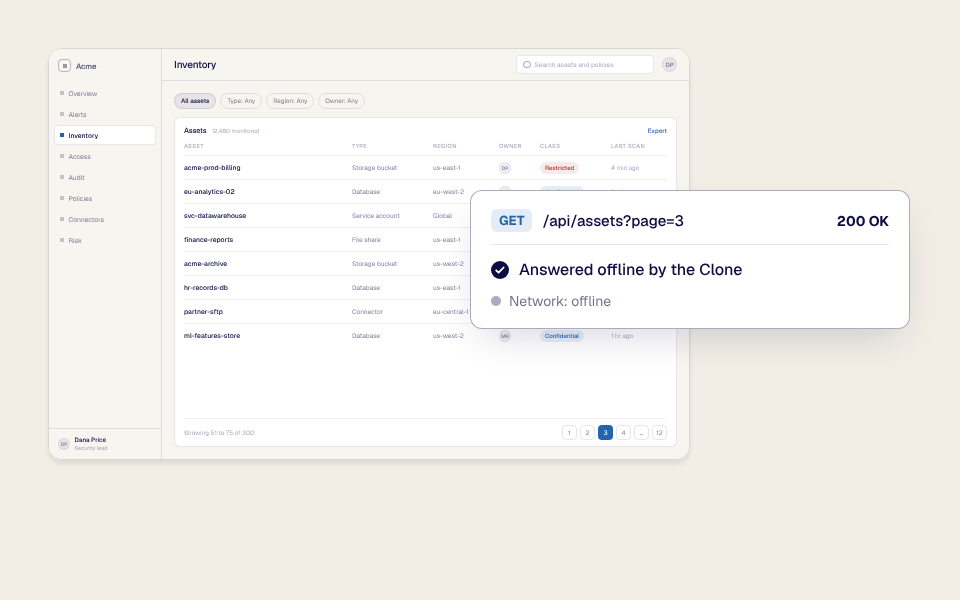
Prepare a standalone offline version for tradeshows, secure facilities, government environments, travel, or any situation where the network is unavailable or cannot be trusted.
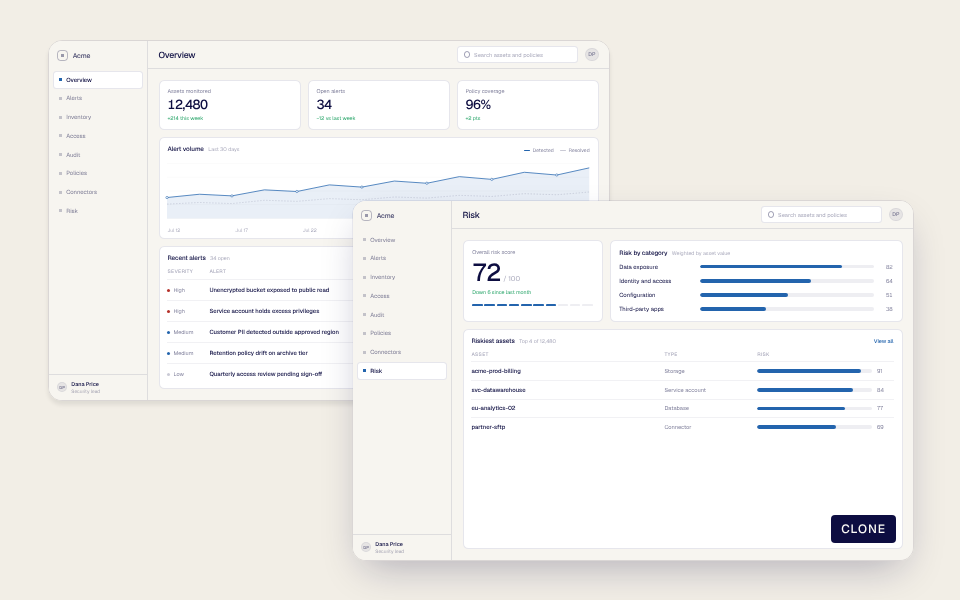
Keep prospects and presenters out of production. Avoid exposing customer data, internal information, live permissions, or actions that could change the real system.
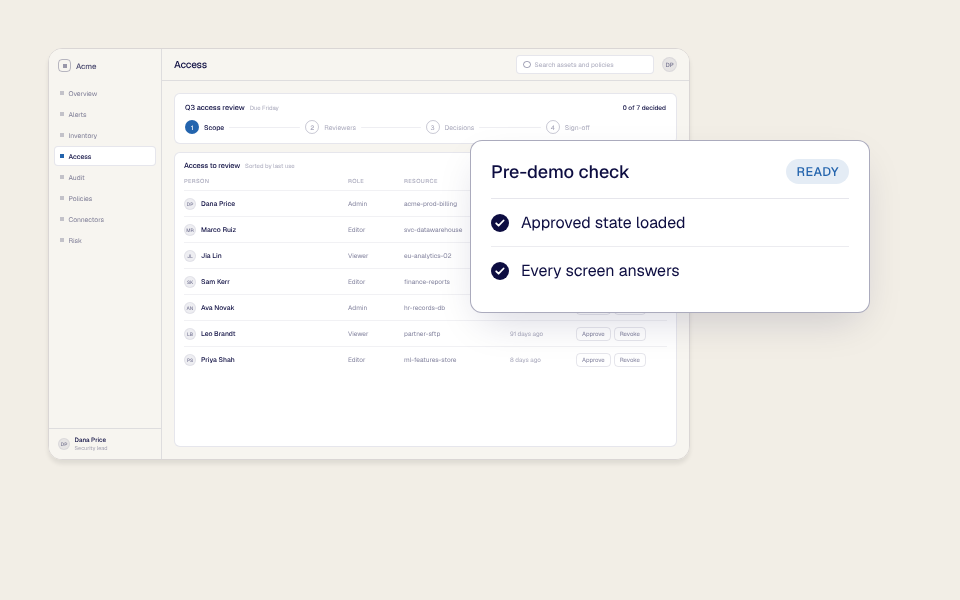
Start every presentation from a known state. Remove surprises caused by releases, outages, permission changes, expired credentials, broken integrations, and other users changing a shared environment.
No new product account. No production exposure. No network dependency when offline. Fewer surprises on the call.
Your buyers expect the real product. Your team needs it to hold up on every call. Application Clones are built for both.
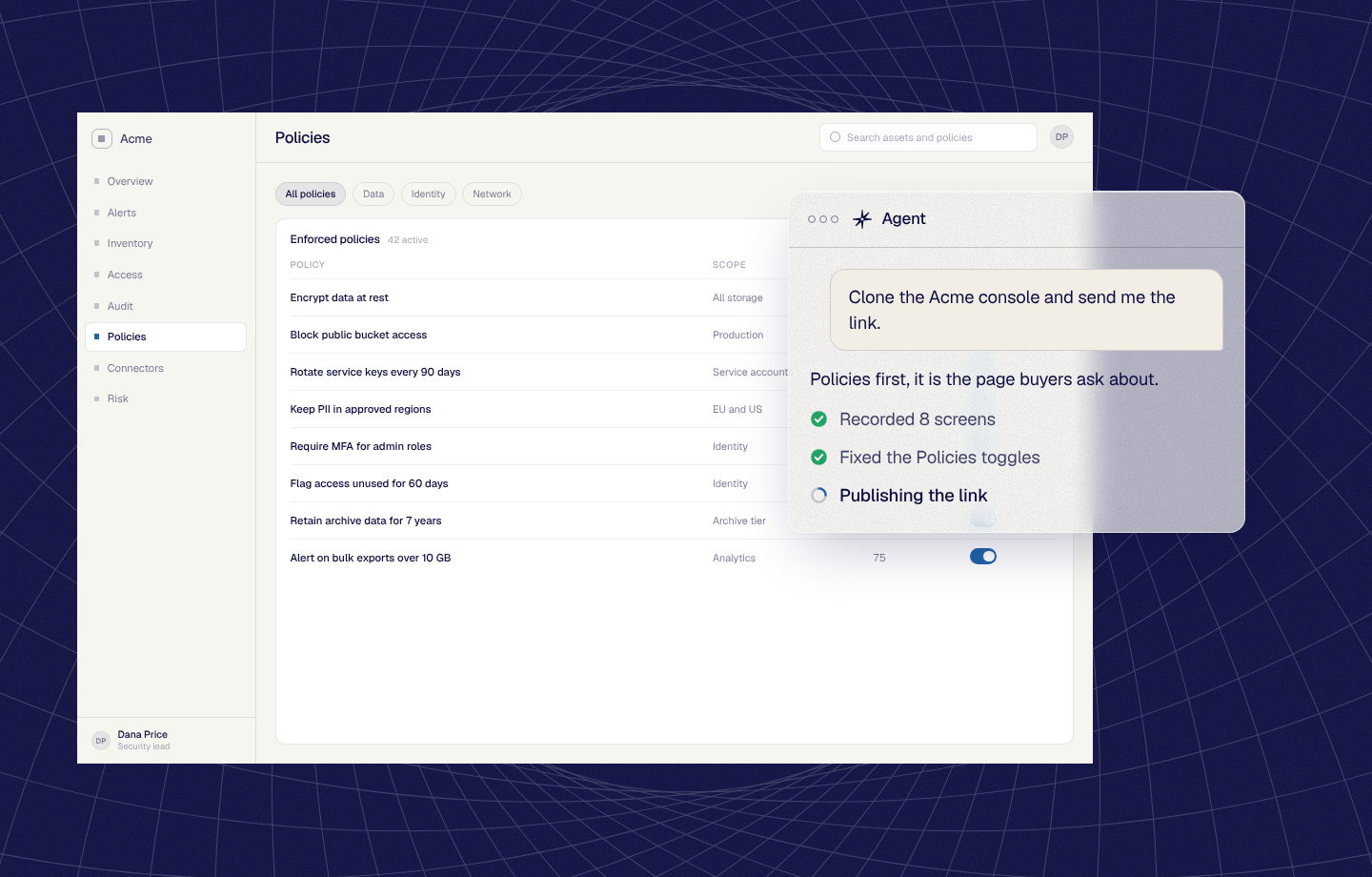
Ask your agent to create a Clone, record it, fix a screen and publish the link. Your Clone stays current without a ticket queue.
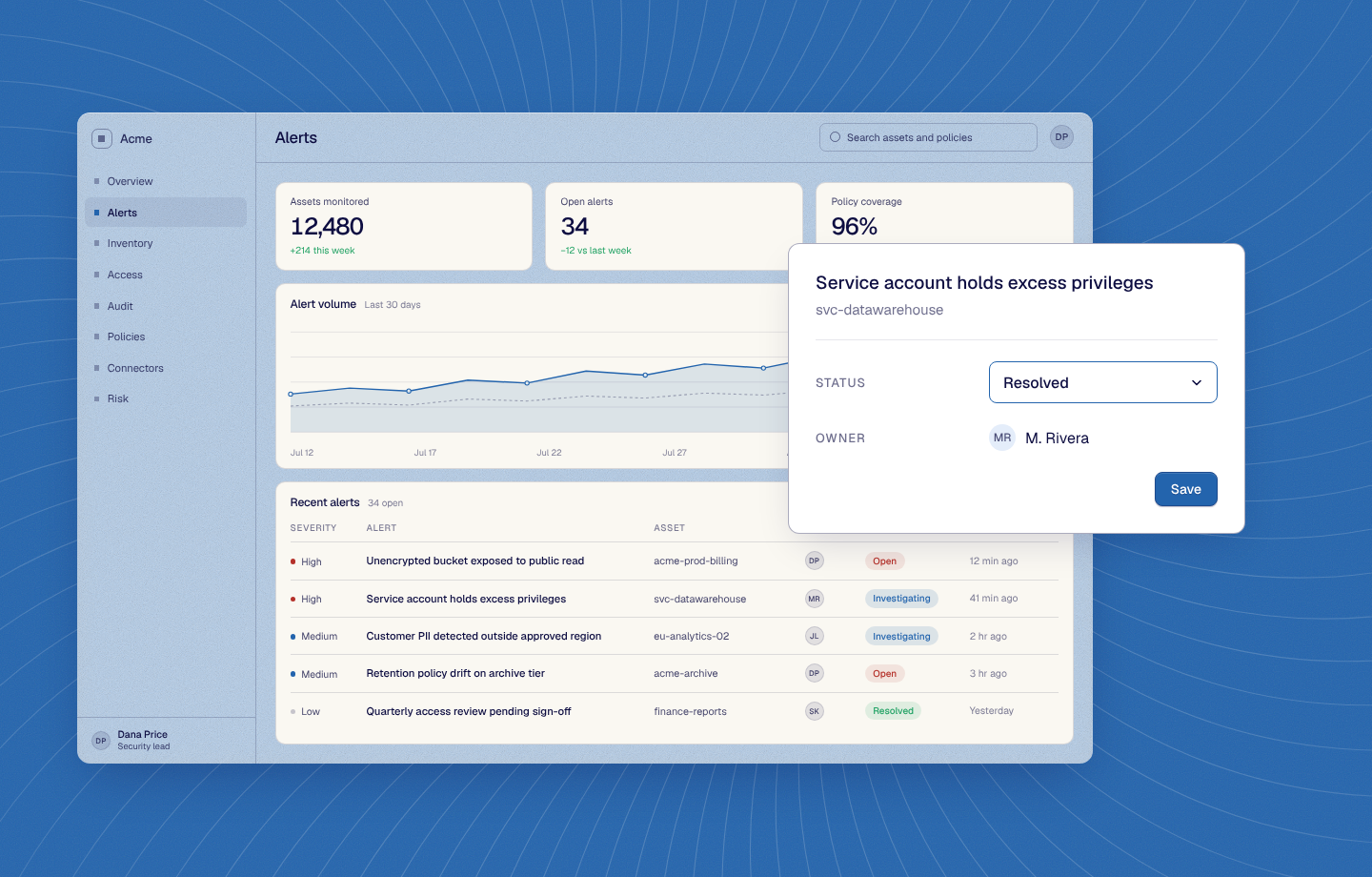
Buyers click, fill in forms and complete real workflows, and the Clone keeps everything they enter. You can tailor names, data and screens to each prospect.

Use the same Data Injection dataset in your live app and in your Clone. You can switch it mid-call and stay on the screen you're presenting.
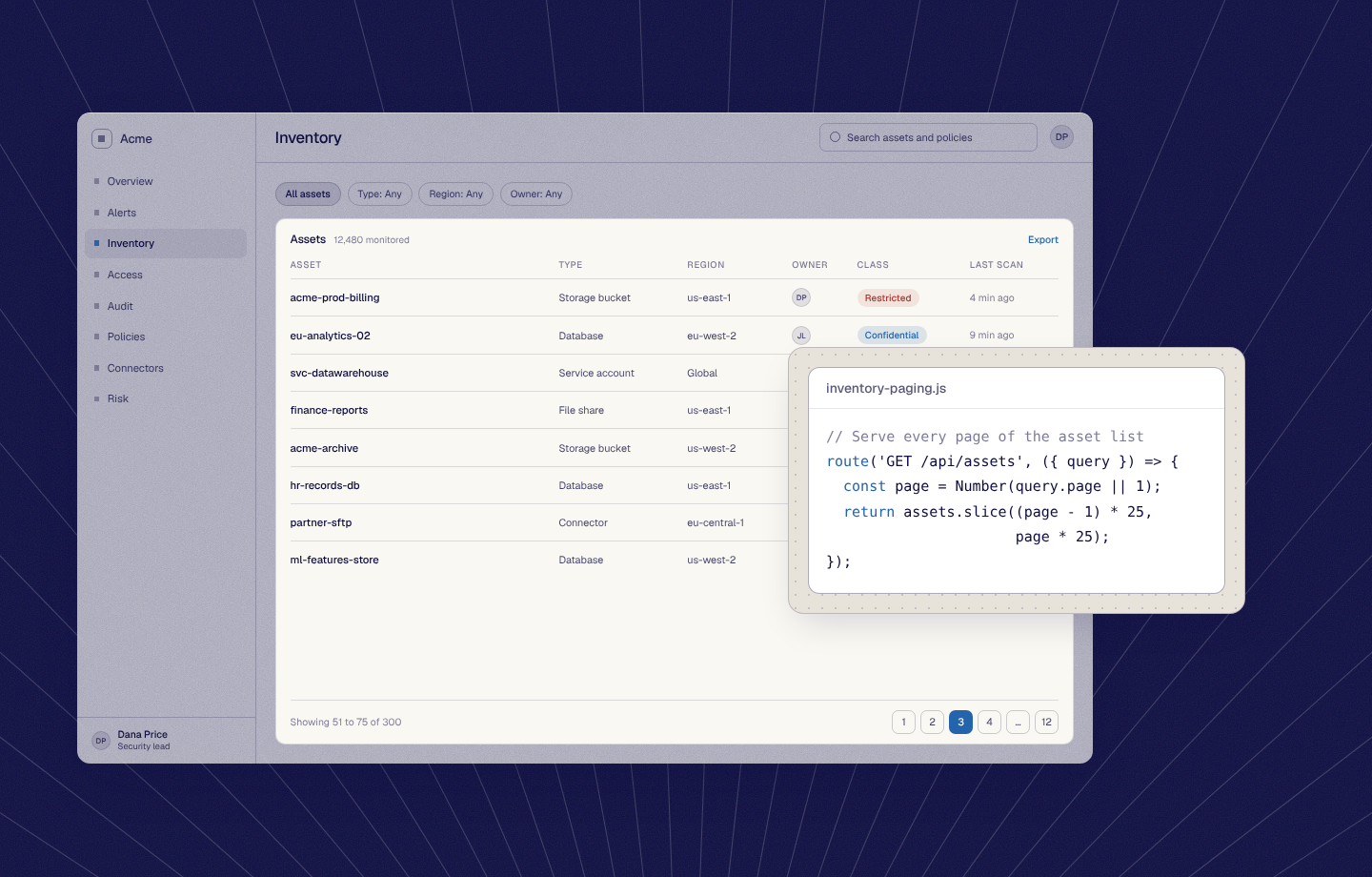
Logins, paging, expiring files and custom behavior are all handled, so even your hardest workflows demo cleanly.

When a tab closes or the browser crashes, reopening the link returns to the same step, with every record created or edited still in place. Or start over with a clean demo.
Capture the application experience, preserve the behavior that matters, customize the story, and run it independently from production.
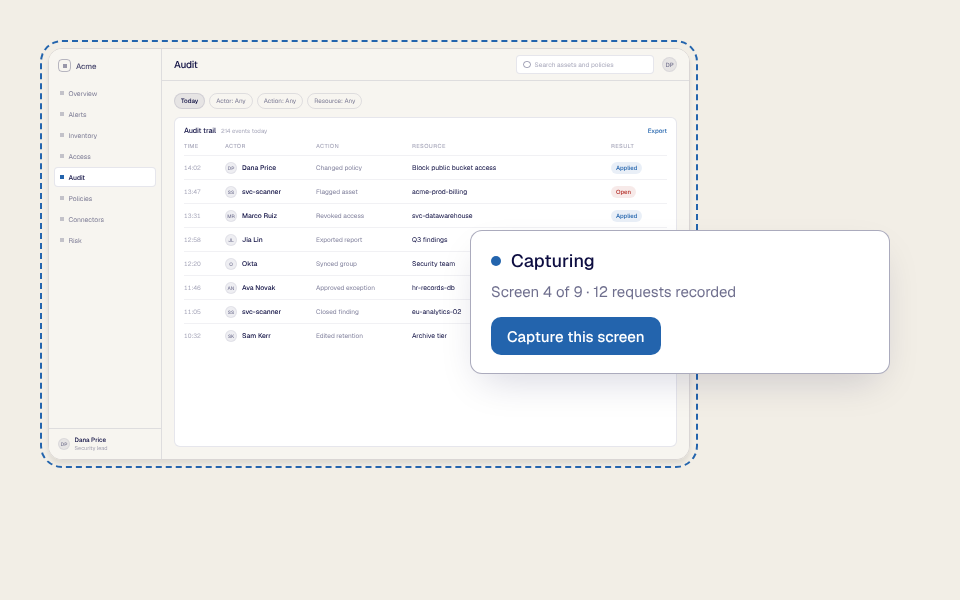
Capture the front end of the product together with the requests and responses needed to reproduce its important workflows.
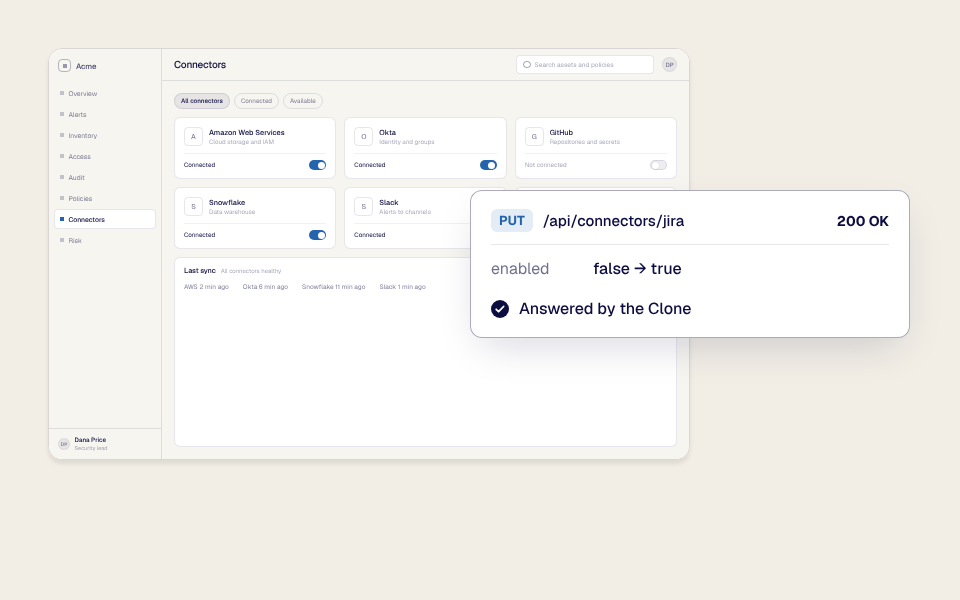
Turn the captured experience into a standalone environment that can respond like the application without triggering unintended activity in production.
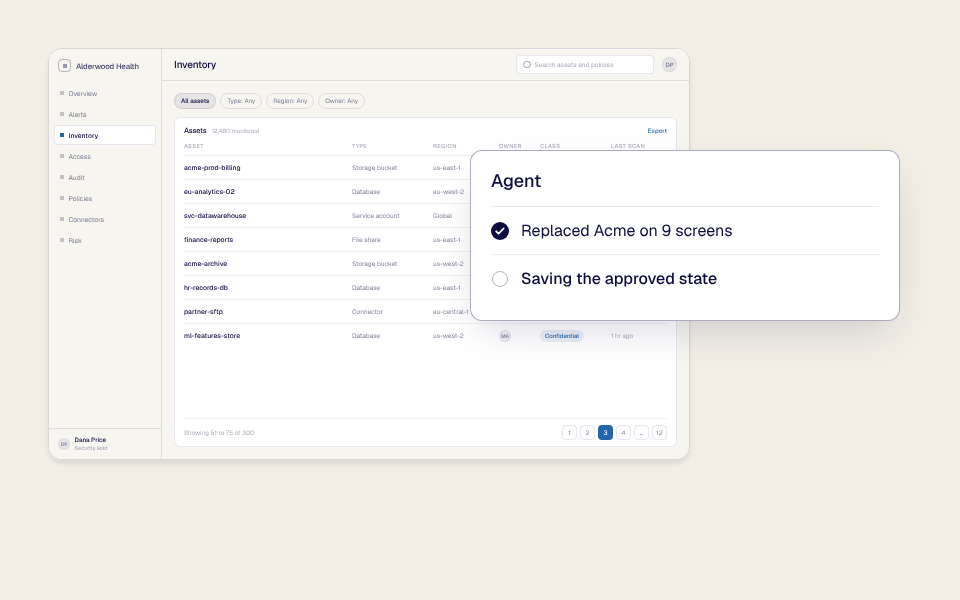
Tailor the interface, data, branding, and behavior for the buyer. Start with AI, use the editor, or apply advanced controls where needed.
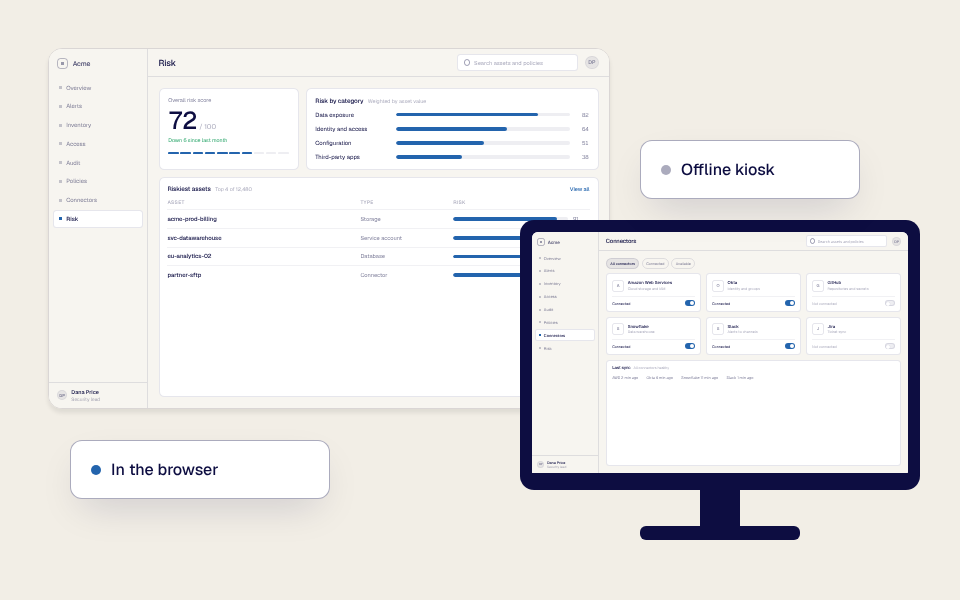
Deliver a reliable demo online, at scale, or as a standalone offline experience where internet access is limited or restricted. The presenter does not need to open the live application or create a live product login for the prospect.
Use AI to make Clone creation and customization faster without forcing every user into one workflow or removing expert control.
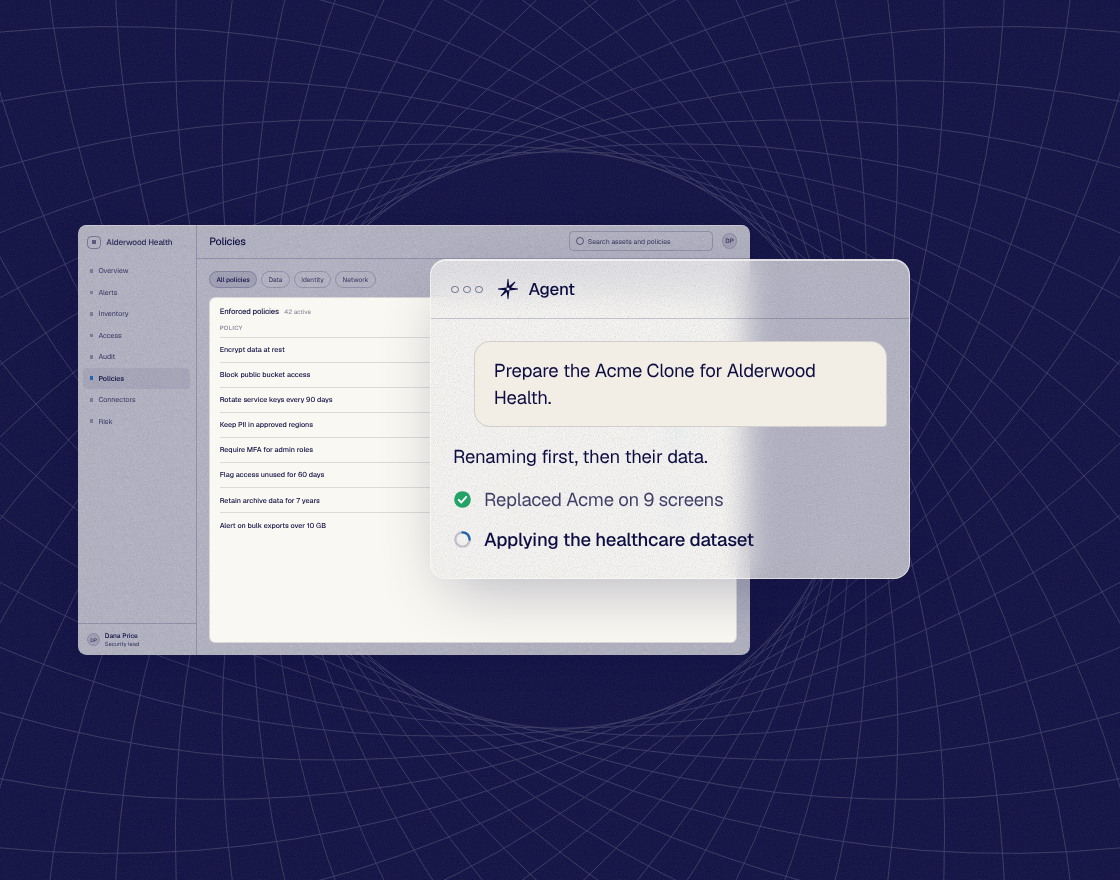
Use the native Reprise agent to capture, customize, or prepare the environment from a direct request. Let the agent complete repetitive work while the team reviews the result.
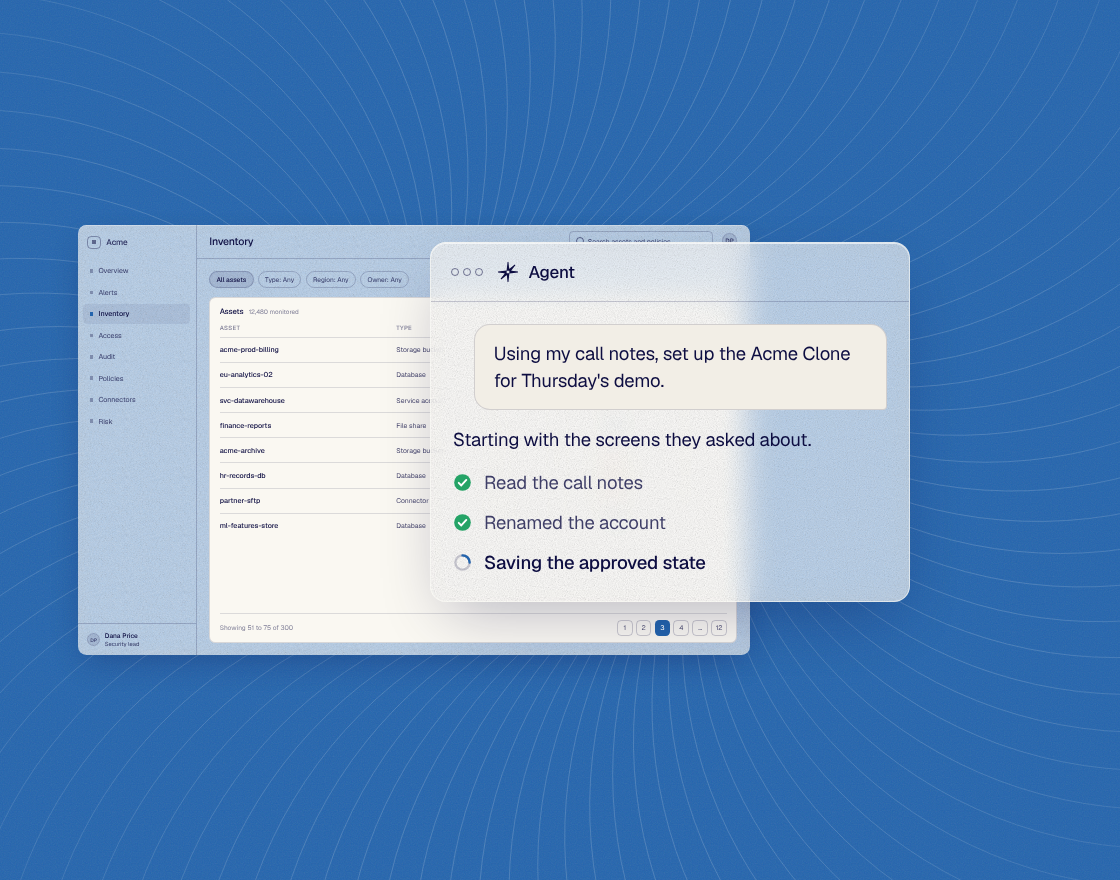
Use Reprise MCP from Claude, ChatGPT, Copilot, or another supported agent. Turn customer context, call notes, and internal information into a relevant demo request inside the workflow your team already uses.
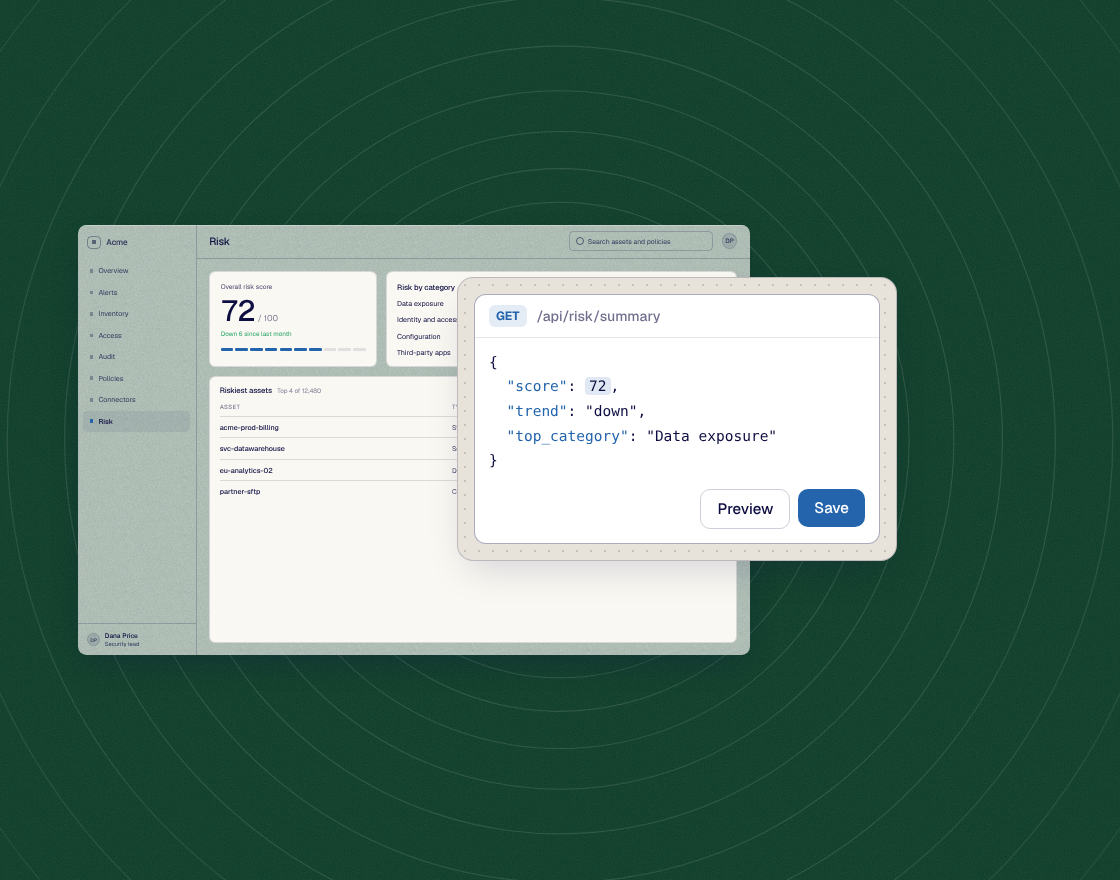
Review and improve the environment directly. Use visual editing for fast changes and advanced controls for the details that make complex products feel real.
A reliable demo environment is the foundation, not the end of the story. Reprise lets teams use the same Clone across the wider demo program.
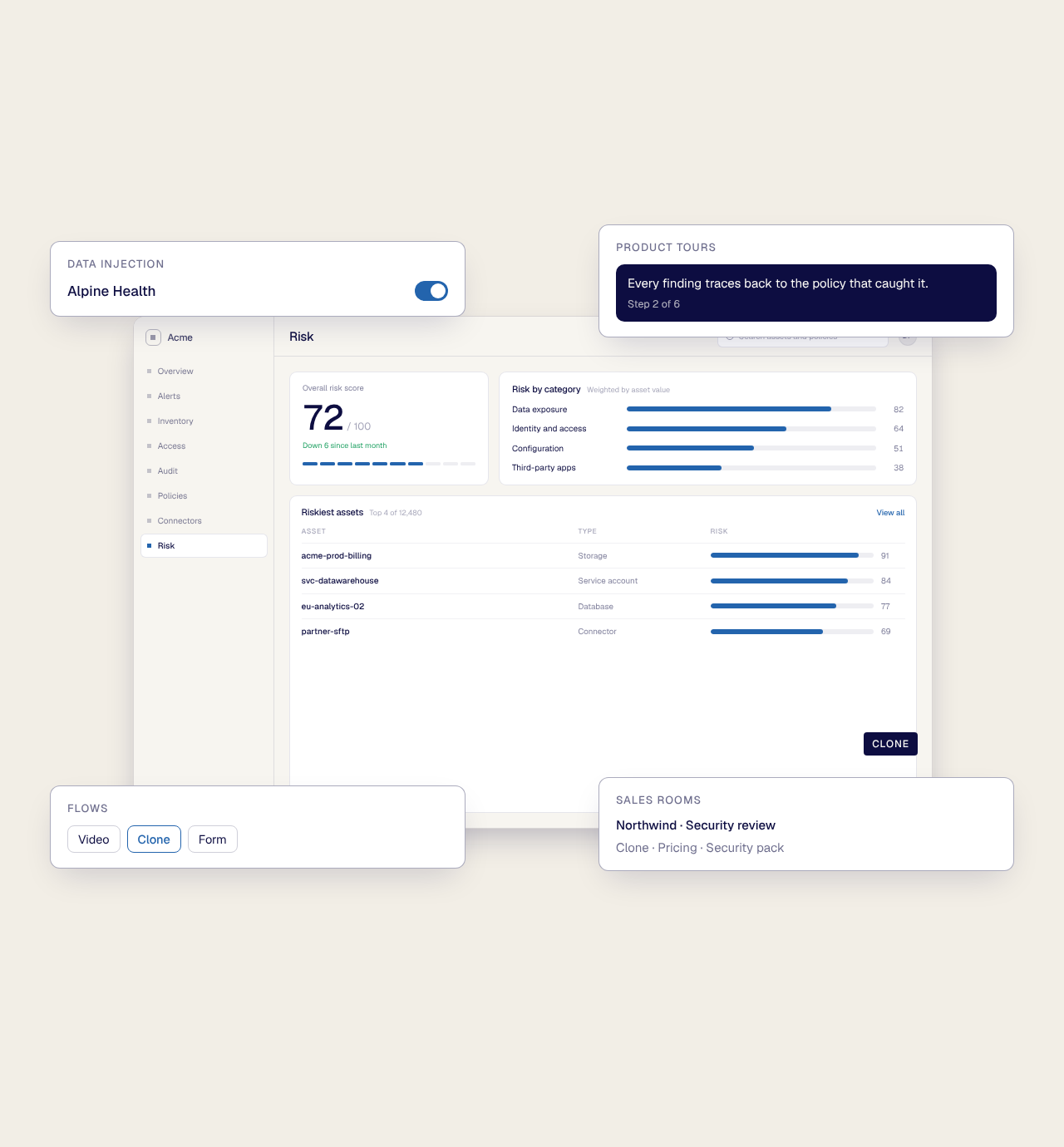
Populate it with the right data using Data Injection. Add a guided Product Tour when a buyer needs a known path. Place the experience inside a personalized Flow. Deliver it with the rest of the deal content through a Sales Room. The products stay distinct, but the work connects.
At every stage, the team can use native Reprise AI, work through a preferred agent with MCP, or manage the experience directly. The result is a demo environment that can support one important call and also become reusable enterprise infrastructure.
Reprise combines the freedom of a working demo environment with the control of a managed demo platform.
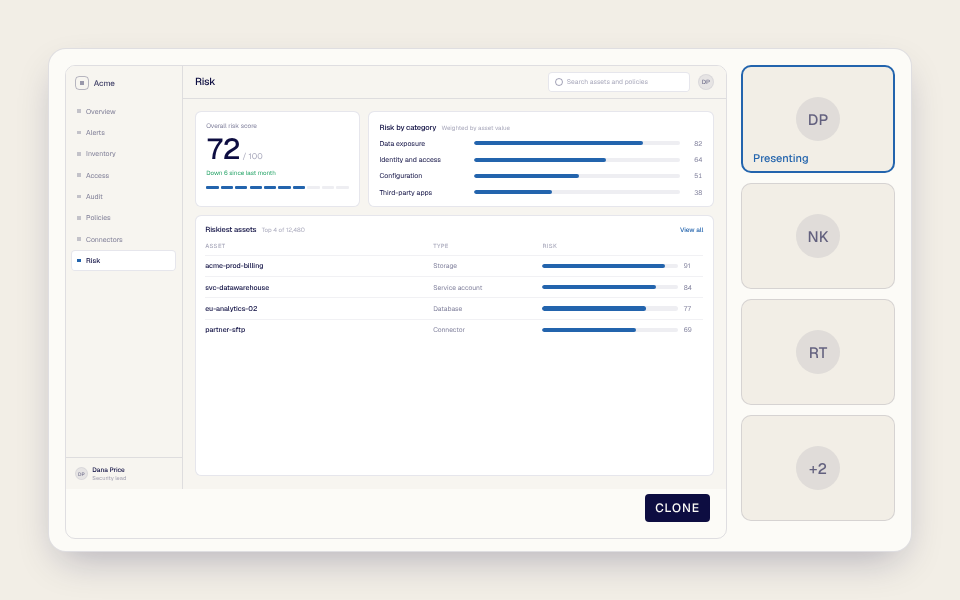
Give presenters a dependable environment for discovery, technical validation, and tailored demonstrations without relying on a shared account or production system.
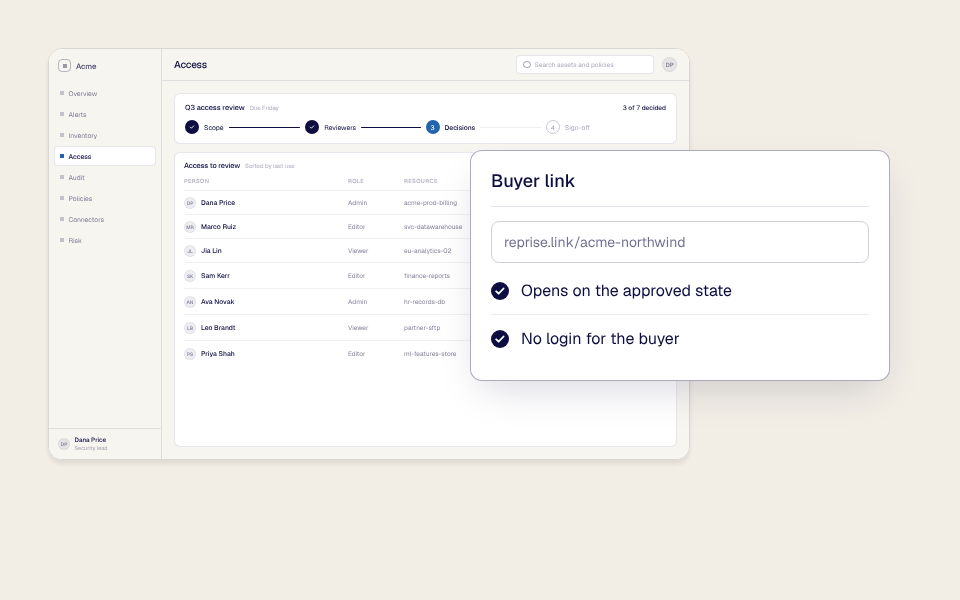
Let buyers explore important workflows in a controlled environment that protects the real application and starts from an approved state.
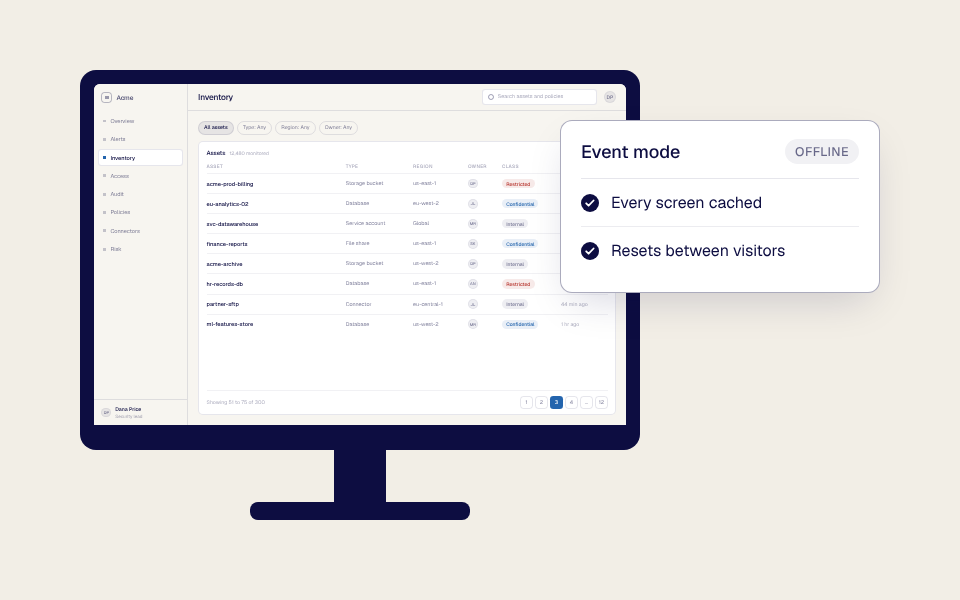
Run interactive demos where connectivity is unreliable, restricted, or unavailable, subject to the supported offline configuration.
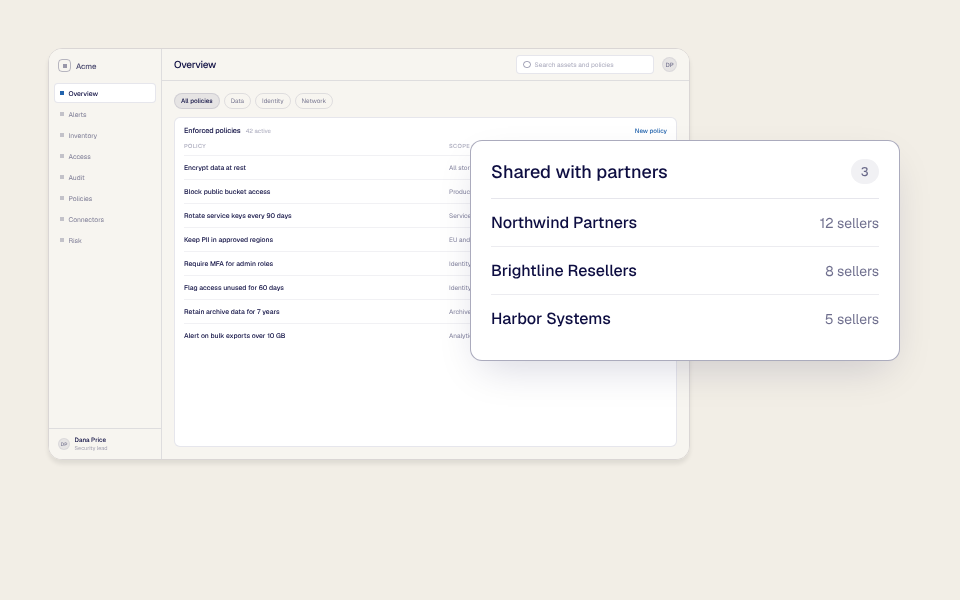
Provide approved, reusable environments that let more people demonstrate the product without making every request dependent on a small group of experts.
Create, govern, maintain, and deliver Clone environments across products, teams, regions, and buyer audiences.
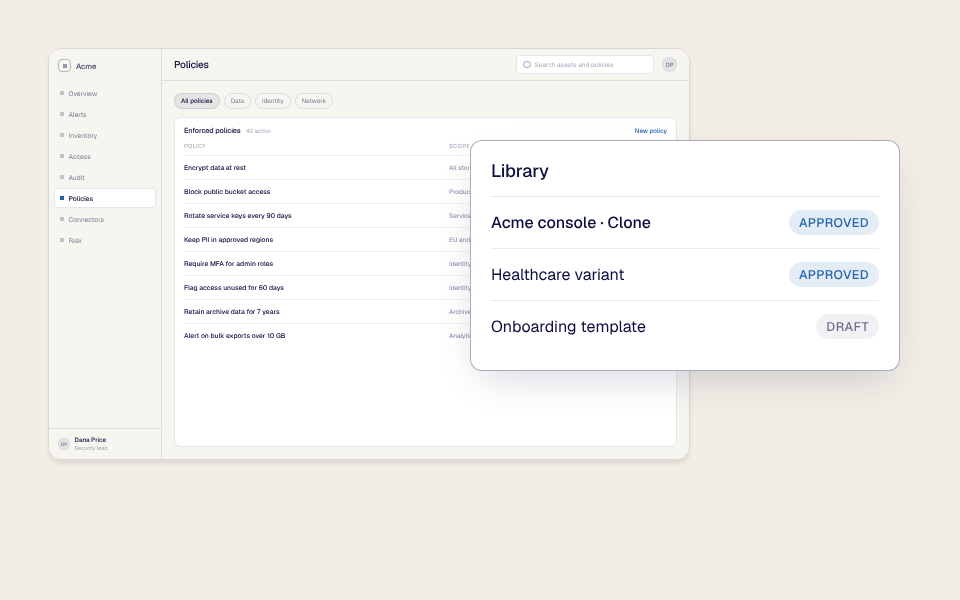
Organize approved Clones, templates, and variants so teams can start from a trusted environment instead of creating competing versions.
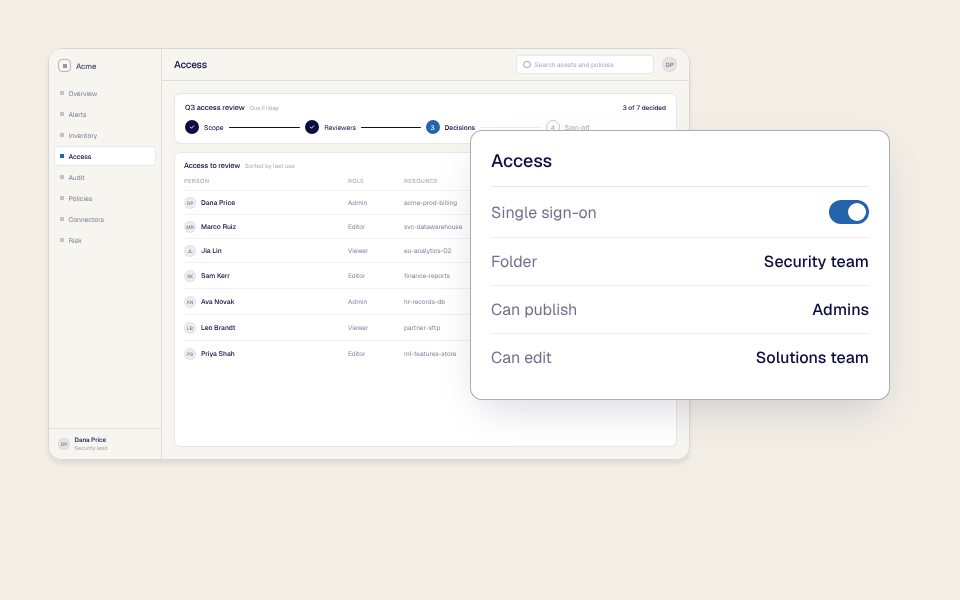
Use role-based and folder-level controls to define who can capture, edit, publish, and use each environment.
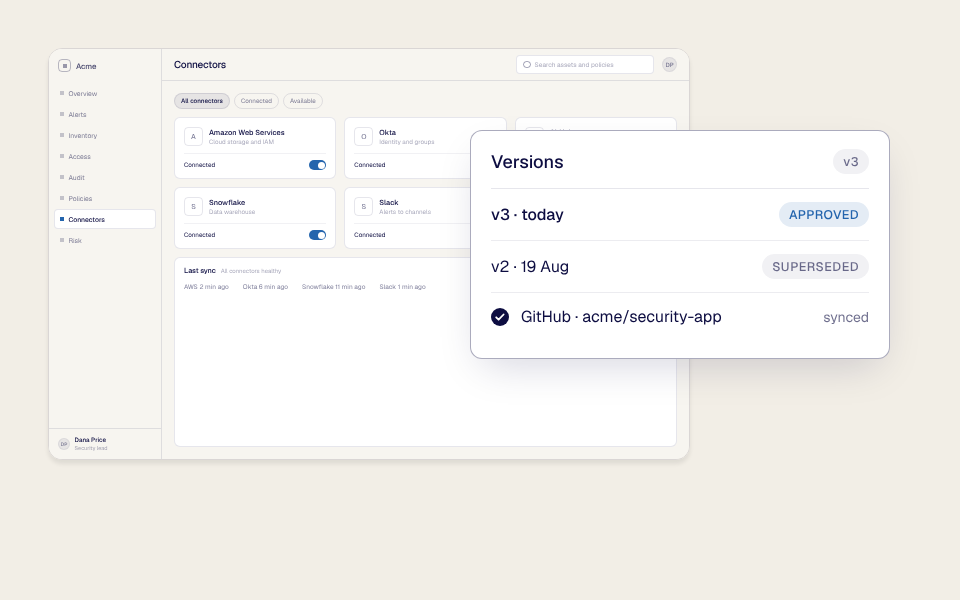
Keep the Clone aligned with the application as the product changes, with GitHub or GitLab integrations and established ownership workflows. See Integrations.
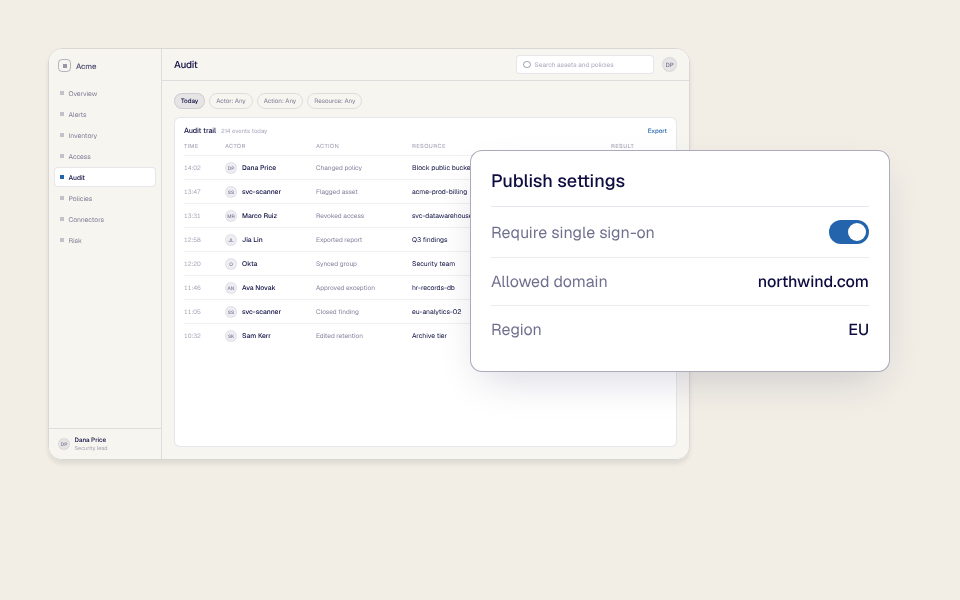
Deliver through Reprise's CDN and apply current security controls. See the Security page for certification details.

Jean-Paul M.
Enterprise
An application clone is a standalone demo environment that reproduces the parts of a software product a seller or buyer needs to experience. It looks and behaves like the application, but it runs separately from the live production system.
Reprise creates Clone environments by capturing the application's front end together with the requests and responses needed for important workflows. Teams can then customize, publish, reset, and reuse the environment without exposing production data or depending on the live application's current state.
A Product Tour guides a buyer through a known sequence using explanations, prompts, and a curated path. It is designed to tell a specific story and is well suited to websites, campaigns, sales follow-up, onboarding, and other self-guided experiences.
An Application Clone provides a broader environment for live presentation or open exploration. The presenter or buyer can move through supported workflows more freely, and the environment can reproduce application behavior beyond a fixed guided path. A Product Tour can also be added to or created from a Clone when both control and deeper exploration are useful.
Reprise captures the visible application experience and the requests and responses needed to reproduce selected workflows. This lets the Clone display the interface and respond to supported actions without requiring the live production system to complete them.
The exact capture scope and supported behavior depend on the application and how the Clone is configured; external dependencies are handled as part of that configuration.
Yes. A Clone is designed to reproduce the demo result in a standalone environment rather than sending the same action into the live application. A demonstration can show outcomes such as created objects, updated workflows, emails, payments, or provisioned resources without causing the corresponding unintended production event.
The actions a Clone reproduces are configured and validated for your application as part of setup.
A shared demo account can change without warning. Another user may alter the data, permissions, or workflow state before an important call. Product releases, outages, and maintenance can also affect the story the presenter planned to show.
A Clone separates the demo from those risks. Teams can define the starting state, isolate sessions, reset the environment, and reuse an approved experience across sellers without depending on one fragile shared account.
Yes. Teams can customize the visible interface and the behavior behind it using the controls supported by their Reprise configuration. This can include text, images, links, reusable variables, data, guides, requests, HTML, CSS, and JavaScript.
Teams can also use Data Injection to apply saved app-fit datasets for different prospects, industries, personas, regions, or use cases. This makes it possible to reuse the environment while changing the story shown inside it.
Yes. A team can prepare multiple datasets for the same demo environment and select the one that fits the buyer or use case. The selected data can appear across connected tables, charts, filters, and screens so the environment remains believable throughout the demo.
Data Injection is a separate Reprise product that works with Clone environments. See the Data Injection page for the full workflow.
Yes. Teams can capture, edit, customize, publish, and maintain Clone environments directly without using AI.
Reprise's native AI agent can make repetitive creation and personalization work significantly faster. Teams can also work through a preferred AI agent using Reprise MCP, then review and refine every important detail through Reprise's visual and advanced controls.
Reprise MCP makes supported demo-authoring tools available to compatible AI agents. A seller or product marketer can work from a preferred agent that already has customer context, then ask it to prepare or customize a Clone for the upcoming conversation.
The resulting environment remains in Reprise, where the team can review, edit, approve, publish, govern, and measure it.
Reprise supports offline availability for configured demo environments. This is useful at tradeshows, government facilities, secure locations, and other settings where connectivity is unreliable or restricted.
Offline use is prepared in advance for the environments that need it; packaging, authentication, and update requirements are part of that configuration.
Yes. A Reprise Clone runs separately from the live application, so a prospect does not need to be provisioned as a user of the real product simply to see or interact with the demo environment.
The Clone still uses Reprise access and sharing controls. Avoiding a live product login is different from the authentication or permissions that protect the published Reprise experience, and both are in your team's hands.
Reprise uses scalable delivery infrastructure to support high-volume demo access. Because the environment is separated from a shared live application, teams avoid many of the collisions that occur when multiple sellers change the same account.
Session isolation and reset behavior keep each presenter's session independent and returnable to the approved starting state.
Teams can update captured content, requests, responses, data, guides, and other supported elements as the application evolves. Reprise also offers GitHub and GitLab integrations for developer workflows.
Versioning and ownership workflows keep the approved environment aligned with the product without every change requiring a rebuild.
Clone environments run separately from the customer's live production application and can remove or replace sensitive customer information. Reprise also provides enterprise controls around access, publishing, and platform security.
See the Security page for SOC 2 Type II, ISO/IEC 27001:2022, privacy compliance, and RBAC details.
Application Clones let the team prepare and validate a known demo state before the call. Because the environment is separate from production, the story is less likely to be affected by a live release, outage, permission change, expired prospect account, broken external integration, or another seller changing shared data.
The Clone can also be reset to its approved starting state for the next session. This minimizes common environmental errors while ownership, testing, and maintenance of the demo experience stay with the team.
Reprise Clones are designed to reproduce supported application behavior in a standalone, deeply customizable environment. They capture front-end experiences and the requests and responses behind them, support advanced editing, use saved datasets, run at enterprise scale, and operate offline where configured.
They also sit inside the wider Reprise demo platform. Teams can use native AI or MCP to prepare the environment, add Product Tours, include the Clone in a Flow, deliver it through a Sales Room, and govern the resulting assets across an enterprise program.
