
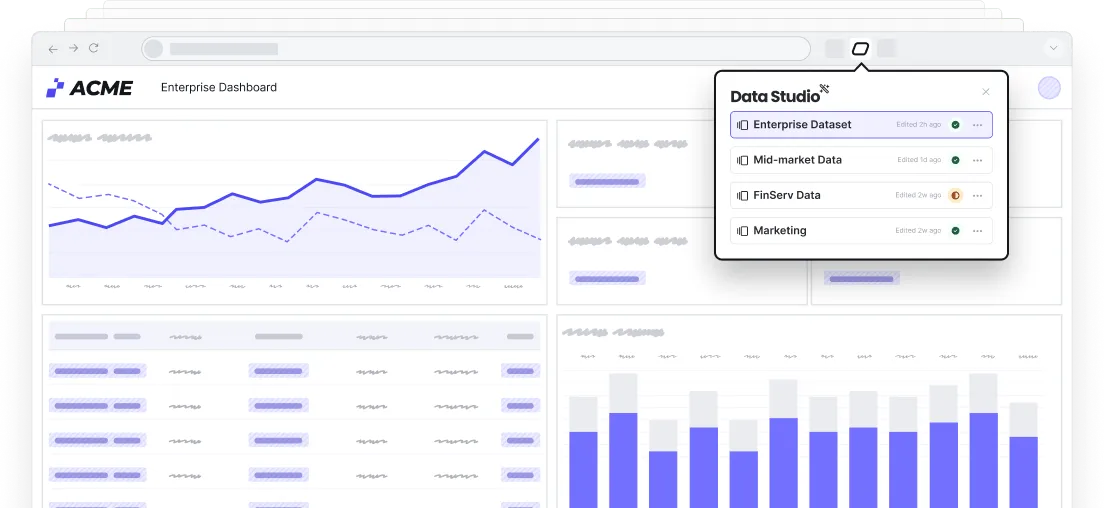
Inject realistic demo data into an empty production environment, or update your live app with a custom dataset.
Populate your demo with relevant data. Make any last-minute changes to further customize your demo.
Tell data-driven stories that resonate — plus use AI to create new datasets to demo different verticals and use cases.
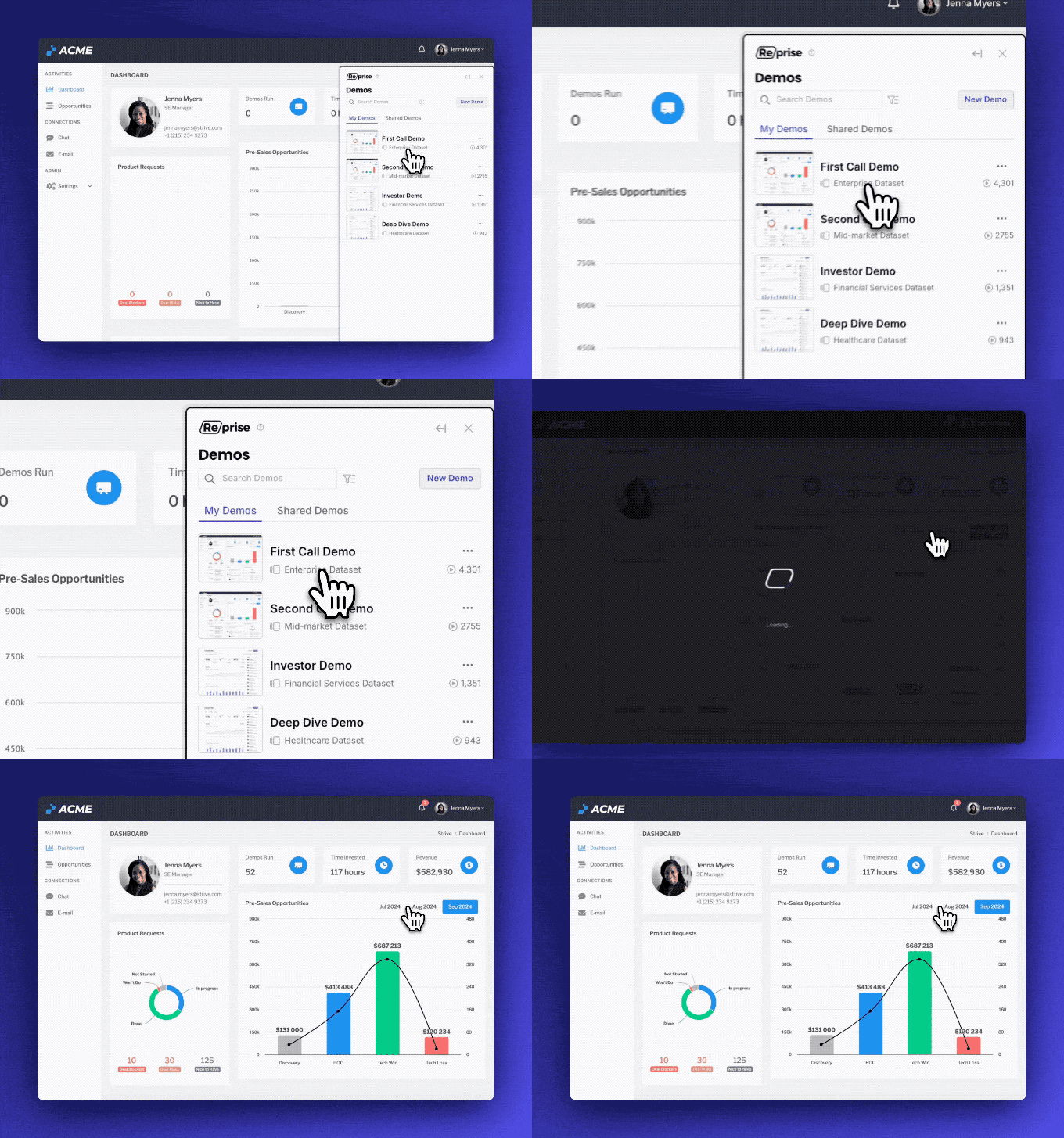
Show your product in the best possible light by adding realistic data to an empty demo environment. Or, change the data in your existing demo to match your audience. Building and updating these datasets takes seconds with AI.
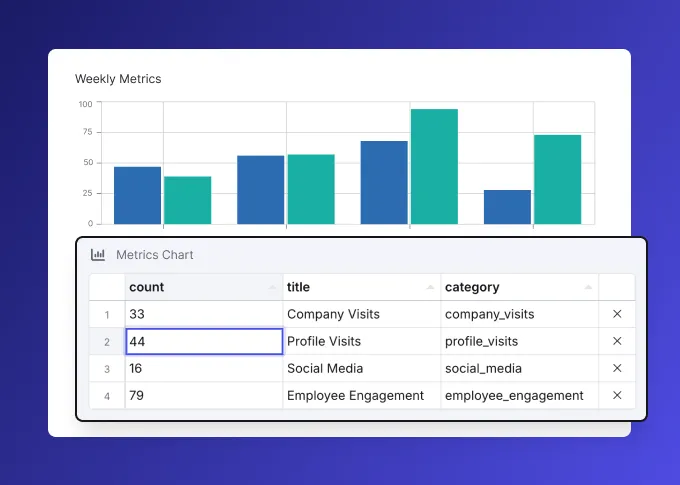
Change a chart's underlying data, and watch it update in real time. Save even more time by having connected data automatically re-calculated and using AI to expand existing datasets.
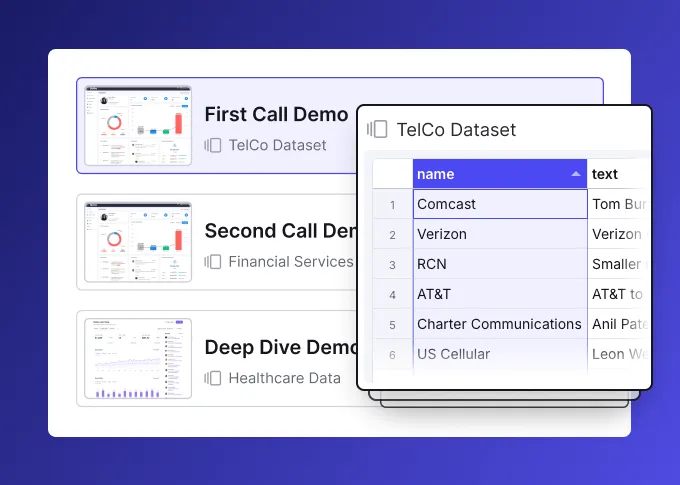
The best demos use data to tell a story. Replace entire datasets instantly so your demo resonates with the person, team, or industry you're talking to.
Shared data is a set of tables that belong to your Reprise account rather than to one demo. Each table holds one list, such as accounts, users, products or tickets, that many Data Injection sources can read from.
Edit a row once, and every demo wired to that table picks up the change the next time it plays.
Use one when the same list keeps turning up across several datasets or demos, or when a demo needs hundreds of rows that someone maintains by hand.
Keeping the list in one place keeps every demo that uses it consistent.
Each source links only the columns it needs. For each linked column, the table's value takes the place of the source's own value, row for row, while unlinked columns keep coming from the source.
That way a table can own the account names while each demo keeps its own status or dates.
Yes. Build one complete, realistic row in the source and link it to a longer table. Reprise extends the rows to match the table, so one row linked to a 400-row table renders 400 rows.
Link every column that should vary, because unlinked columns repeat the template row.
Yes. Any number of sources can link the same table, in one dataset or across many, and each one picks its own columns and how it handles extra rows.
The same customer list can appear across a dozen screens of your app with one copy to maintain.
No. Nothing that happens during playback is saved back to the table. Records a presenter creates during a session stay in that browser tab and clear when play stops.
Two people playing the same dataset at the same time never see each other's changes.
Yes. The native AI agent can create and expand datasets from a prompt, so you can demo a new vertical or use case in seconds. Your own assistant can do the same through the Reprise MCP.
Every row can also be edited by hand, so the data says exactly what you need it to say.
Shared data is part of Data Injection. Data Injection changes the data your live app or demo environment shows during a demo, and shared tables keep the lists behind it consistent across every dataset.
Datasets can also be injected into Application Clones, so the same data story carries across demo types.
