
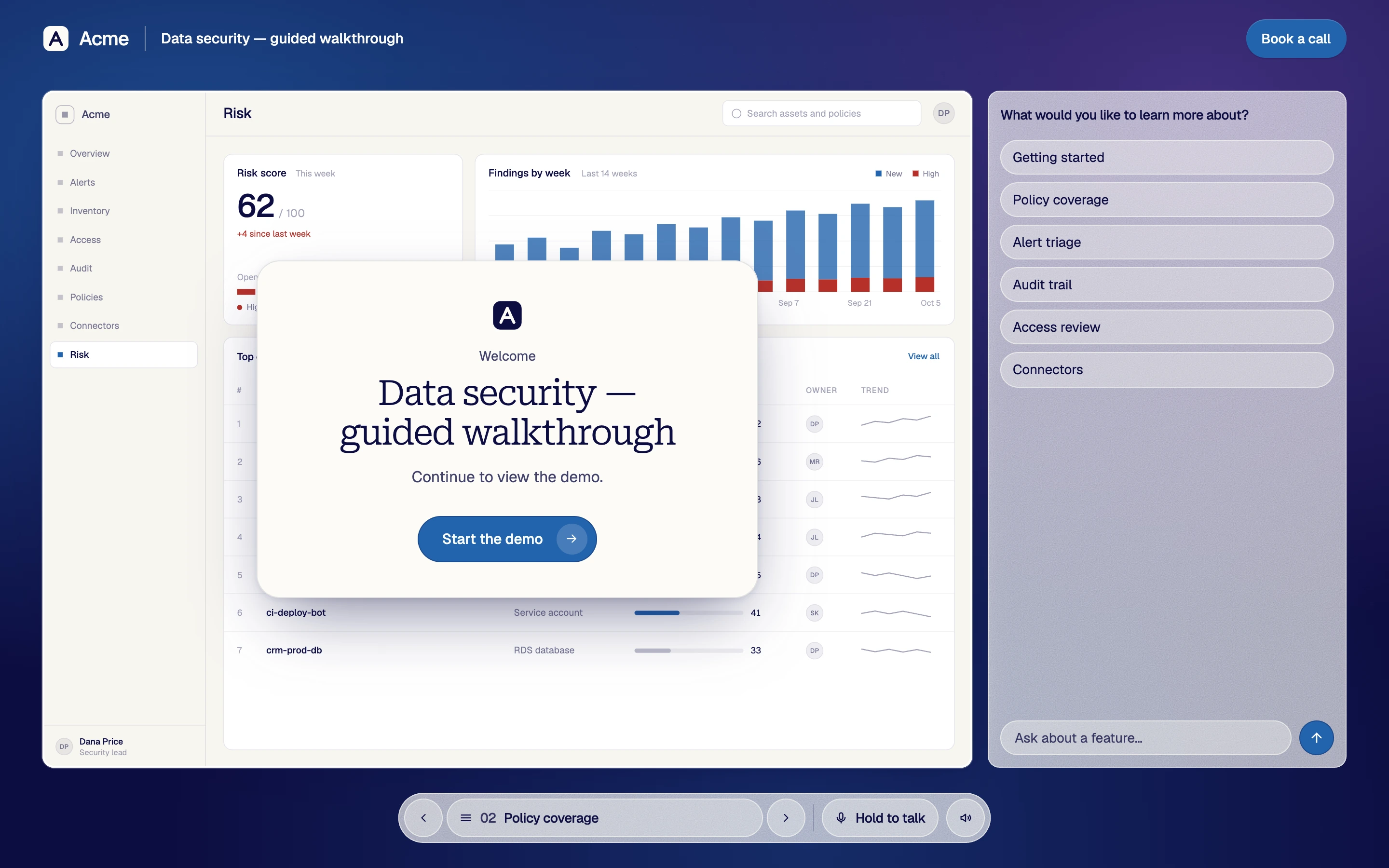
This is a Reprise Product Tour of a sample application. Start it, follow the guides, and ask the AI Tour Guide a question.
Build it once and your entire go-to-market team has a product experience to publish, reuse and update, without rebuilding it for every request.

Open your application and use the Reprise extension to capture the screens and interactions buyers need to see.

Tell Reprise’s native AI what the tour should explain, or add and edit guides, hotspots, media, and interactions and change the data yourself.

Publish the tour as a tracked link, embed it on your website, or use it before, during, and after a sales call. Update and republish without rebuilding the experience.

Give buyers a guided path through the product, led by an AI Tour Guide, a narrator or an avatar that answers questions as they explore. Place the tour in a Flow with forms to capture the next step.
AI accelerates Product Tour creation without forcing your team into a single workflow: easy to use for a team of one, robust enough for an enterprise demo program. Start with an agent, start inside Reprise, or build and refine the experience yourself.
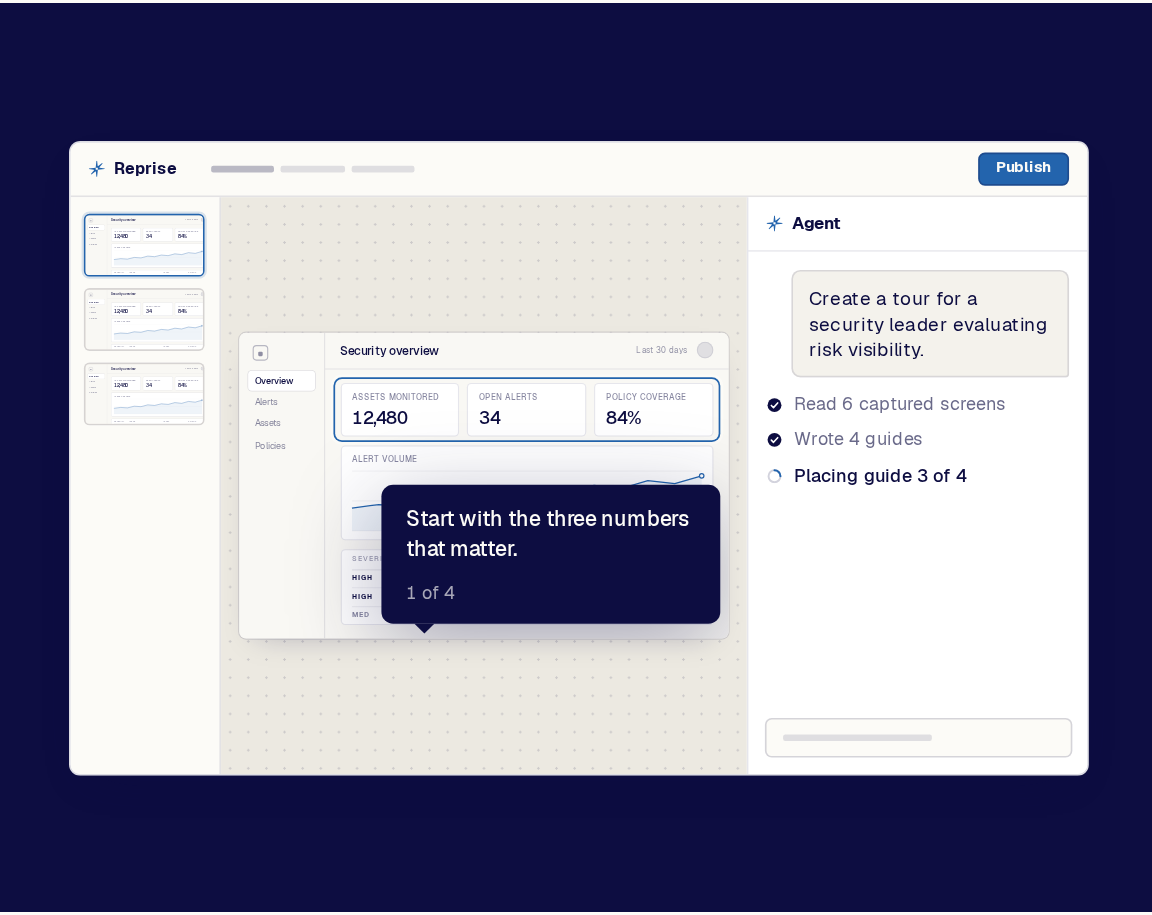
The Reprise agent is built to do the whole job. Give it the audience and the story and it captures the screens, writes the guides, fixes the data, styles the tour and publishes it, with every Reprise capability at its disposal: a 30-step storyboard, a new screen in an existing tour, custom CSS and code, seven languages. If Reprise can do it, you can ask for it.
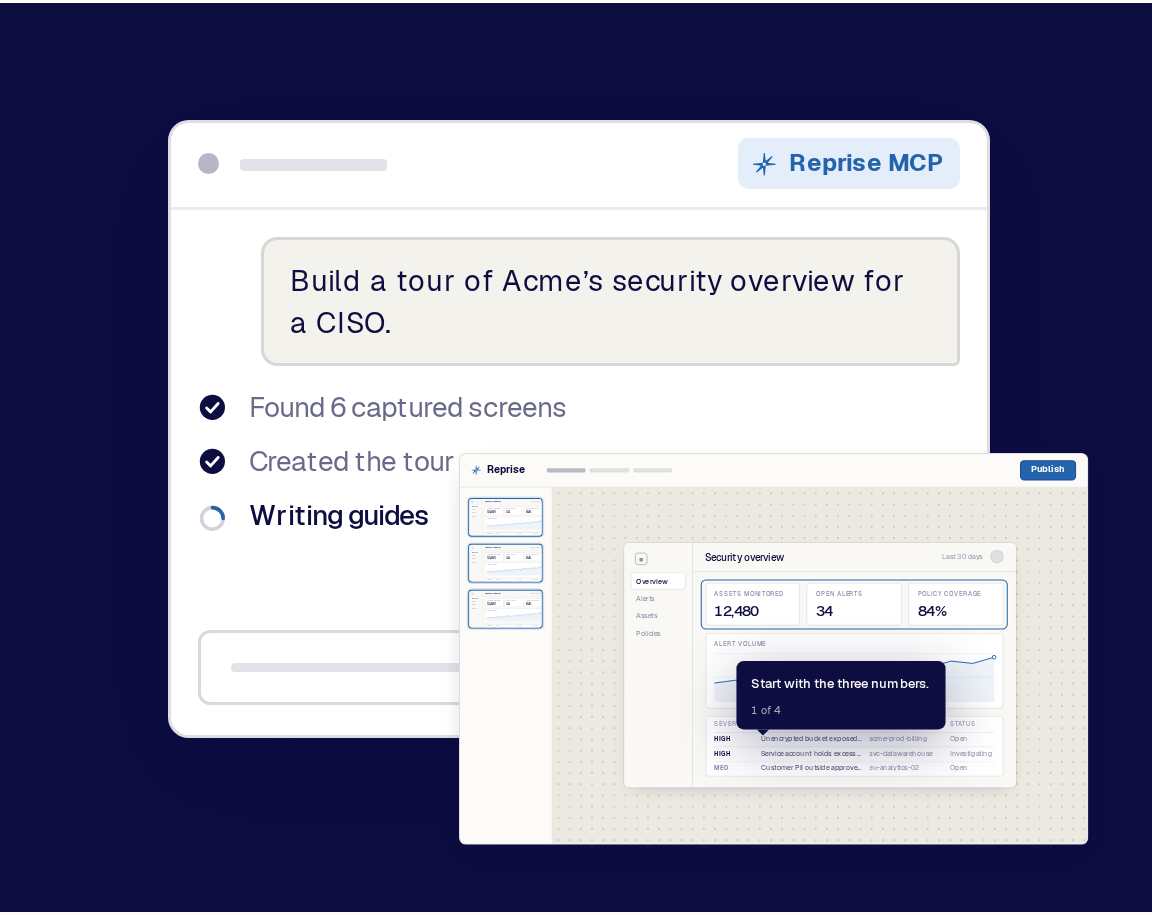
Reprise MCP puts the same capabilities inside Claude, ChatGPT, Copilot or whichever agent your team already works in. That agent knows the account, the call notes and the campaign, so it can build the first version of a tour from that context and, just as usefully, grow it afterwards: add yesterday’s captured screens, take a four-step tour to twelve, translate it, republish it. The tour stays in Reprise, where the team reviews, approves and measures it.
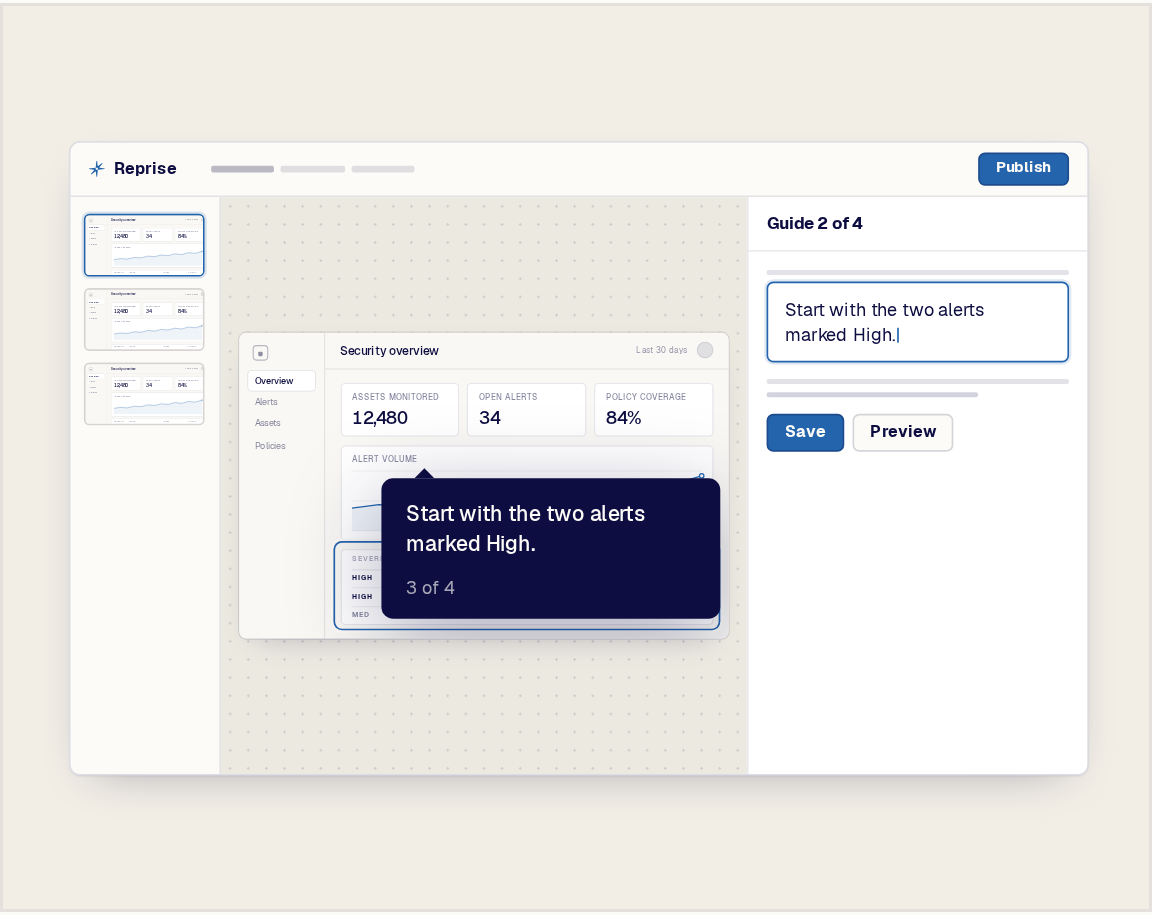
Every detail the agent produced is yours to change. Edit guide copy, positions and media in the visual editor, go deeper with custom CSS, DOM changes and JavaScript for interactions the product does not have yet, or hand the fix back to the agent. Edits stay separate from the published tour, with full version history and restores, so your team controls exactly what buyers see.
A standalone tour is one moment in the buyer journey. Reprise Product Tours are part of a complete demo platform, and that changes two things.
Create app-fit data with Data Injection, capture it as a Product Tour, place the tour in a personalized Flow and deliver it through a Sales Room. From the first website visit to the signed deal, the same team and the same assets carry the story.
A tour built on injected data tells a truer story. A Clone captured as a tour travels further. A tour placed in a Flow or Sales Room keeps working after the call. The products stay distinct, but the work connects.
Reprise does not stop at the tour. Data Injection sets the story in the data before capture. Flows and Sales Rooms give the tour its place in the buyer journey. Analytics show what buyers explored. Lead capture forms and integrations carry every one of them into your CRM.
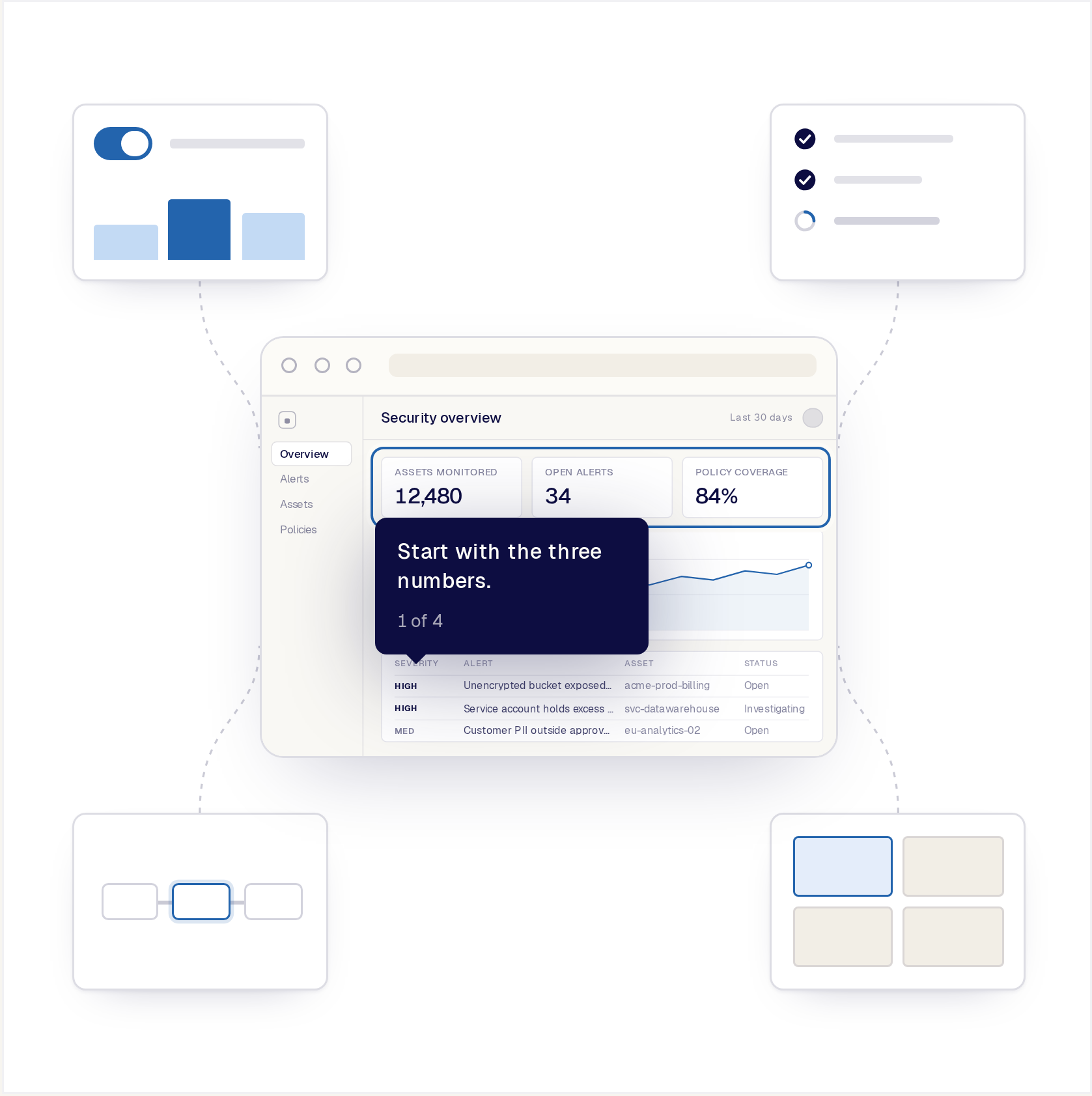
Every row here is one prompt to the Reprise agent and what came back. Native AI with the full capability of the platform behind it.
Capture the six screens of the alerts workflow and set the tour up for a security lead.
Six screens captured and configured as tour steps. Prompting, not clicking through the extension.
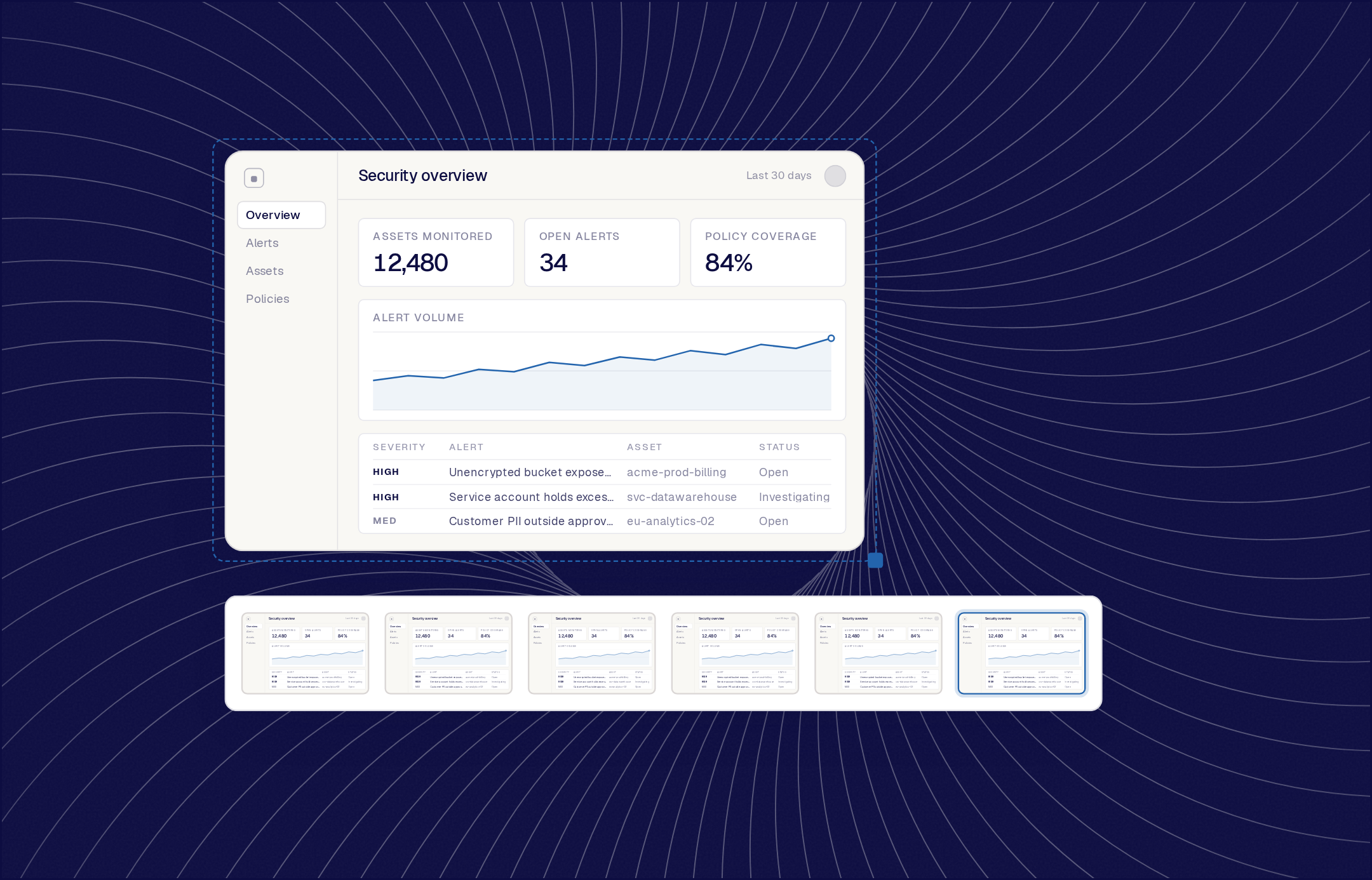
Here is the 30-step storyboard from the doc. Build the whole tour.
Thirty steps, fourteen screens, every guide written and placed from the plan.
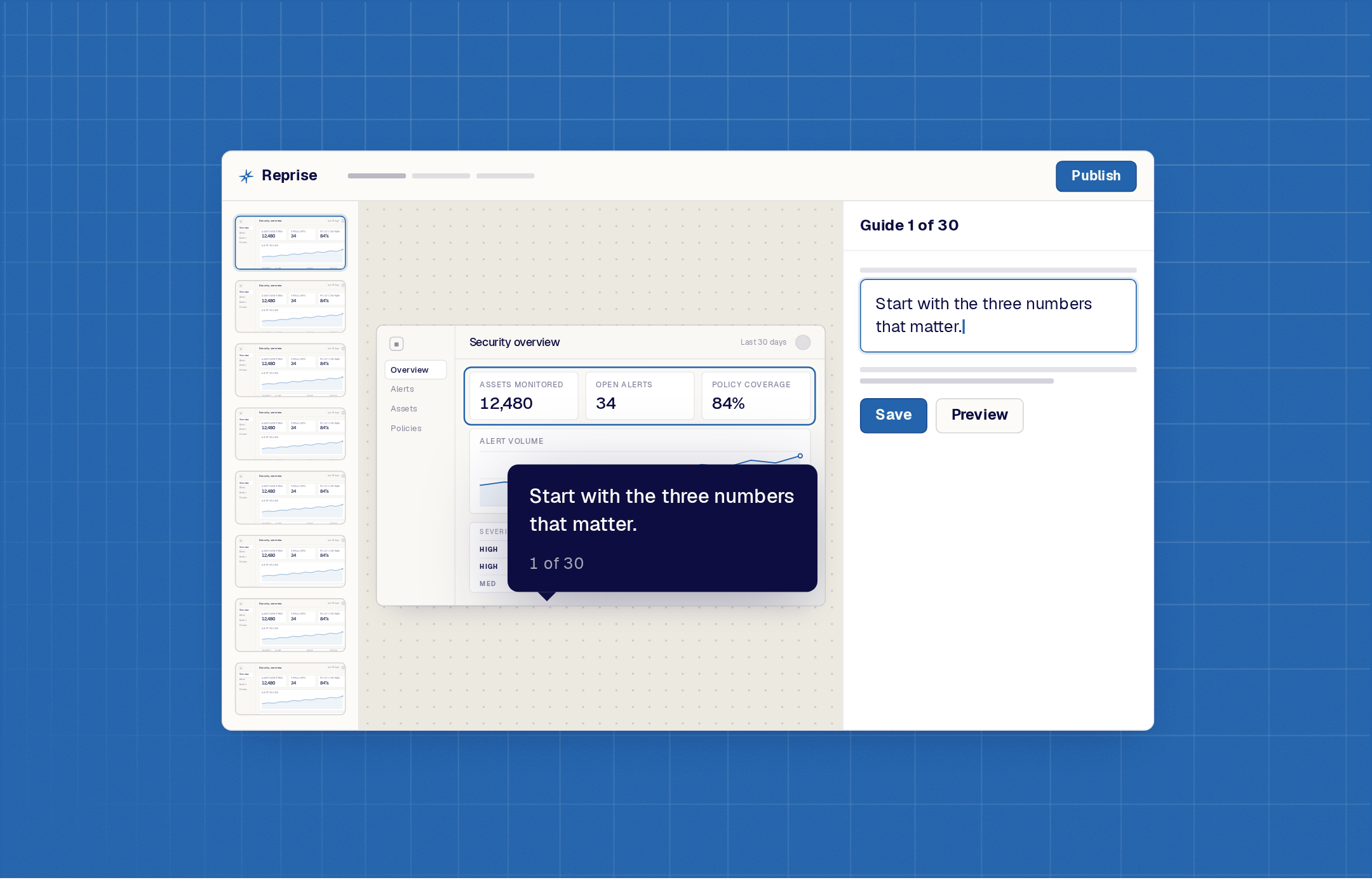
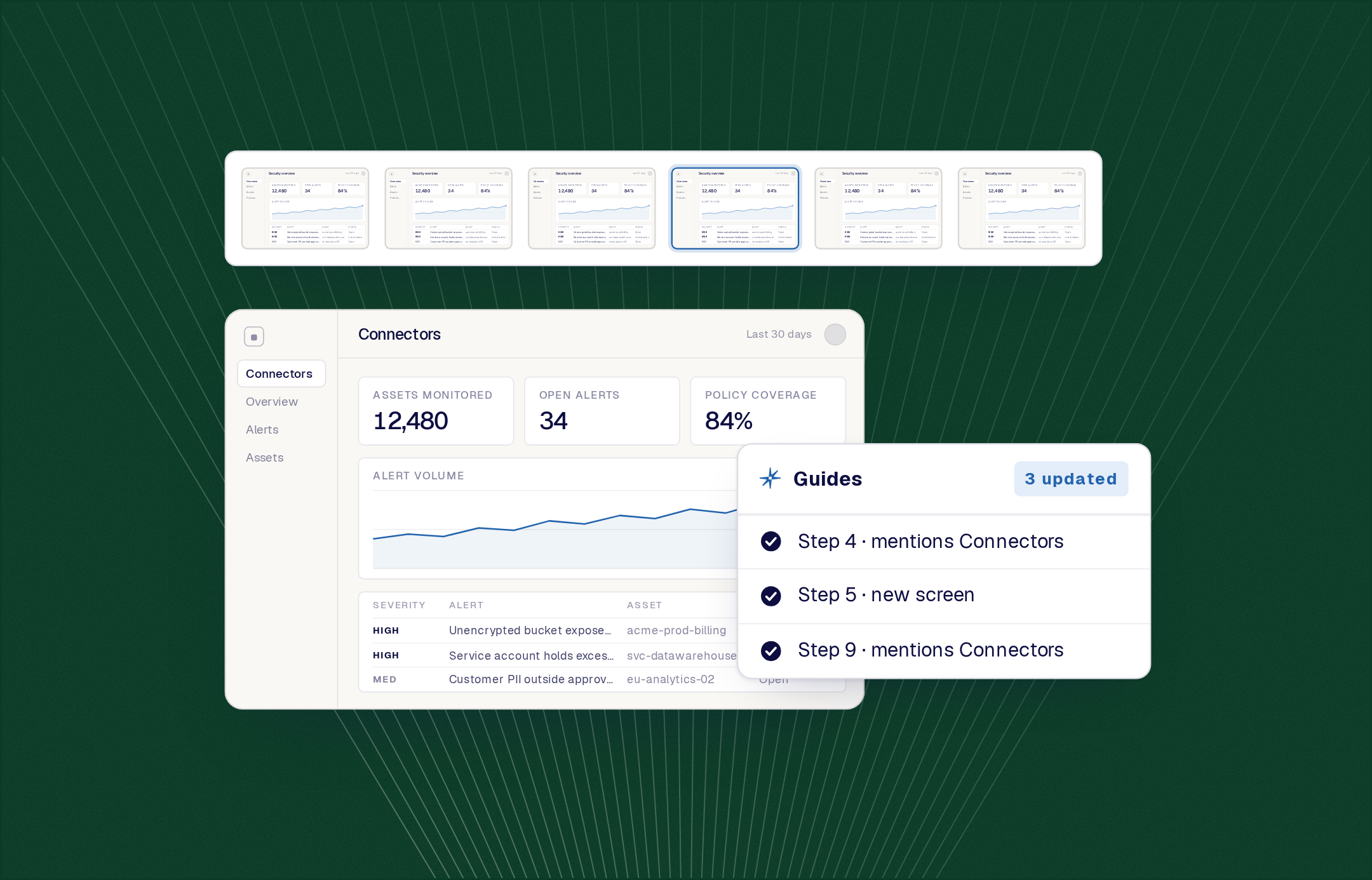
Add the new Connectors screen after step 4 and update the guides that mention it.
One screen added, three guides rewritten. The rest of the tour untouched.
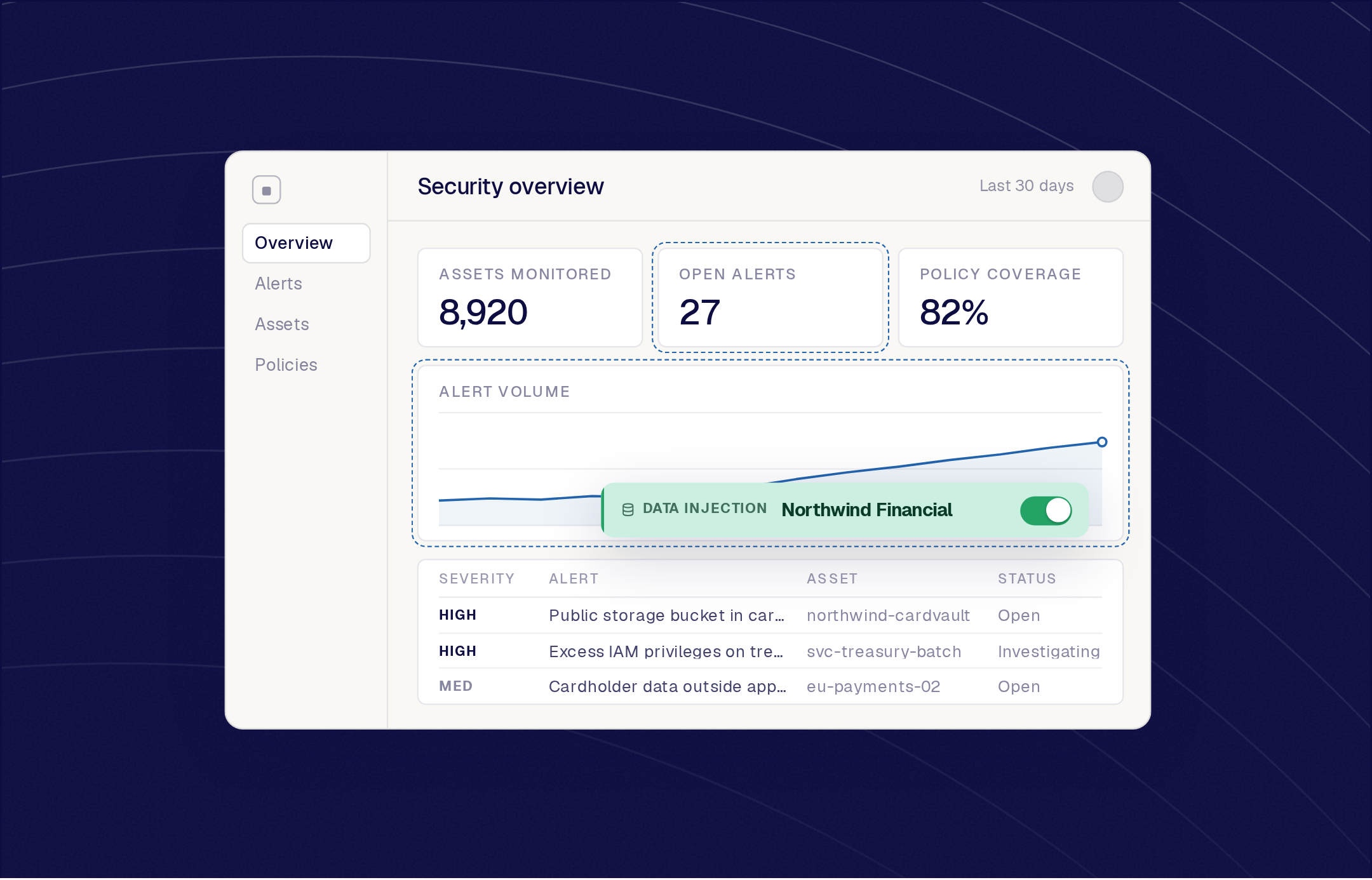
Before capture, make alert volume climb through the quarter and set open alerts to 27.
Chart, tooltips and hovers all agree, because the data changed before the screen was captured.
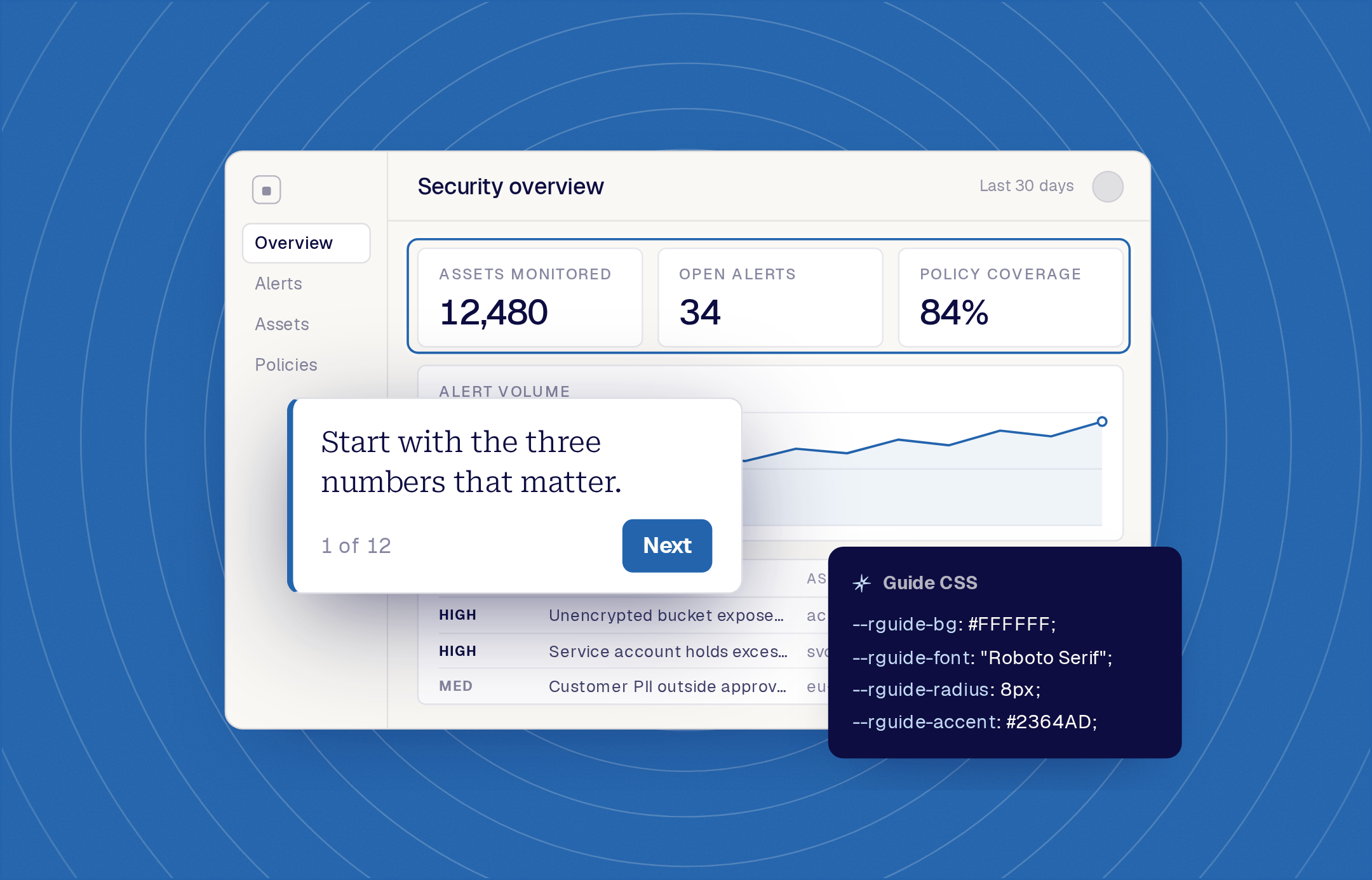
Style the guides like our brand: white cards, our serif, 8px corners, our blue for the button.
Guide CSS written and applied to all 12 guides. Change it once, every guide in the tour follows.
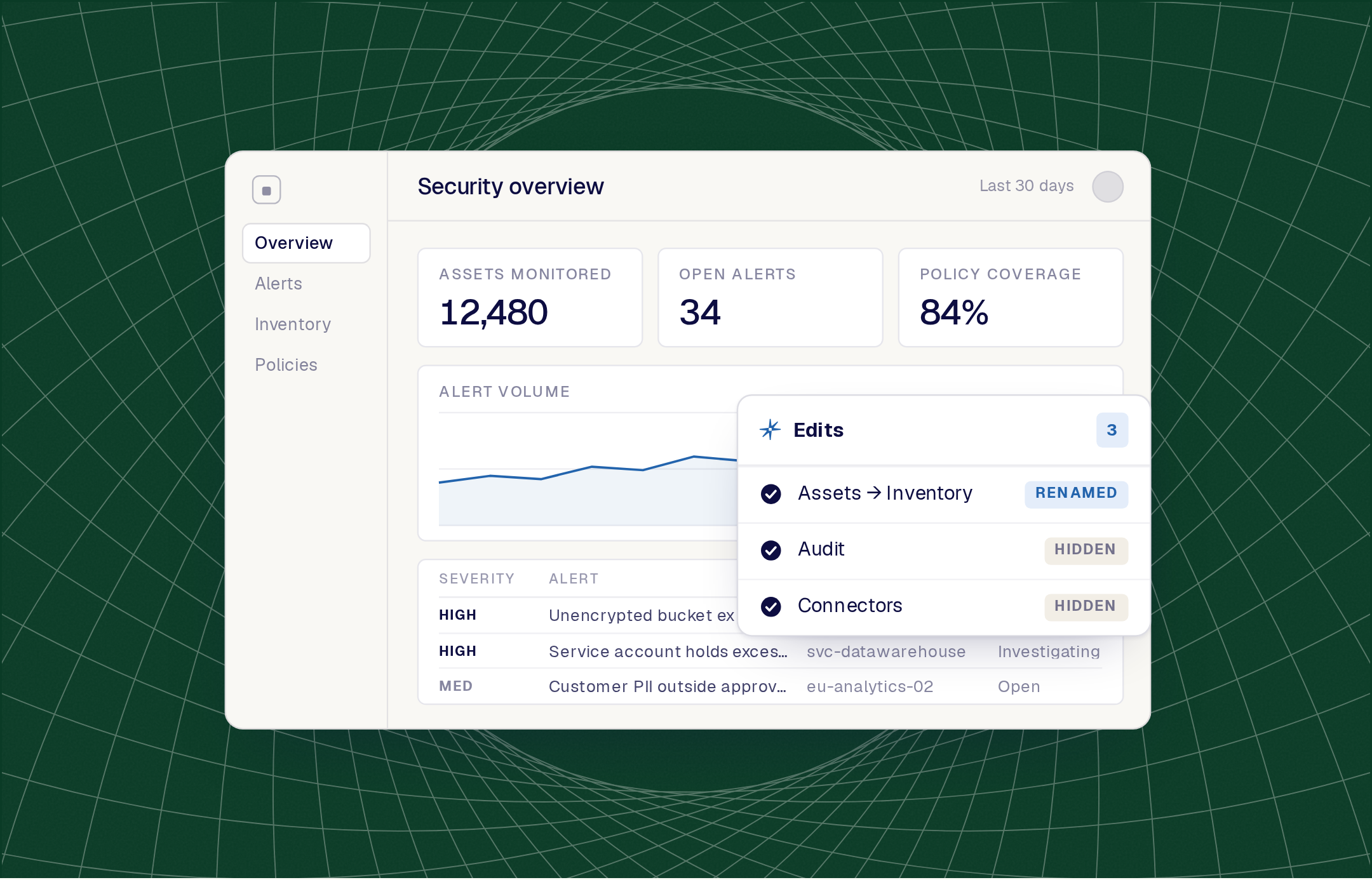
Hide Audit and Connectors in the nav and rename Assets to Inventory.
Two items hidden, one renamed, on every screen they appear.
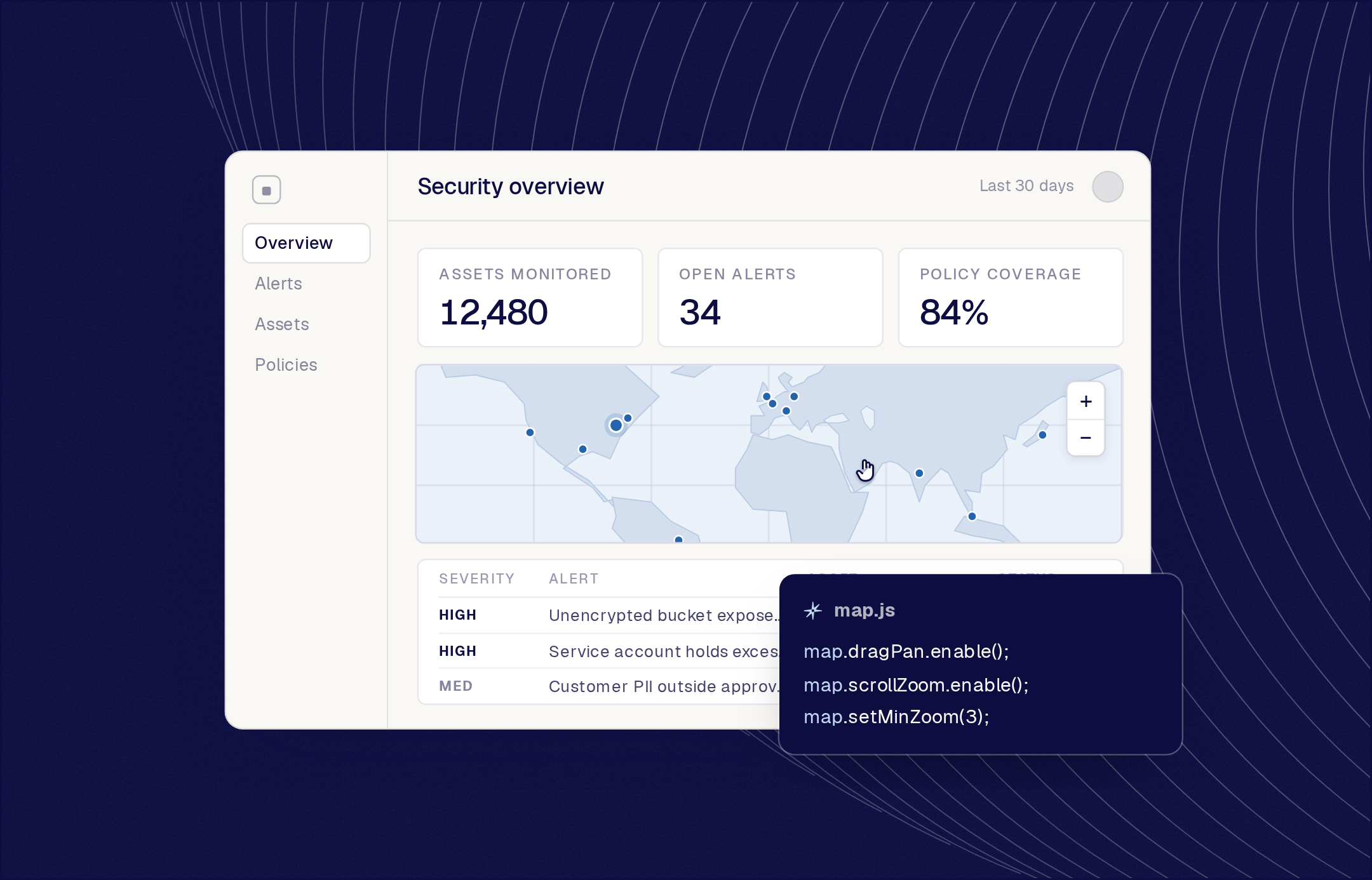
Let buyers drag and zoom the asset map on this screen.
Custom JavaScript written for the map. Drag, zoom, nothing else changed.
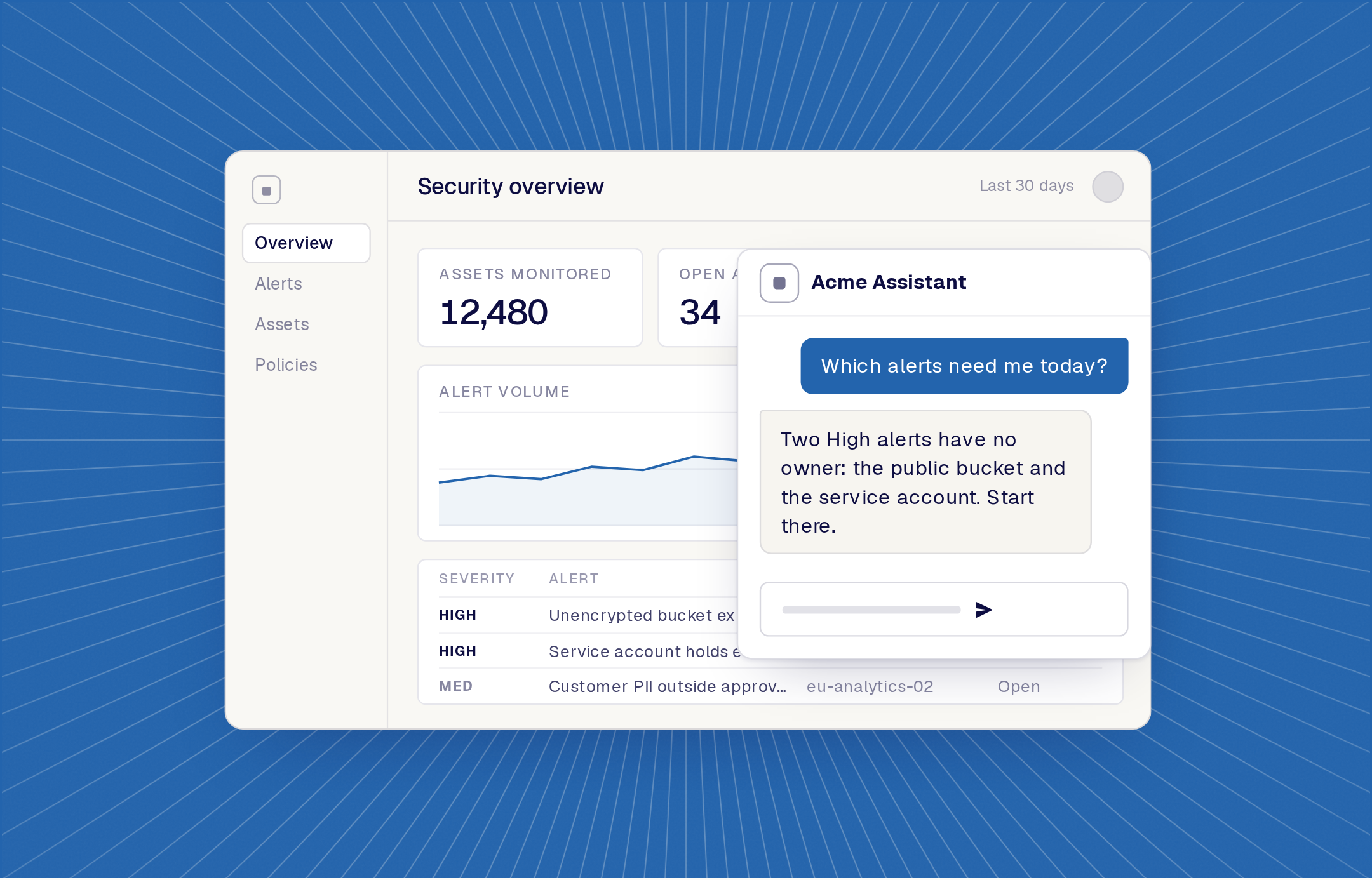
Show the Acme assistant answering “which alerts need me today?” on the Overview.
An AI chat session scripted into the tour, playing the same way for every buyer.
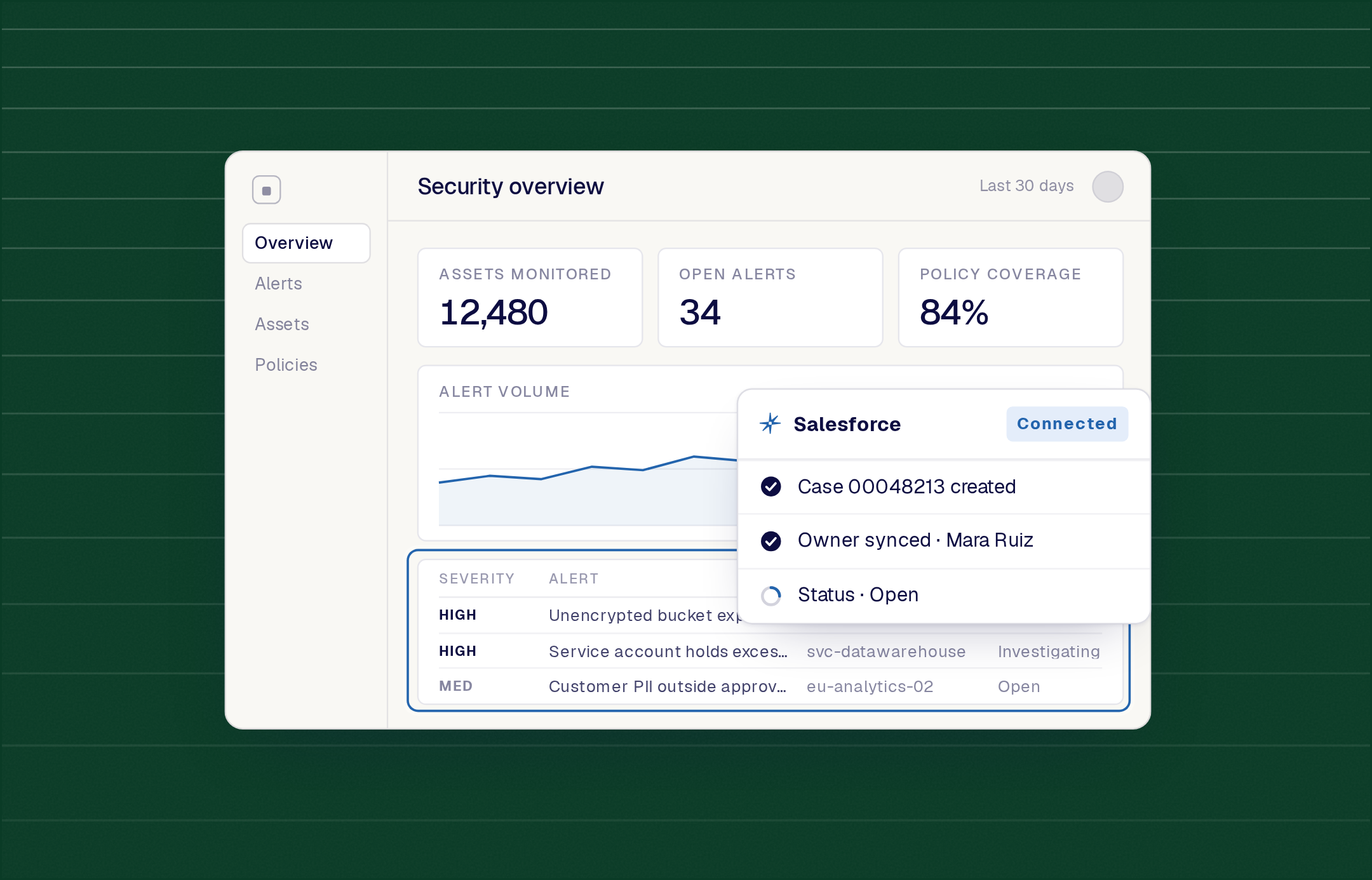
Add a step where the alert is pushed to Salesforce and the case number comes back.
The Salesforce hand-off shown in the tour, with no live connection required.
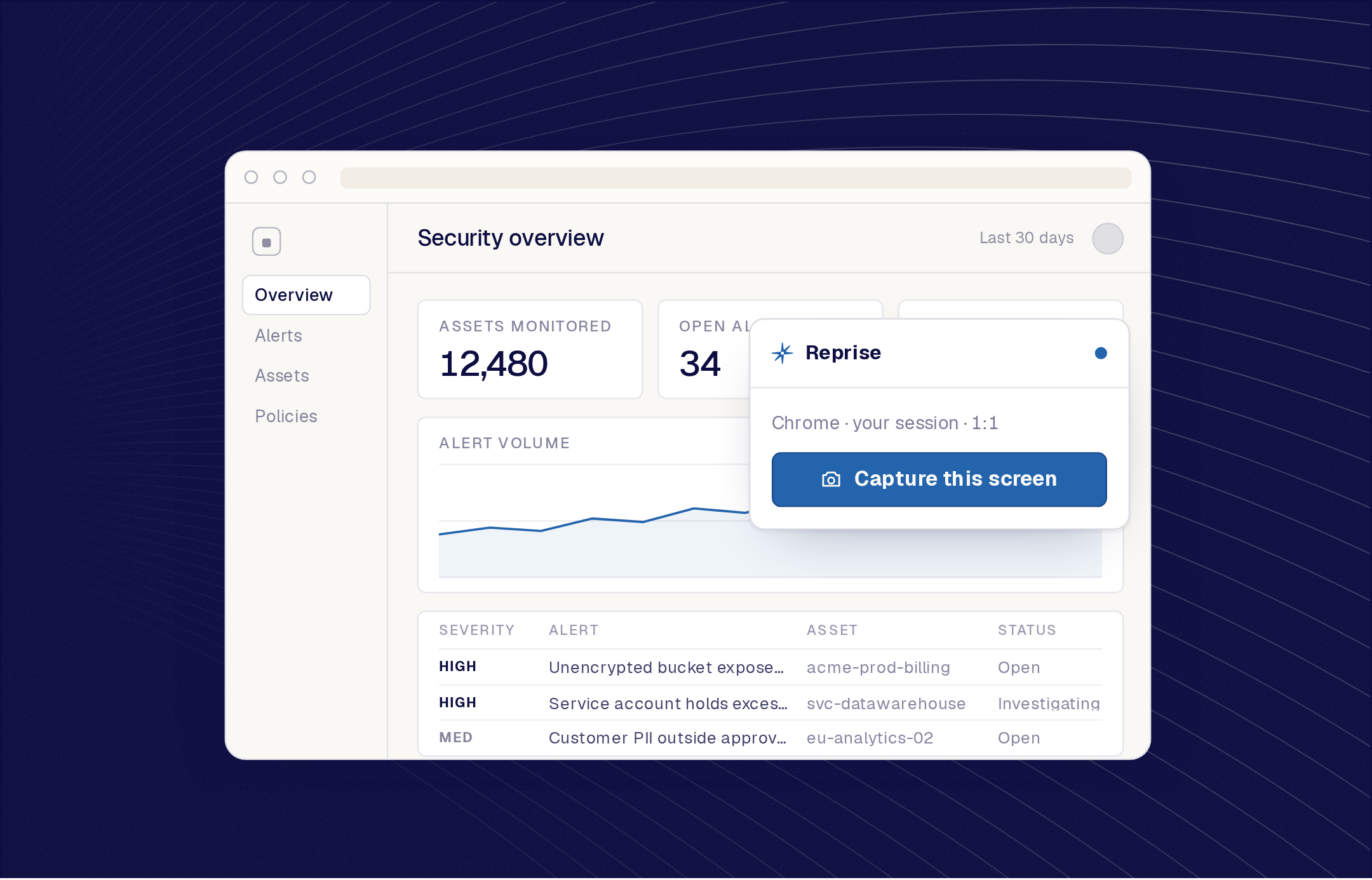
Capture the Overview exactly as it looks in my browser, custom theme included.
Captured in your Chrome, from your session. No server-side render, no special browser.
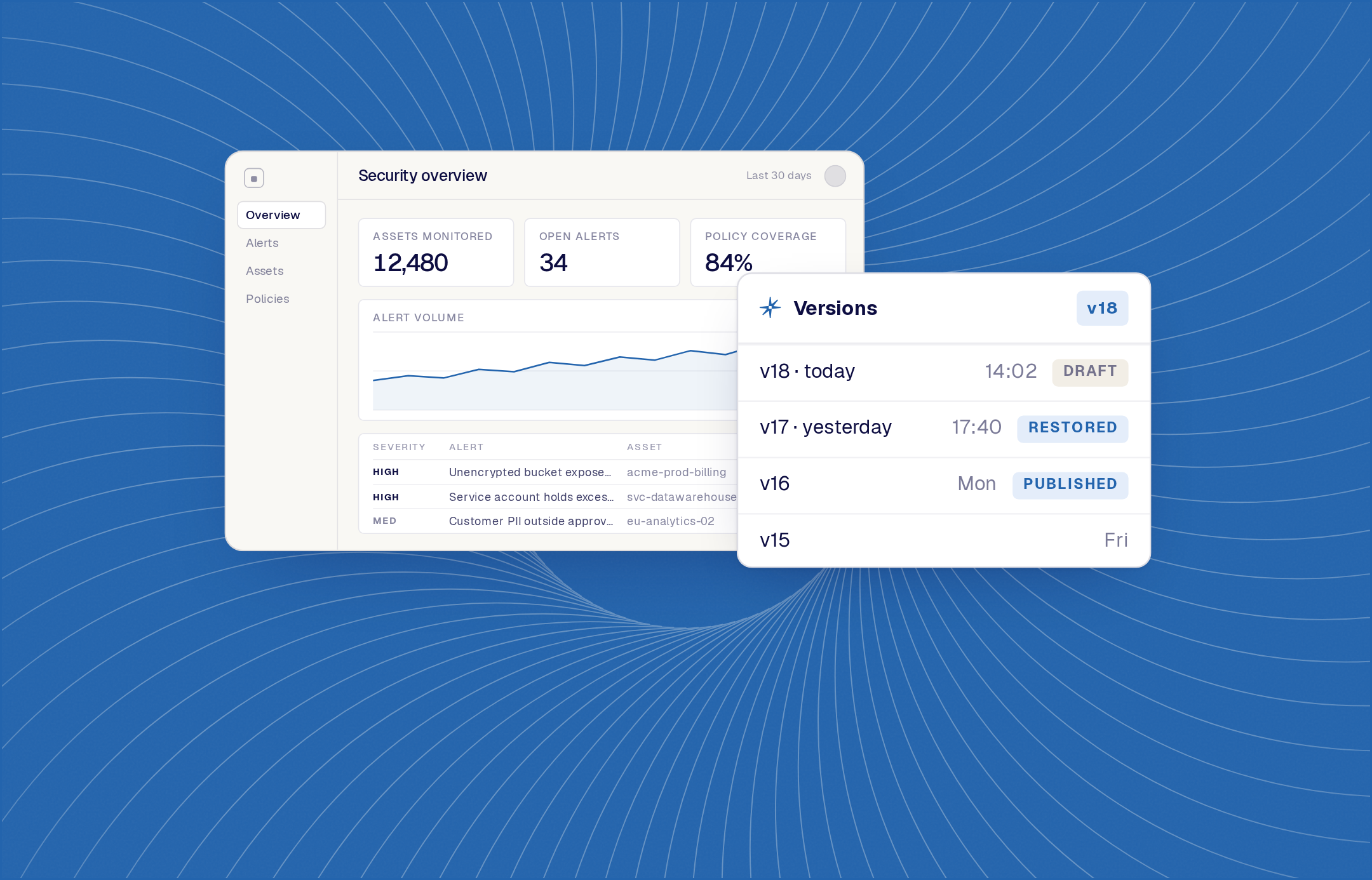
Undo yesterday’s guide edits on the Alerts step but keep today’s.
Edits stay separate from what is published. Full version history, restore any point.
Publish it.
Live on Reprise’s CDN. 0.2 second average page load.
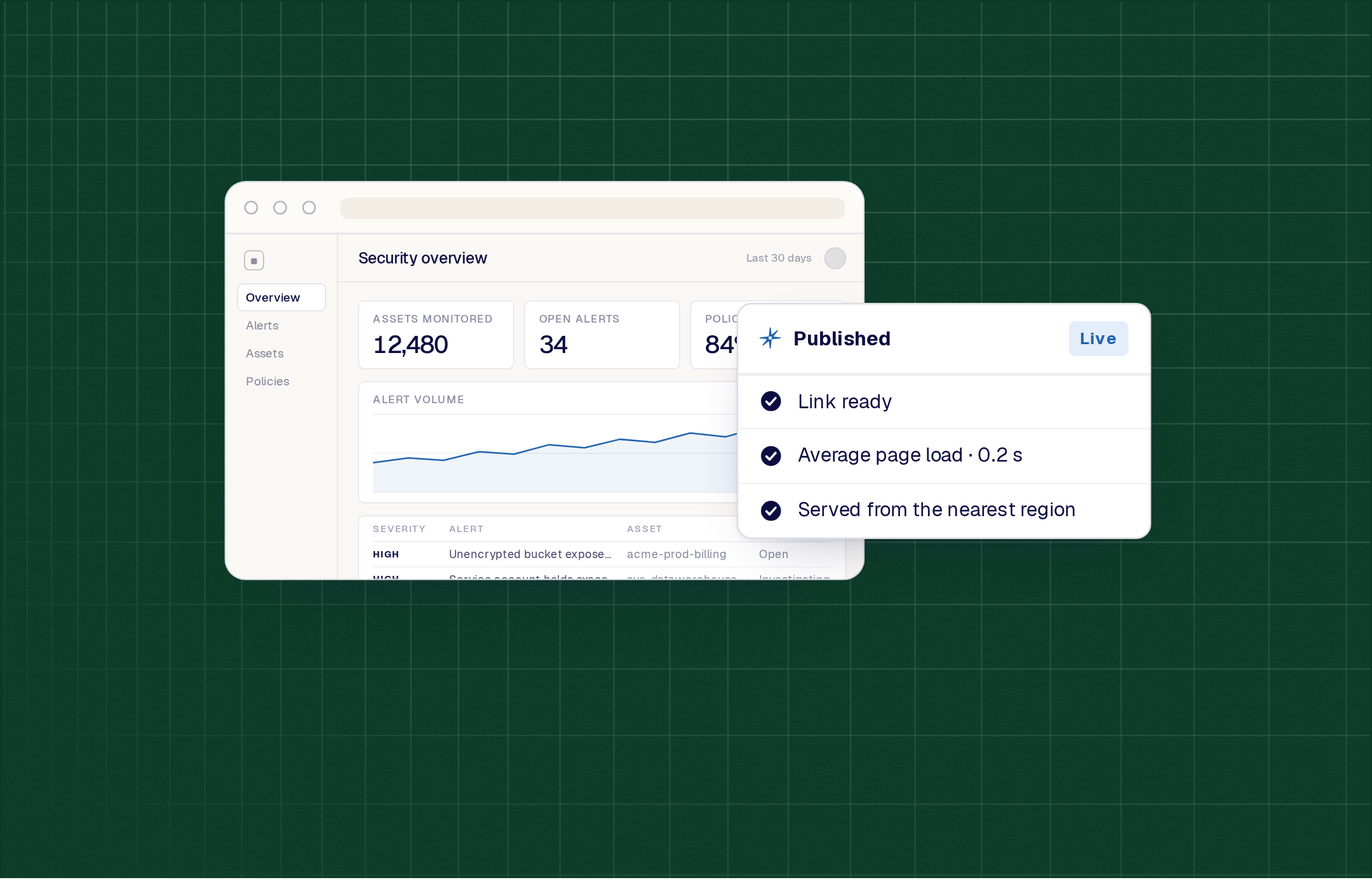
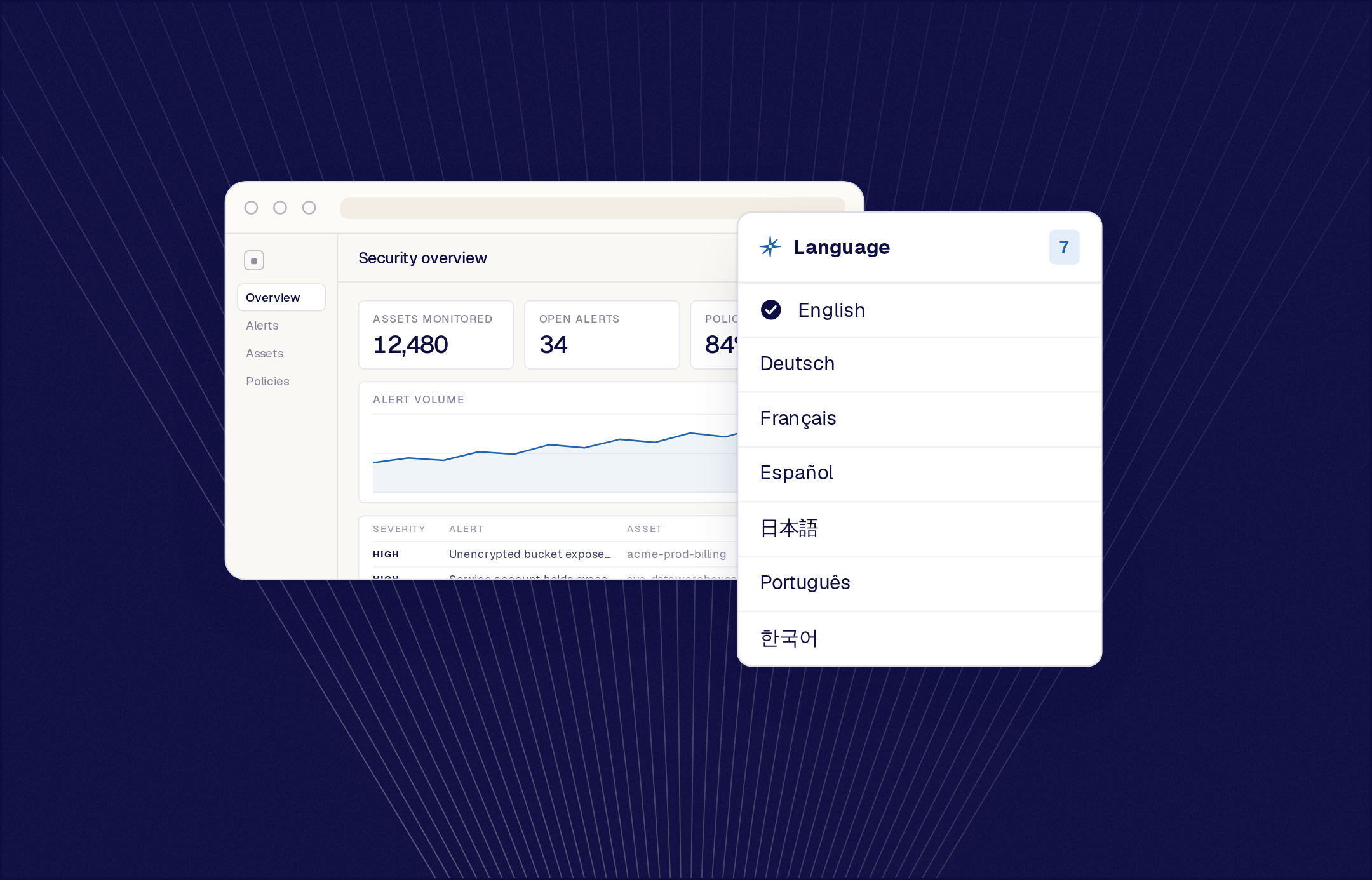
Publish this tour in seven languages with a language picker.
Seven versions, one link, a picker for the buyer.
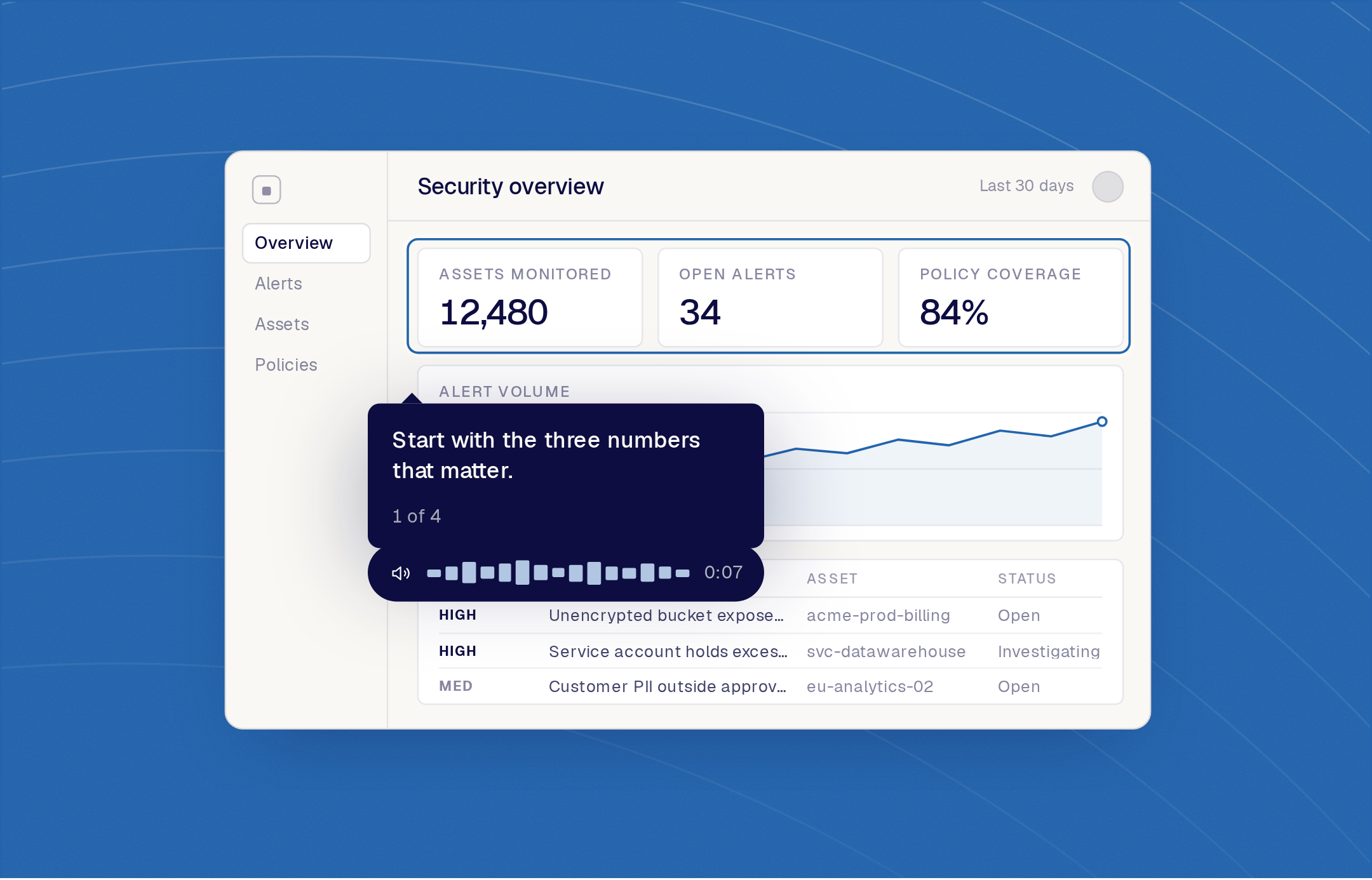
Add a narrator that reads each guide aloud.
Every step voiced. Buyers can listen instead of reading.
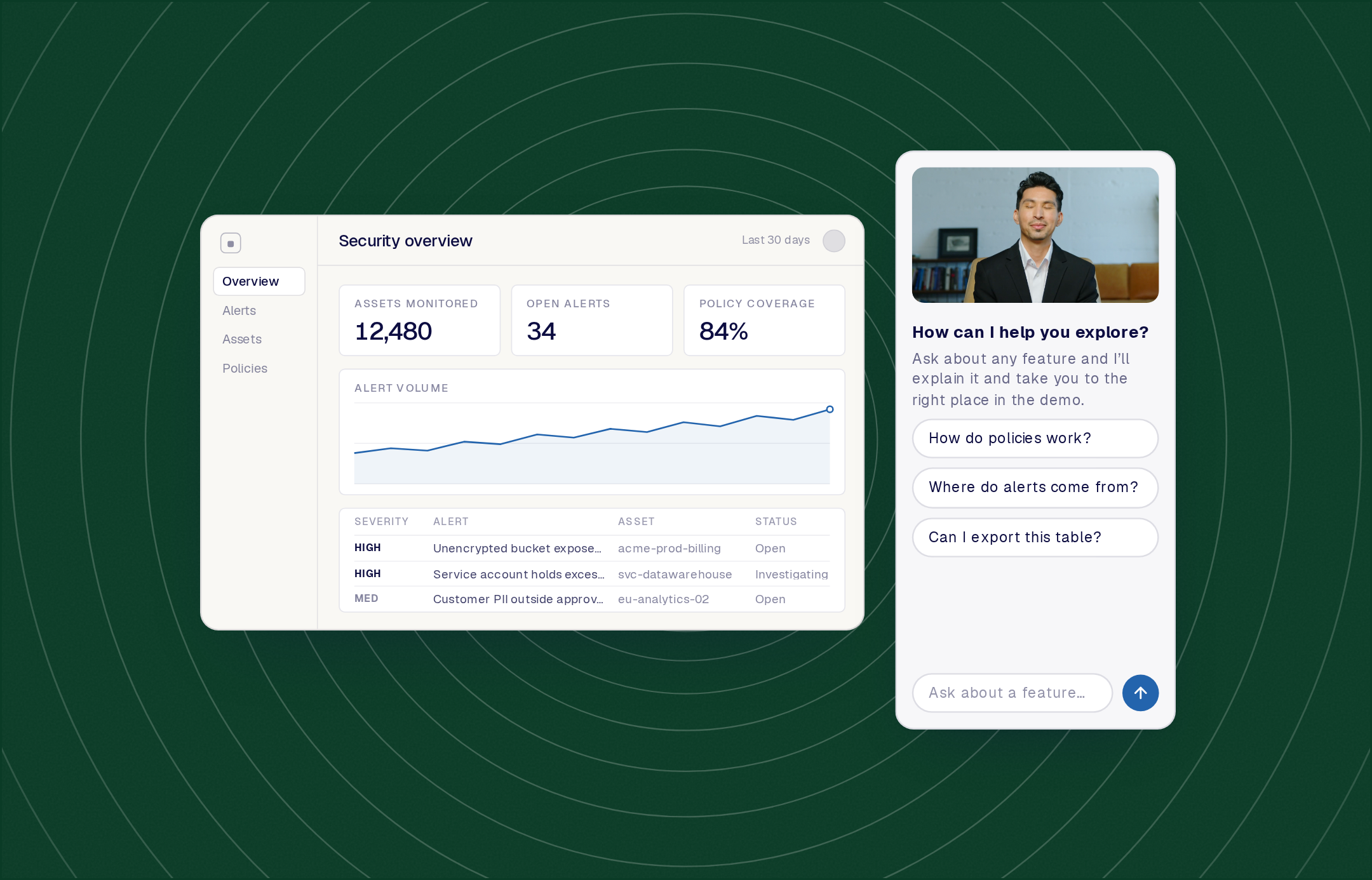
Add an AI tour guide that answers from our docs and the security whitepaper.
An AI Tour Guide that reads your assets and any guidance you give it, and answers buyers as they explore.
Embed this on acme.com/security and make sure it loads nowhere else.
Embed code ready, access locked to the domain. The tour loads on acme.com and nowhere else.
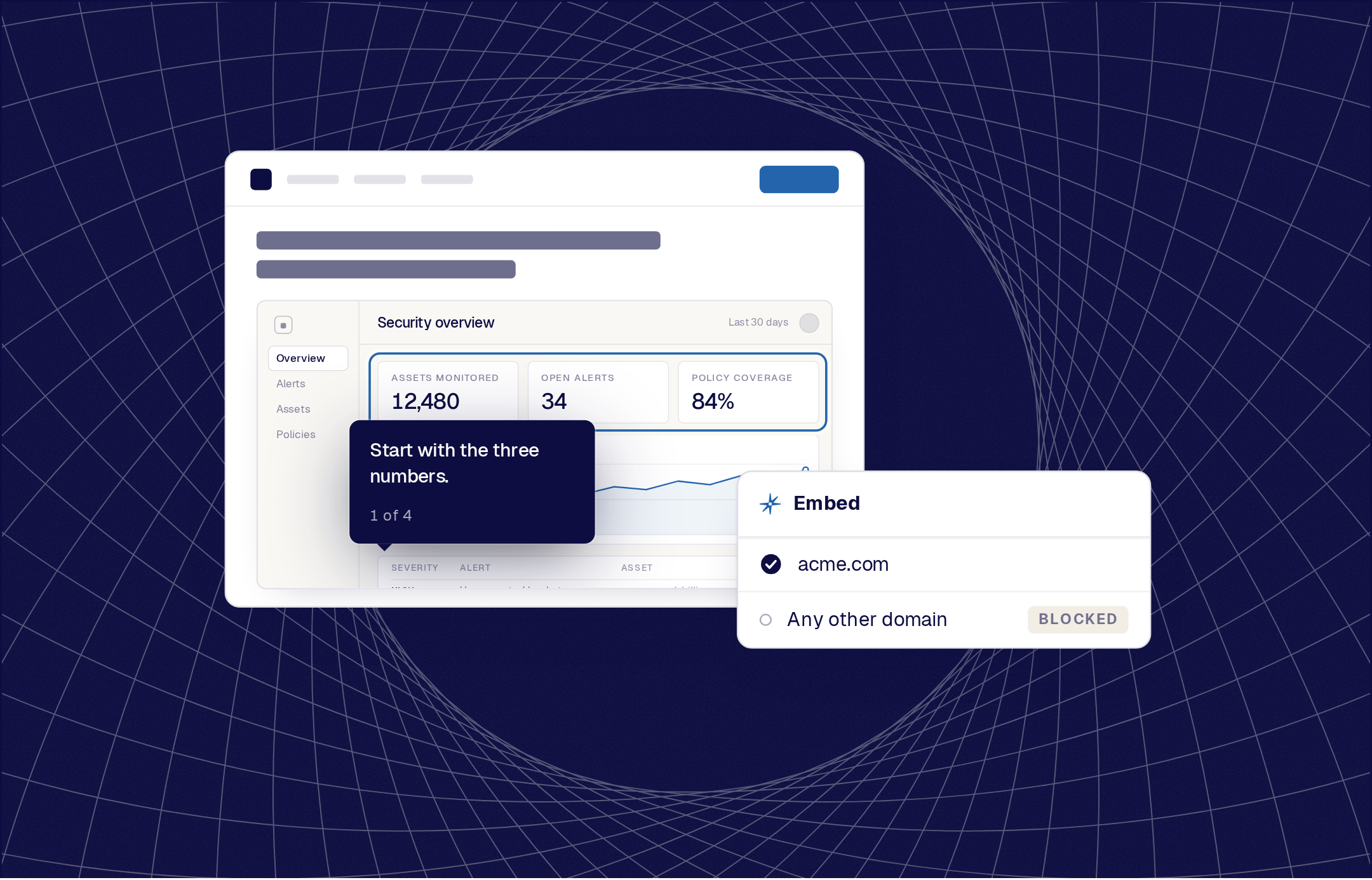
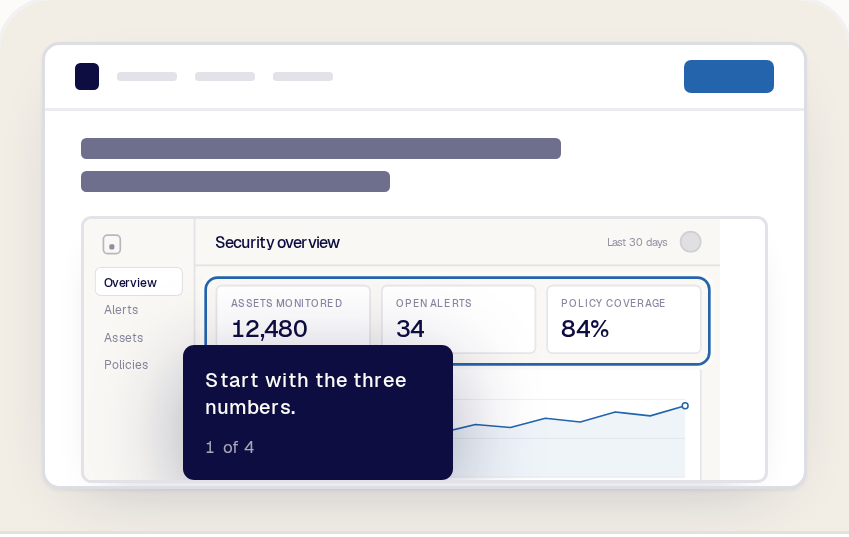
Embed an interactive product experience on your website and landing pages, use it in campaigns, and let prospects understand the product before requesting a meeting.
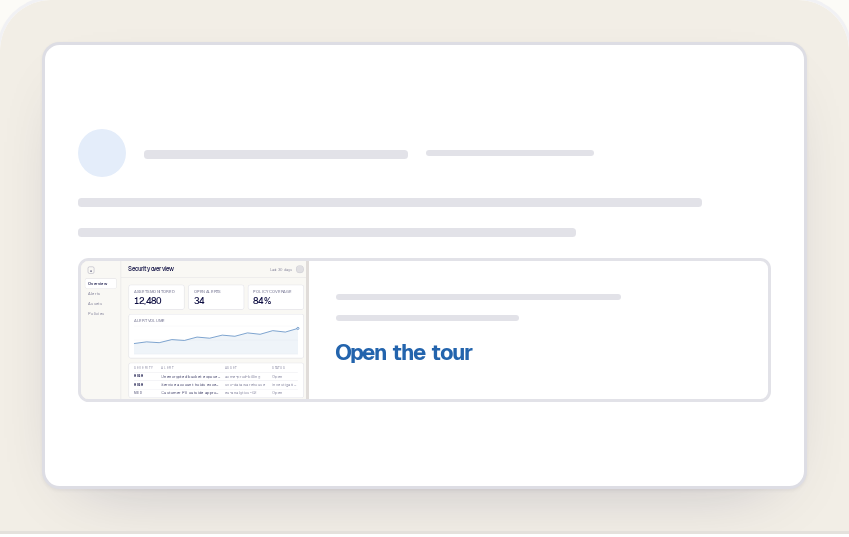
Use approved tours during discovery and live calls, then send the same experience afterward so champions can revisit and share the story internally.
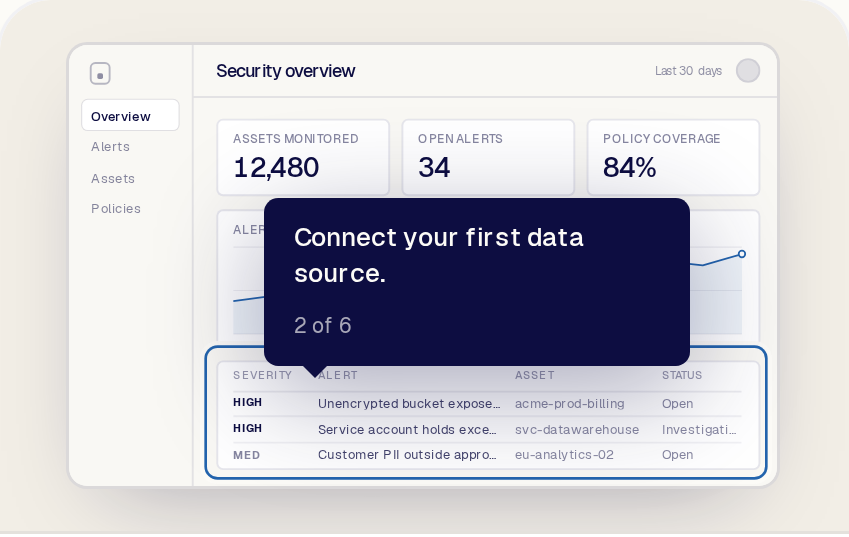
Create guided walkthroughs that help customers learn important workflows, understand new capabilities, and find value faster.
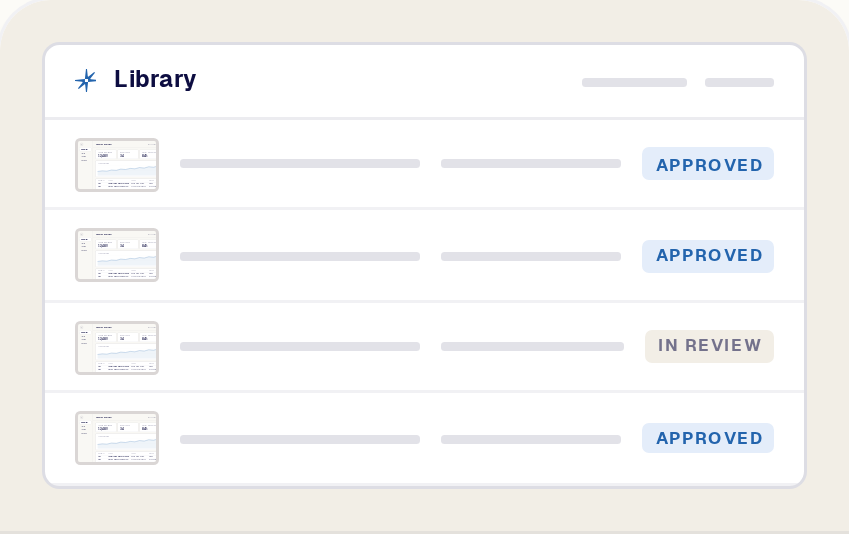
Build and maintain a reusable library of approved product stories for launches, training, partners, and internal teams.
Create and manage Product Tours across teams, regions, products, and buyer audiences while maintaining the controls an enterprise organization requires.
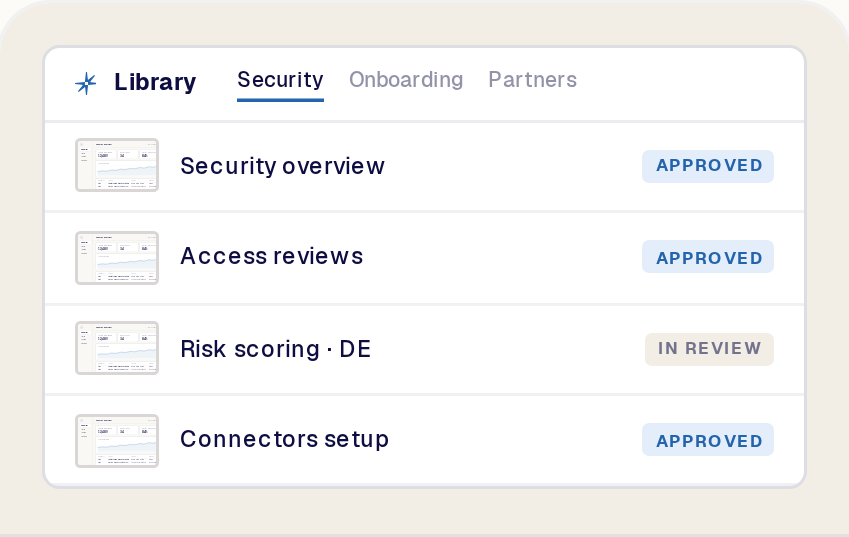
Organize approved Product Tours by product, audience, use case, or team so sellers do not have to build from scratch.
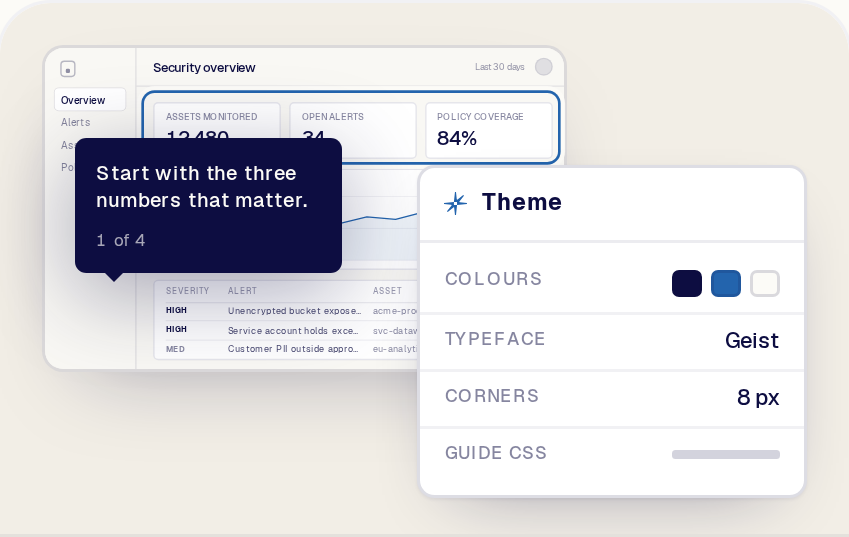
Control themes, guides, media, interactions, and advanced customization across the experience.
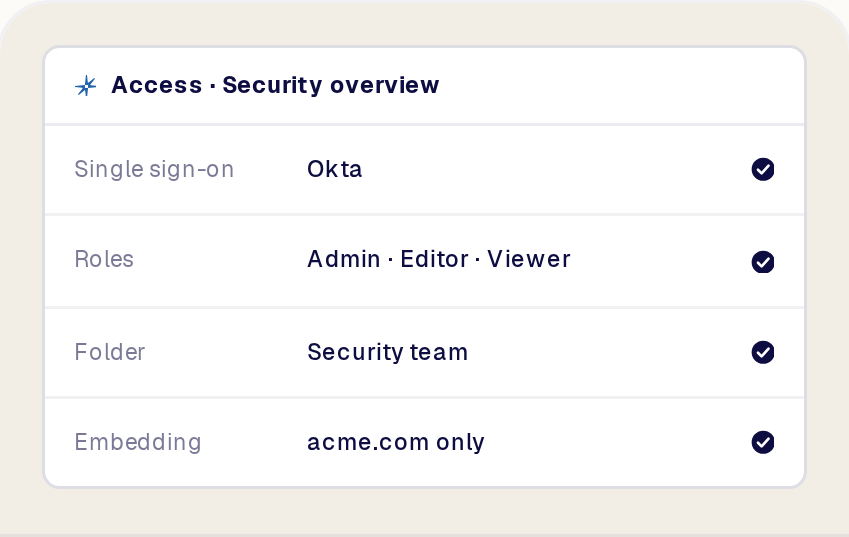
Support enterprise access controls and Reprise security standards. See the Security page for current certifications.
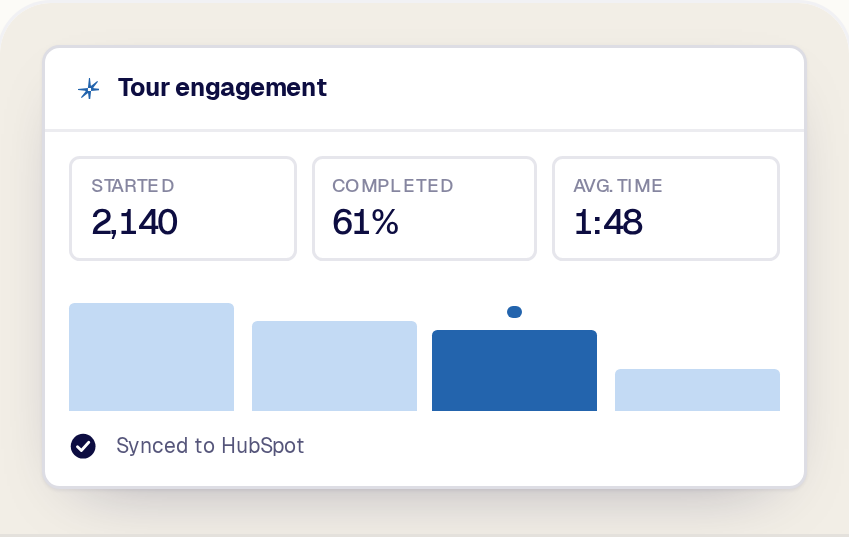
Connect Product Tour engagement to supported marketing, sales, and analytics systems. See Integrations.

Sasha D.
Enterprise
An interactive product tour is a guided, clickable experience that lets a buyer explore a product without logging into the live application. Unlike a video, the buyer can interact with the experience, move through product screens, and follow guidance connected to the interface.
Reprise Product Tours are created by capturing the product and shaping those captured experiences into a clear story. Teams can add guides, hotspots, media, forms, and other interactive elements, then publish the result as a link or embed. This gives buyers a high-fidelity view of the product while the company controls the path, messaging, and information being shown.
Start by opening the application and using the Reprise extension to capture the screens and interactions the tour should include. Those captures become the foundation of the experience.
From there, use the in-app agent to create an initial guided story, build through a preferred AI agent using Reprise MCP, or work directly in the editor. Add or edit guides, interactions, images, videos, and branding before publishing. AI can accelerate creation, but every step can be reviewed and refined before the tour is shared.
Yes. Product Tours can be created manually without AI. Teams can capture the product, add guides, edit screens, create interactions, and publish through the Reprise interface.
Reprise's native AI agent makes the process significantly faster and easier while keeping the team in control of the final buyer experience. Teams can also combine approaches: let an agent produce the initial structure or guide copy, then have a product marketer, solution engineer, or designer review and adjust every detail.
Reprise Product Tours are part of a connected demo platform. A team can prepare an app-fit product state with Data Injection, capture it as a guided Product Tour, include that tour in a personalized Flow, and deliver it with other sales content inside a Sales Room. Each remains a distinct Reprise product, but the resulting demo assets work together instead of becoming isolated experiences.
Reprise also gives teams three ways to build: with the native AI agent, through a preferred AI agent using Reprise MCP, or directly with Reprise's editing and customization controls. The same platform supports buyer-side AI conversation, reuse, governance, analytics, and enterprise access as the demo program grows.
Reprise MCP makes Product Tour authoring capabilities available to supported AI agents. A user can work from Claude, ChatGPT, Copilot, or another supported agent and ask it to perform Reprise tasks as part of a broader workflow.
For example, a product marketer could prepare launch messaging, then ask the same agent to create the initial tour structure and guidance for that release. The resulting Product Tour remains in Reprise, where the team can review, edit, approve, publish, and measure it.
Yes. A published Product Tour gives buyers a product experience without requiring credentials or access to the company's live environment. This is useful when the application sits behind a login, when real customer information cannot be exposed, or when the company wants to present a controlled story rather than an unpredictable live account.
The finished tour can be shared as a standalone experience or placed inside other buyer-facing destinations supported by Reprise, including Flows and Sales Rooms.
Product Tours can support the buyer before, during, and after a sales conversation. Marketing teams can place them on websites and landing pages or include them in campaigns. Sales and solution engineering teams can use them during calls and send them afterward as a leave-behind. Customer teams can use guided experiences for education and onboarding.
Product Tours can also become components inside Reprise Flows and Sales Rooms, allowing the same approved product experience to support a larger, personalized buyer journey.
Teams can shape the content, guidance, visuals, branding, and interactive behavior of the experience. Depending on the captured format and available controls, this can include editing text and images, adding guides and hotspots, inserting media, creating forms or welcome screens, adjusting themes, and linking interactions to the correct next step.
The central idea is control: create a product story, start with AI when it is useful, and then refine the result with whatever level of detail the experience requires.
A Product Tour is designed to guide the buyer through a known story. It uses explanations, prompts, and a curated path to show specific workflows or value. It is well suited to websites, campaigns, sales follow-up, training, and other situations where the company wants the experience to communicate a particular message.
An Application Clone is designed for more open exploration. It recreates a controlled, high-fidelity version of the application so a presenter or buyer can move through it more freely. Product Tours explain a story step by step; Application Clones provide a broader environment for live demonstrations and deeper evaluation.
Yes. Reprise can place the AI Tour Guide beside the Product Tour so buyers can ask questions while they explore. This makes the experience more responsive than a fixed walkthrough and allows buyers with different interests to get additional context without leaving the tour.
The guide answers from approved product and demo context, so the experience stays controlled while adapting to each buyer's questions.
Product Tours are reusable assets that can be edited and republished as the product, messaging, or audience changes. Instead of recording an entirely new video or rebuilding every experience from the beginning, the team can update the affected screens, guidance, or interactions and publish the revised version.
Teams typically organize approved tours by product, use case, audience, or region and define ownership for major updates, so the library stays current as the program grows.
Reprise provides engagement information that helps teams understand how buyers interact with published experiences, including views, clicks, completion, time spent, form activity, and engagement with specific steps or assets.
That information helps marketing improve conversion paths, helps sellers prepare follow-up, and helps product marketers understand which stories create the most interest. See Analytics and Integrations for the current list.
Yes. Product Tours are designed to be reusable across teams while supporting enterprise requirements around access, brand consistency, security, publishing, and measurement. A centralized library helps teams find approved experiences instead of creating competing versions for every request.
The experience scales from one creator to a governed demo program. Certification details and technical requirements live on the Security page.
