
The product may be ready for the demo while its data is not. Screens can be empty. Charts can be meaningless. The records that prove value may contain customer information that cannot be shown. Reprise gives the application a dataset designed for the story, without exposing real customer data or rebuilding the environment.
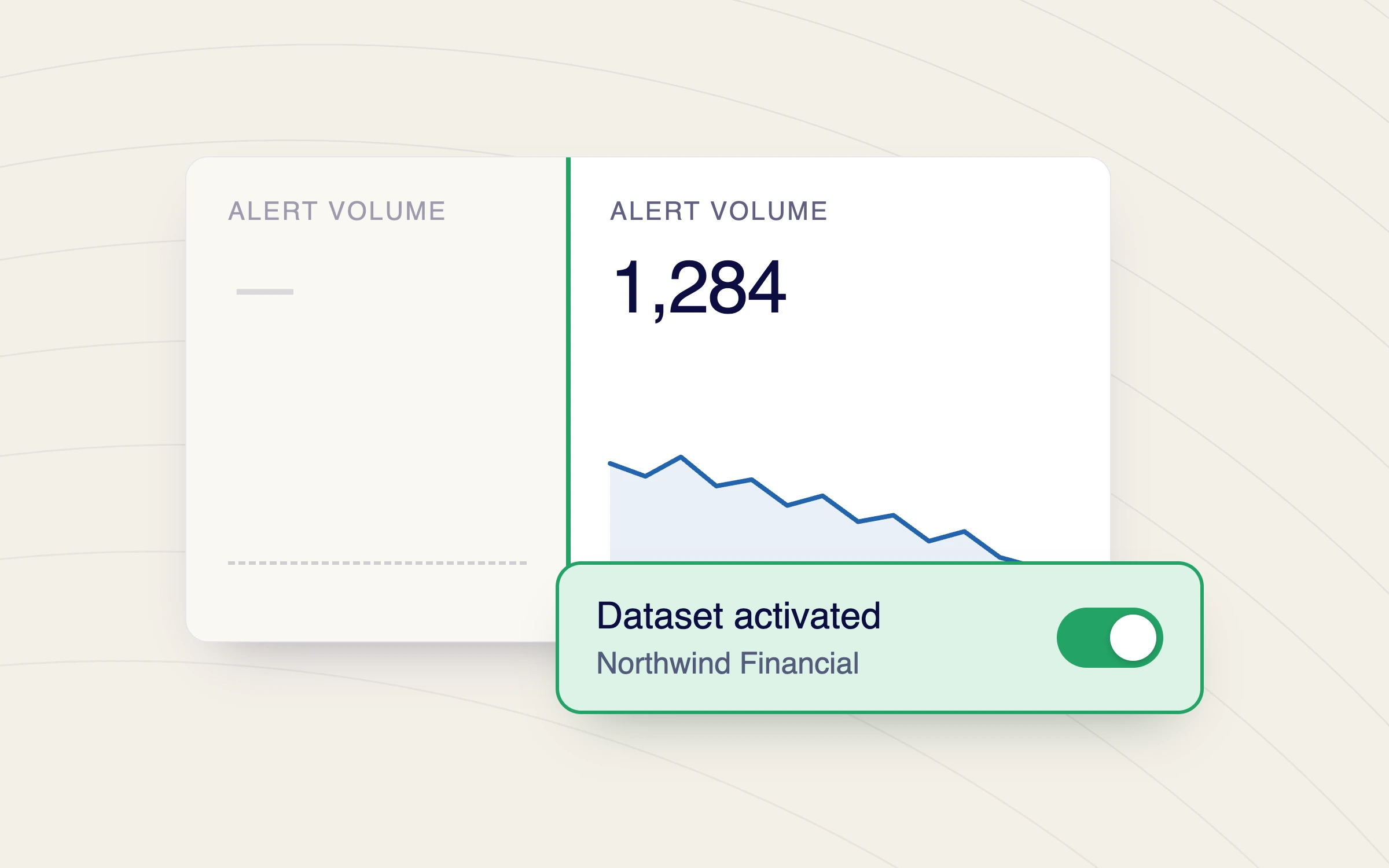
Replace blank pages and incomplete views with realistic records, activity, trends, and results that show what the application is capable of doing.
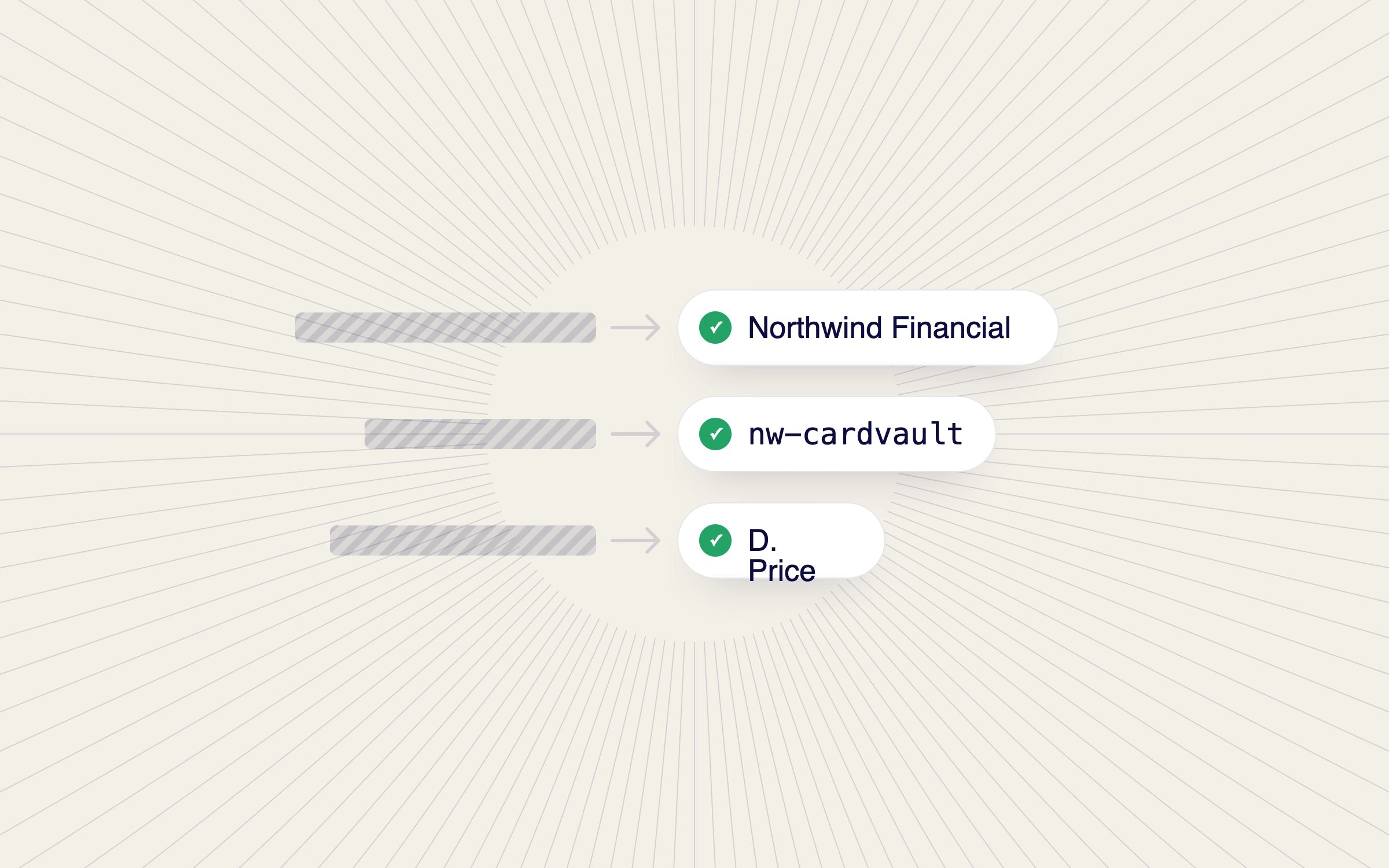
Use synthetic or approved information instead of exposing real customer records, security events, financial data, or internal activity.
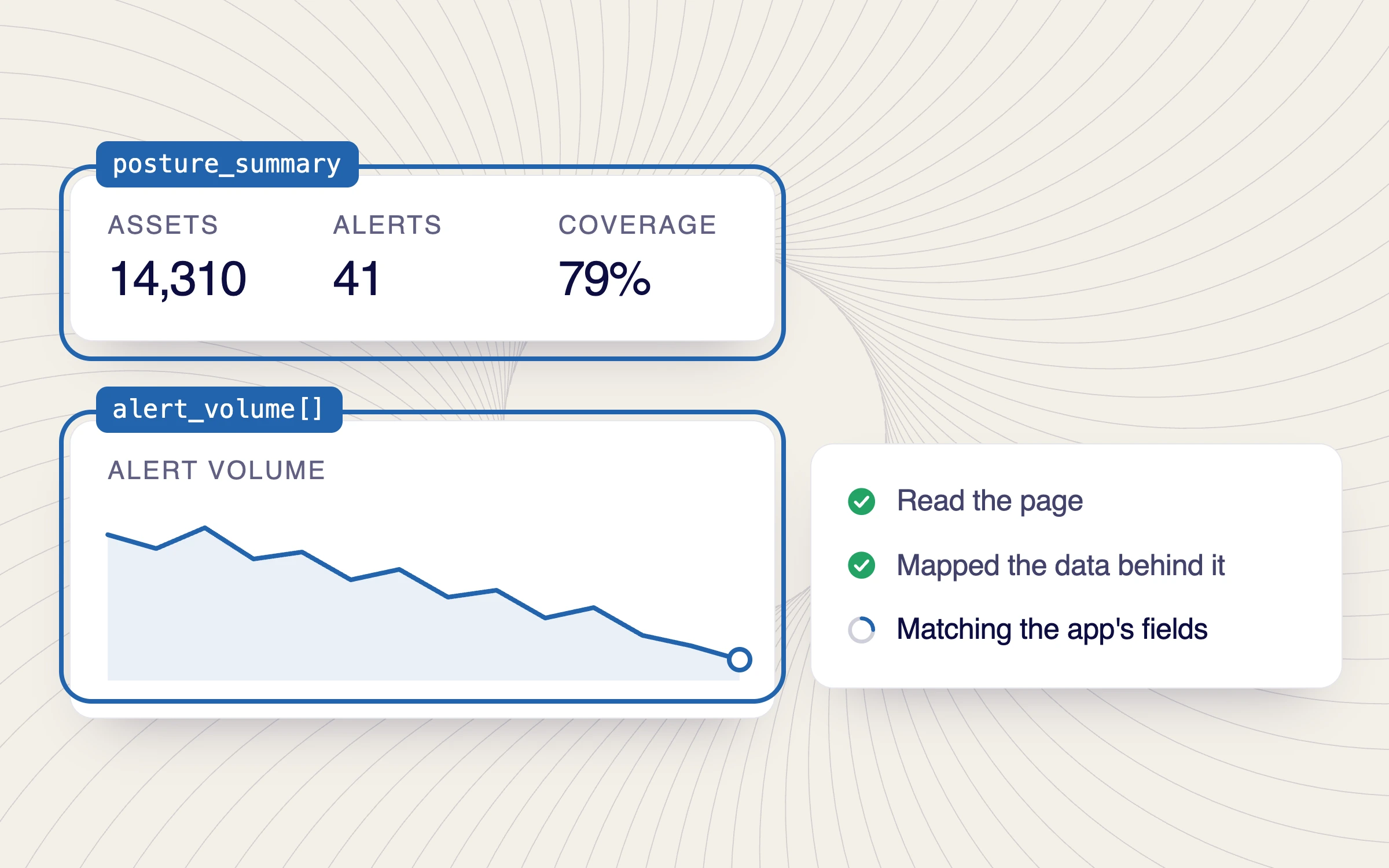
Create records and values that match the application's terminology, structure, relationships, and visual logic.
Not placeholder data. Data built to make the product story believable.
You ask for what the demo should show. The agent does the work, on the app you already sell.
Point it at any screen and it takes in the numbers, the records and everywhere they show up.
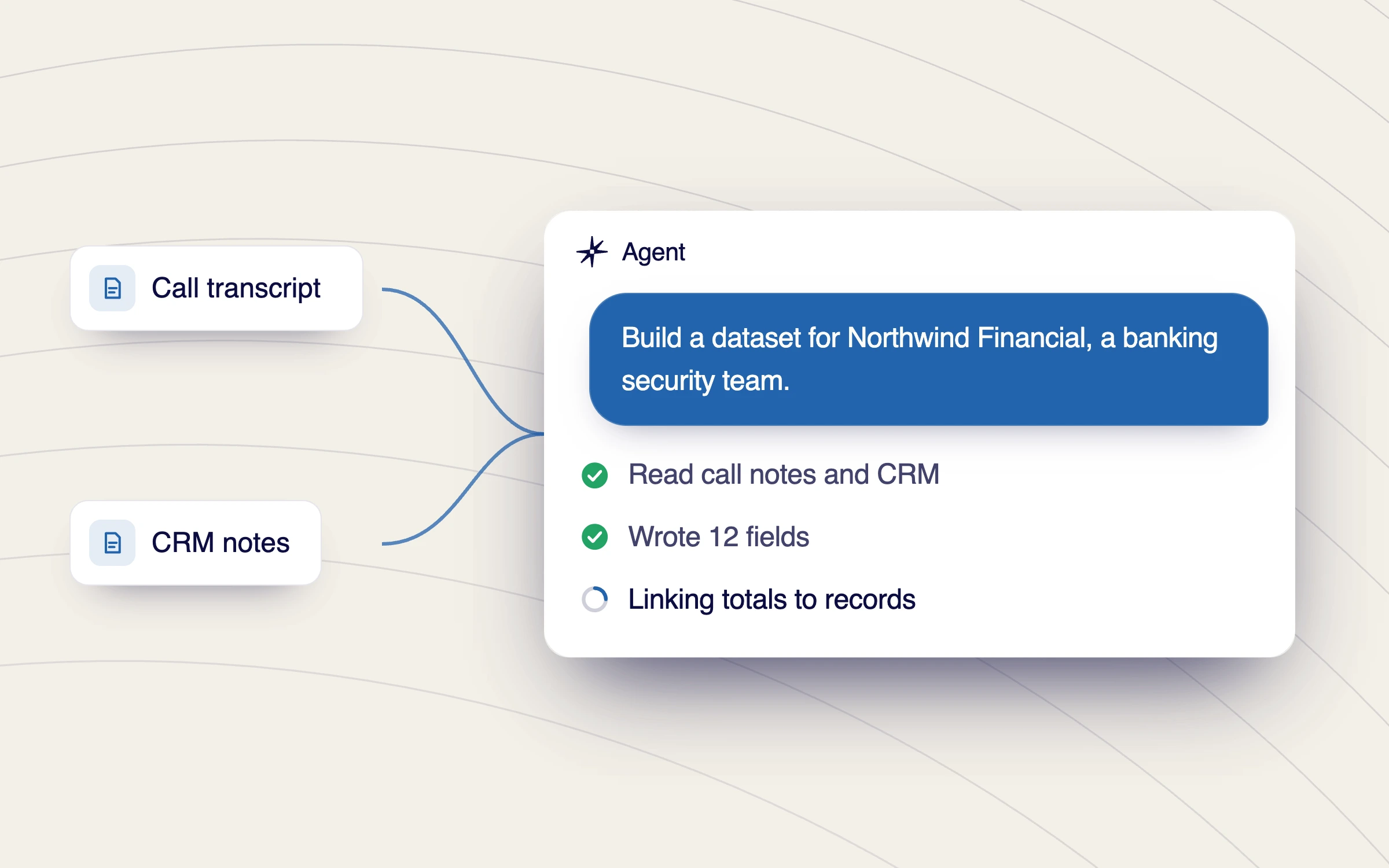
Ask for the account, industry or persona. Reprise draws on your connected AI data layer, call transcripts and CRM notes included, and writes a dataset shaped for the application and the story you need to tell.
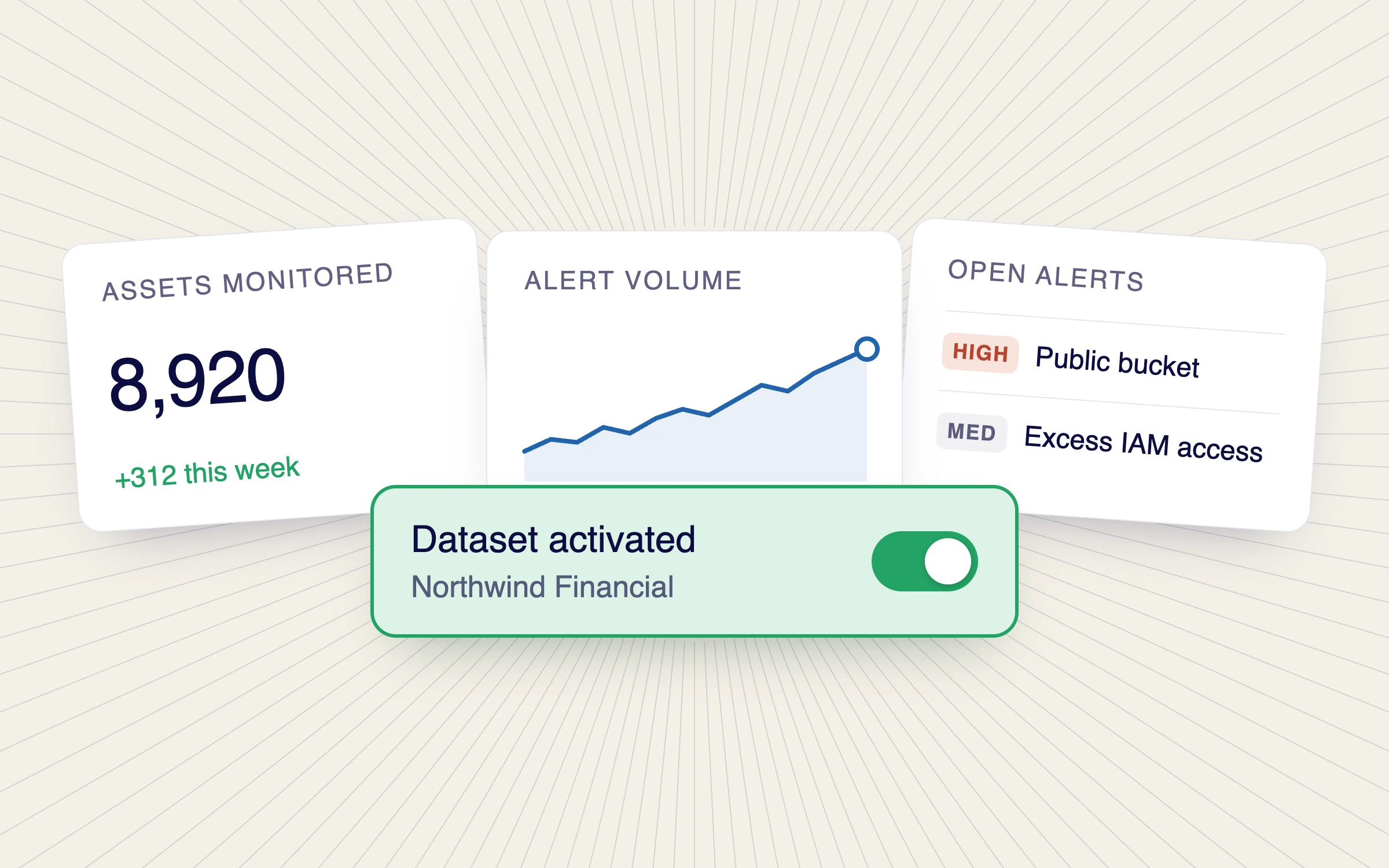
Apply the data and every screen changes with it, so the app is ready for a live call or a Product Tour capture. The story holds as you click through, and when you turn it off the app is exactly as it was.
AI can accelerate dataset creation without forcing every team into one interface or removing control over the final product story.
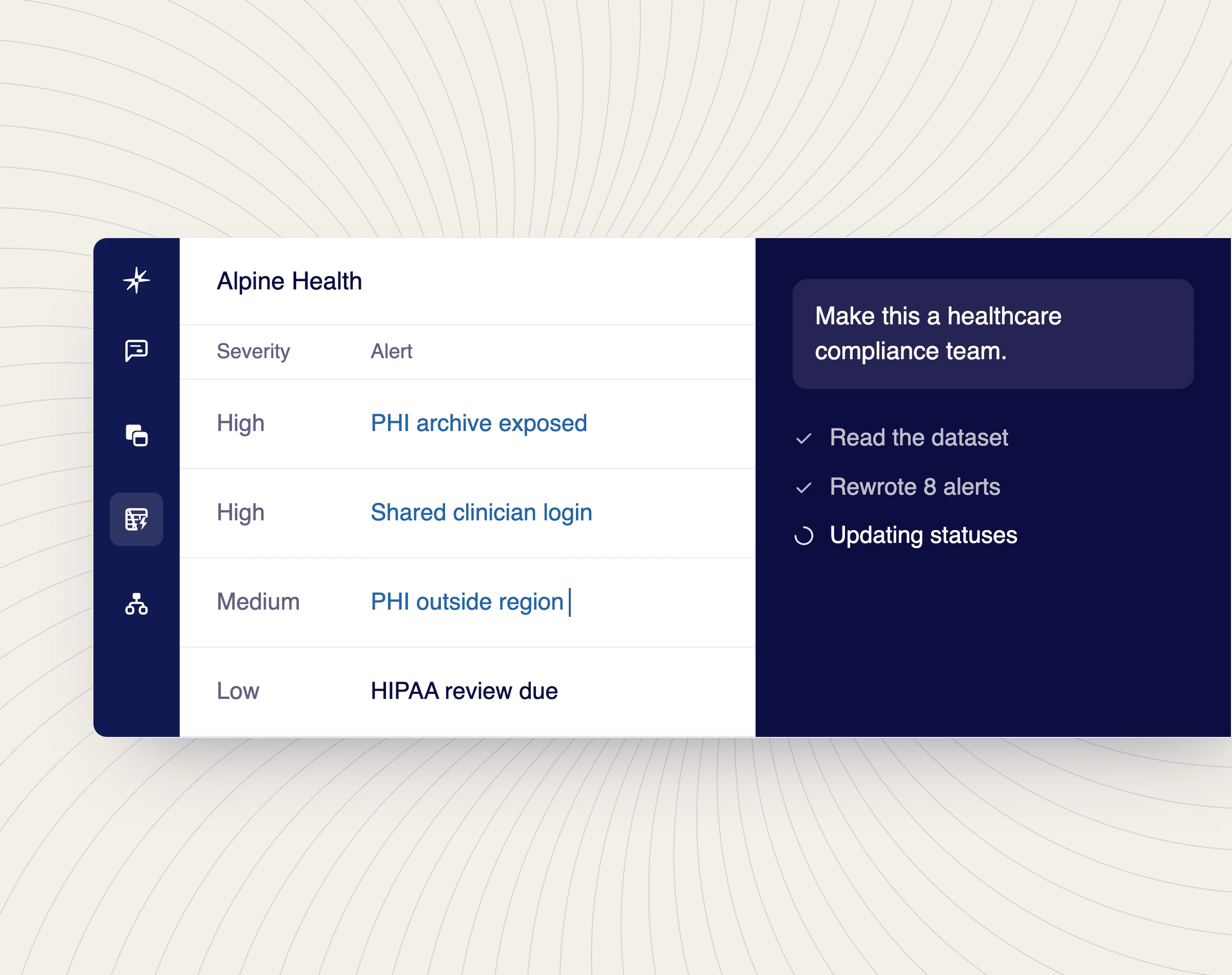
Describe the account, audience, industry, persona, region, or scenario to the native Reprise agent. It can analyze the application and prepare an initial dataset directly in the product workflow.
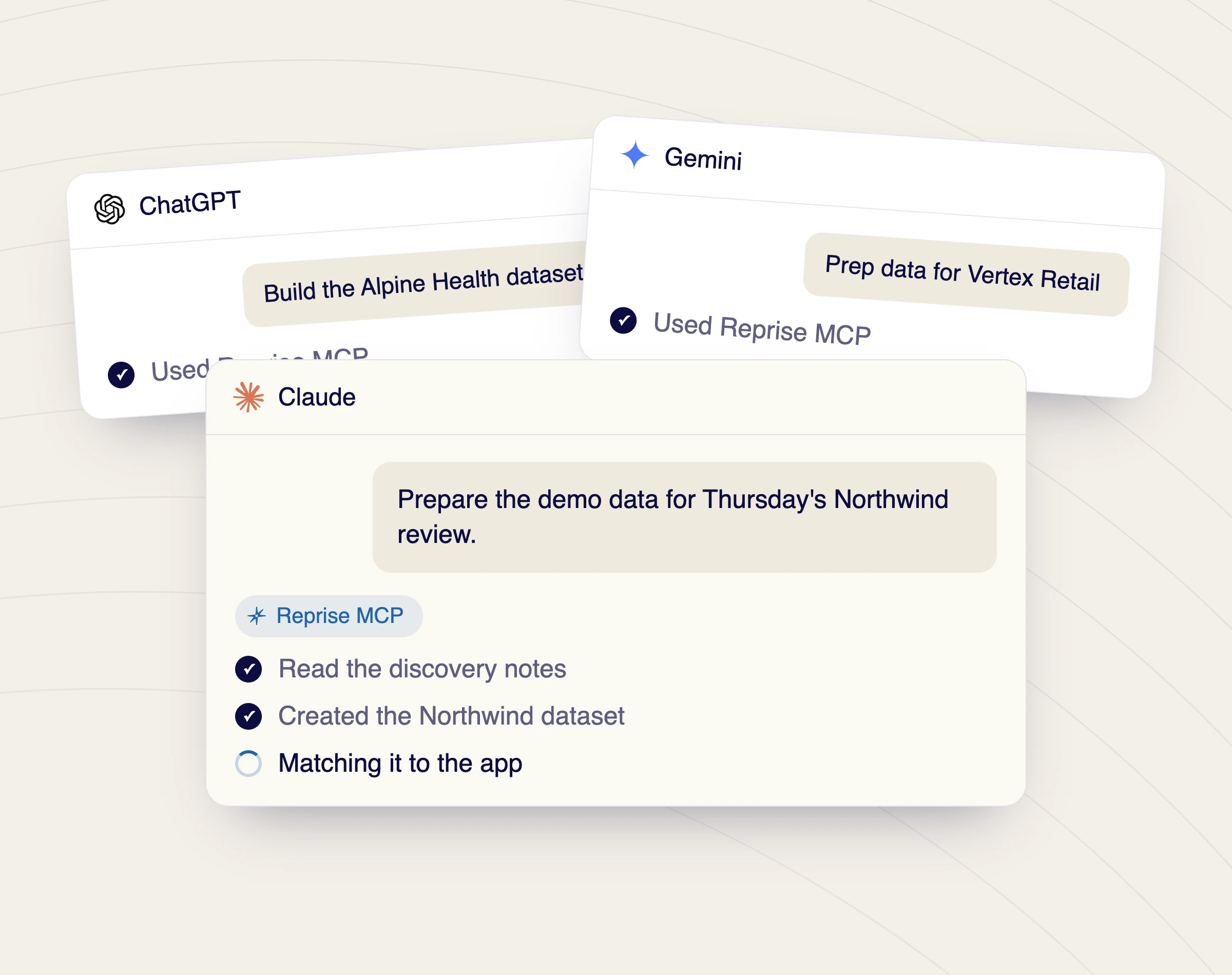
Use Reprise MCP from Claude, ChatGPT, Copilot, or another supported agent. Let the agent use the customer context it already has to prepare the right data story for the upcoming conversation.
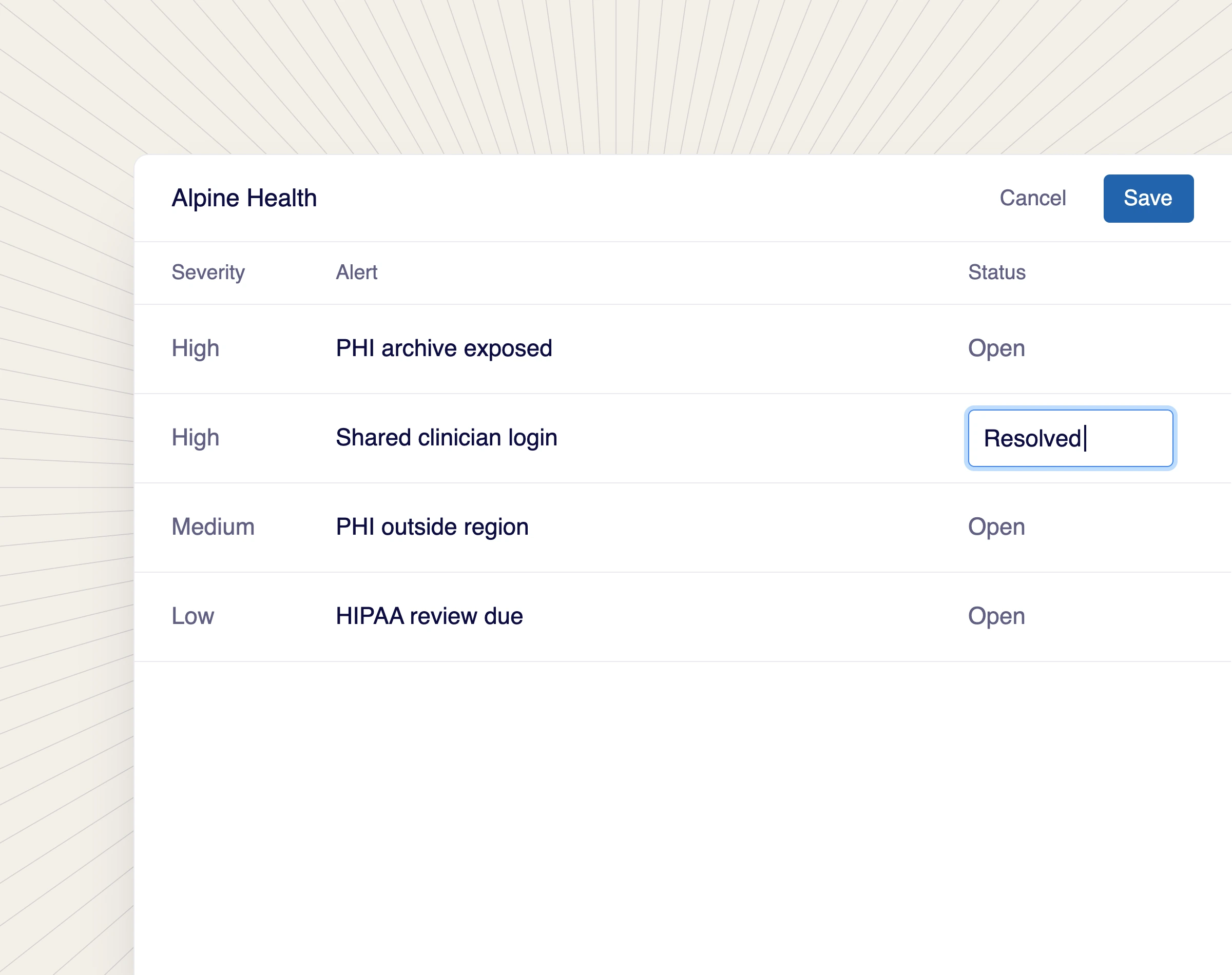
Create or edit the dataset directly, with or without AI. Review the values, relationships, images, labels, and replacement rules before applying them to the application.
Every row here is one prompt to the Reprise agent and what came back. Shape the data buyers see, from a single chart to an entire dashboard, on a call or in a tour.
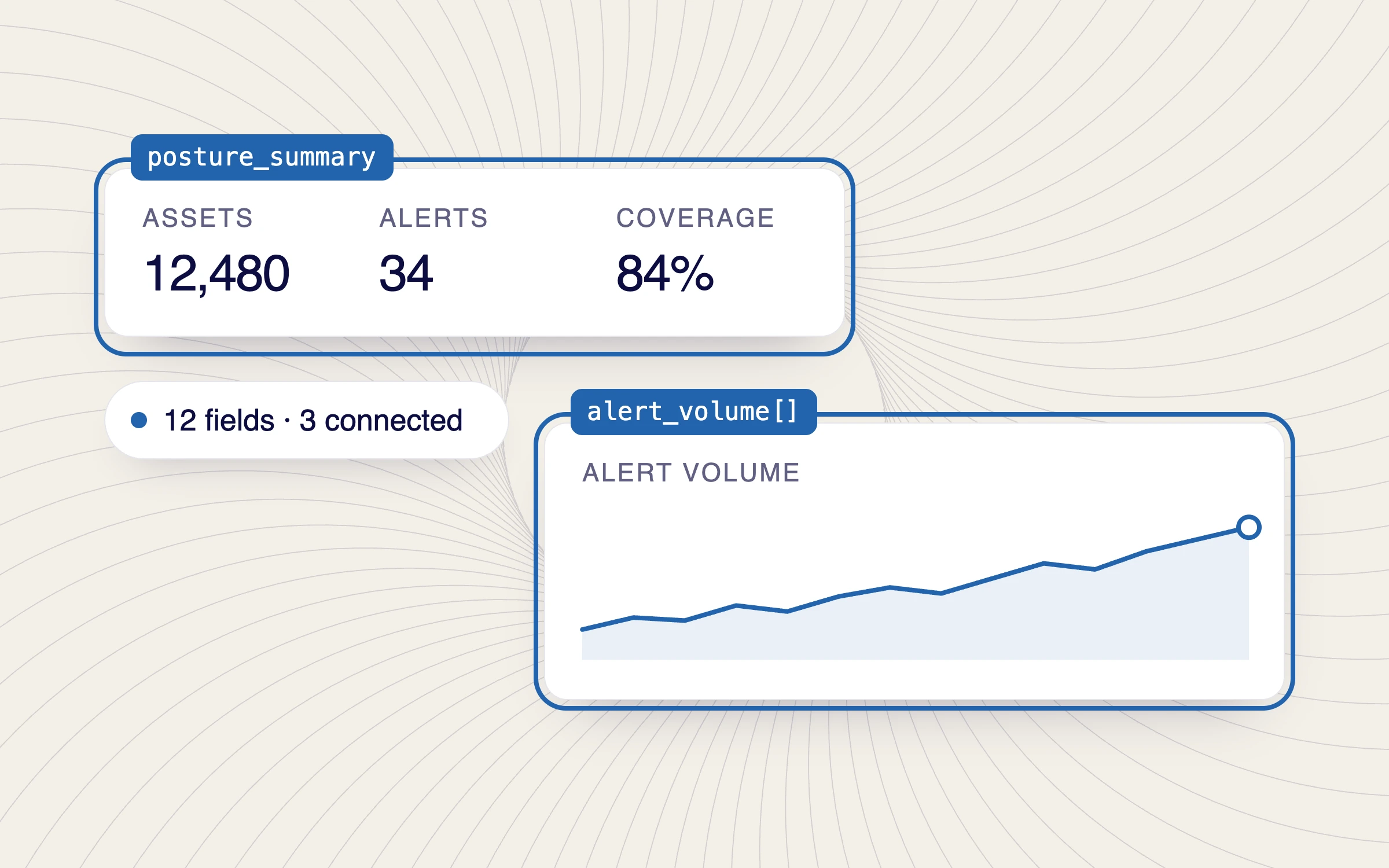
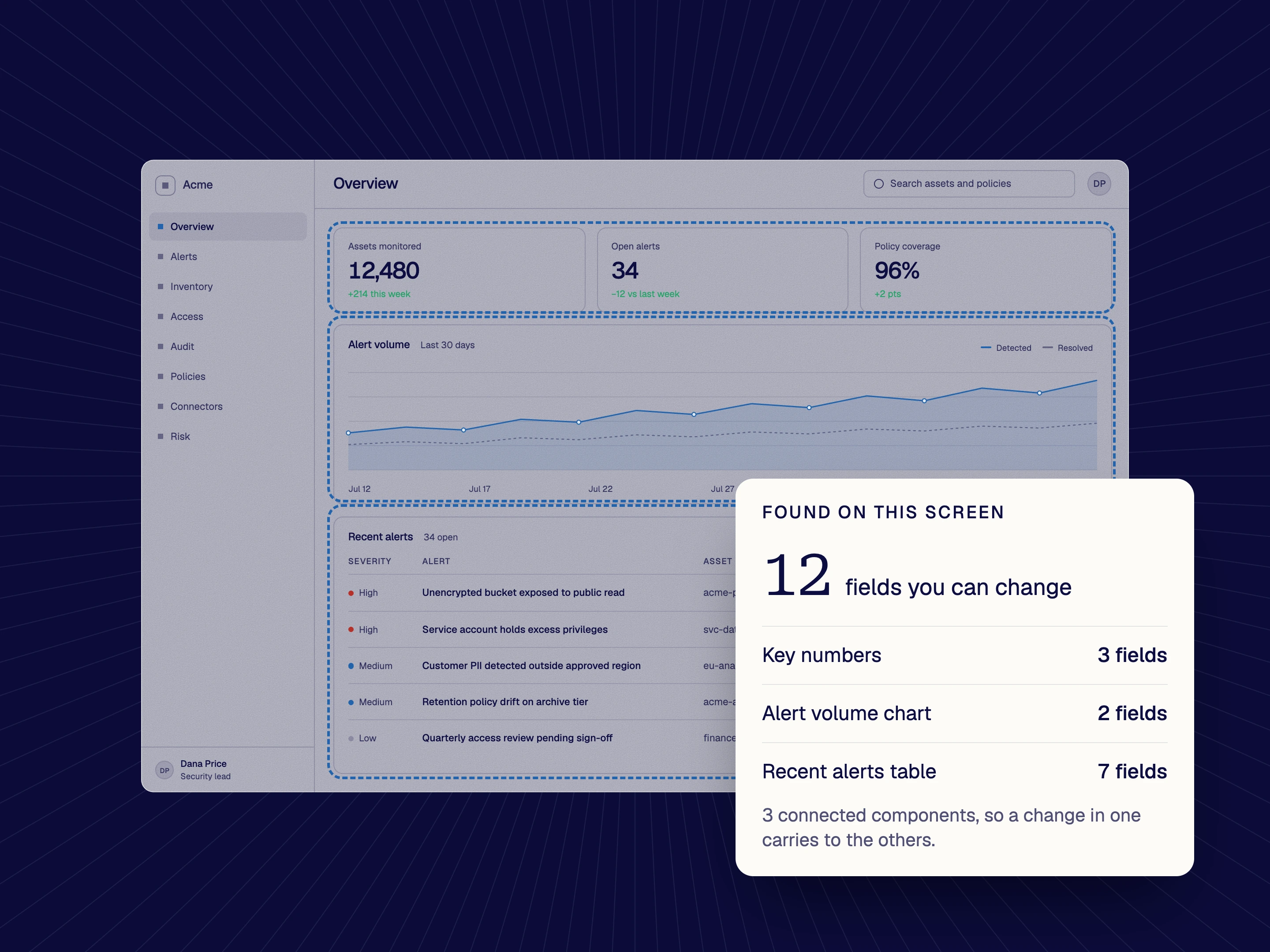
Show me what data I can control on this screen.
Twelve fields found, three connected components outlined. Every number, chart and row you can change.
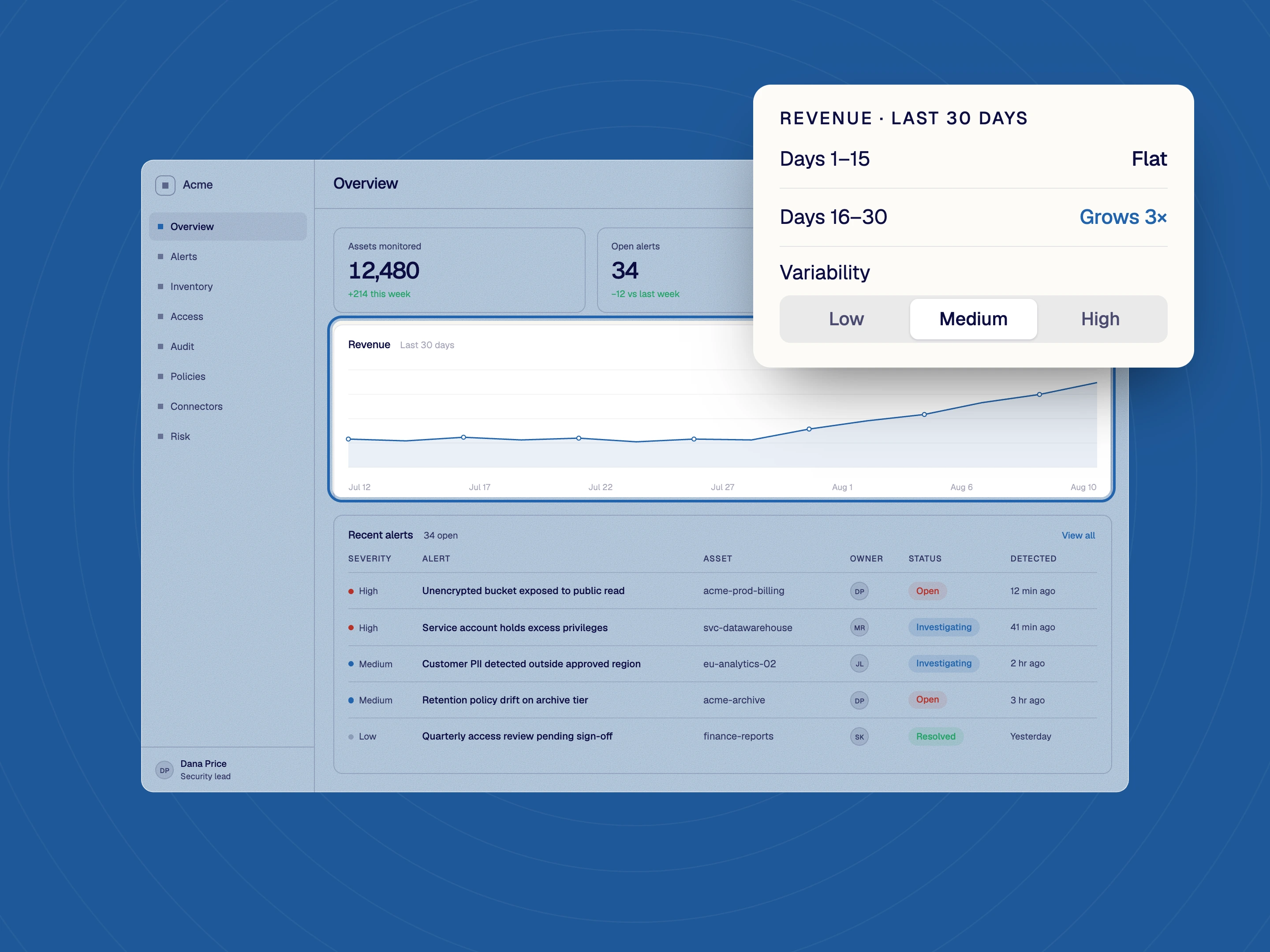
Make the revenue data flat, then grow by 3× with medium variability.
The chart follows the description. Flat, then a climb, with the noise you asked for.
Put data in every widget on this dashboard.
Numbers, chart and table filled together, so the whole screen tells one story.
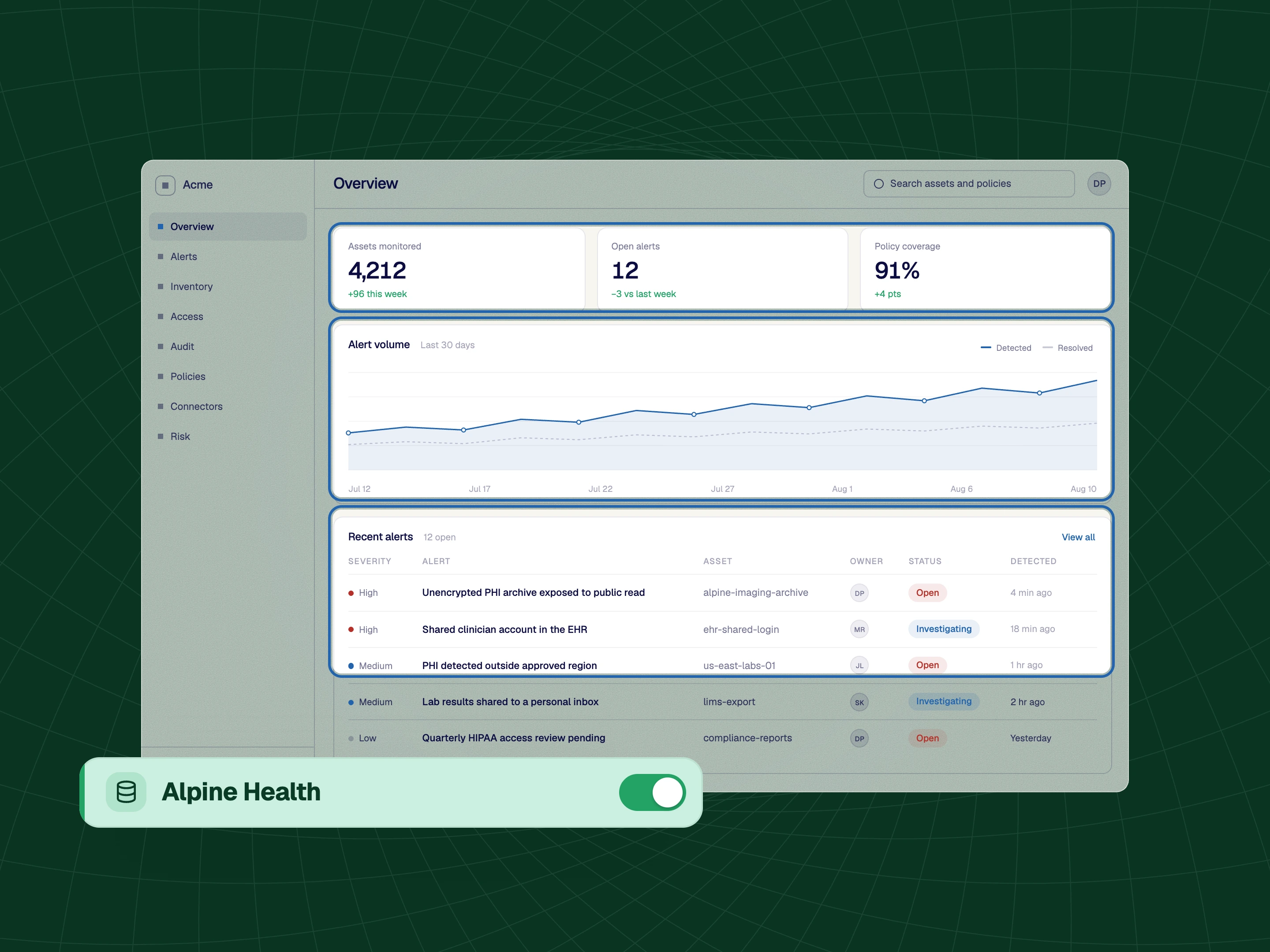
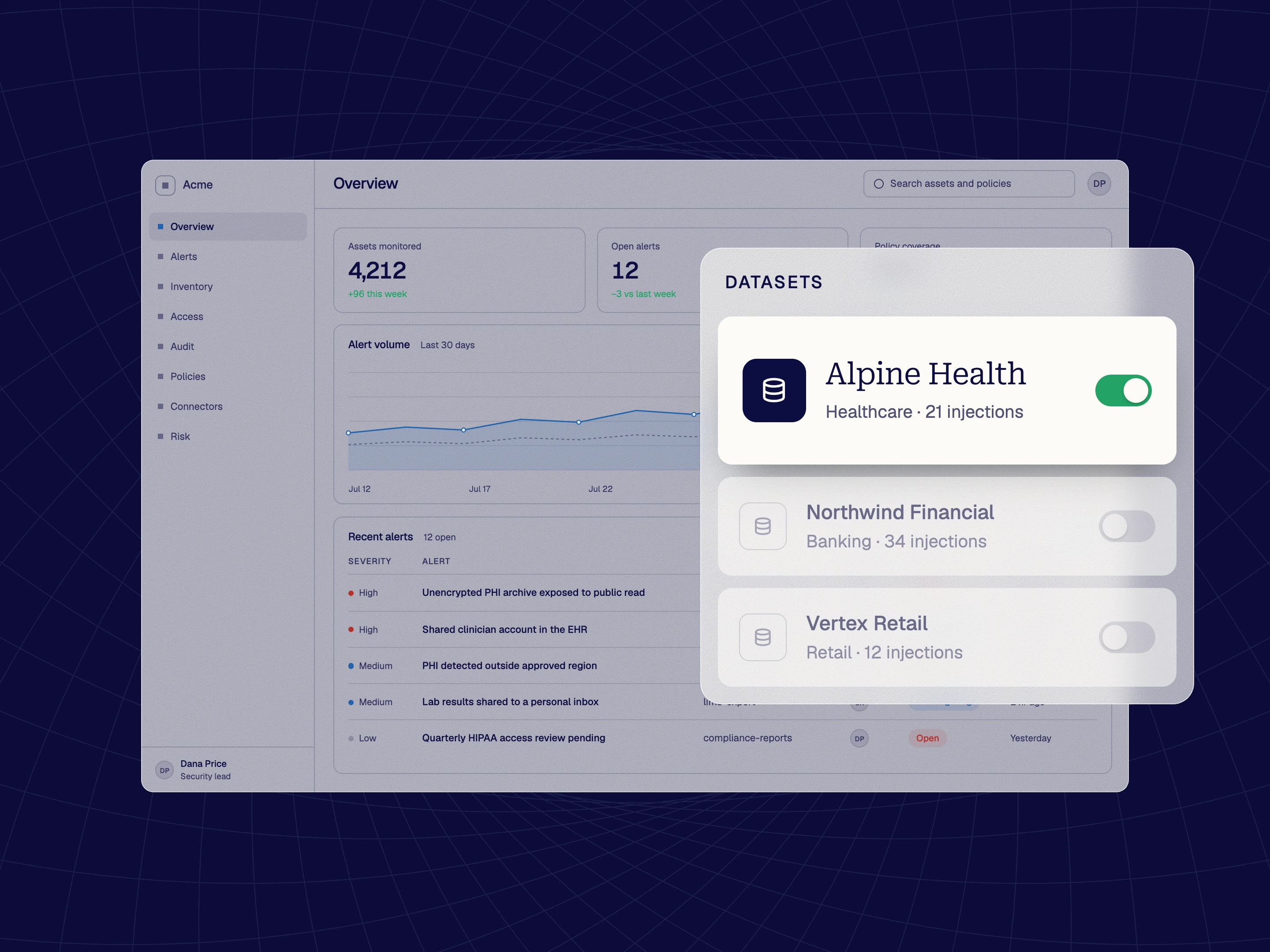
Switch this to the healthcare dataset.
Saved datasets for each industry, one selection away.
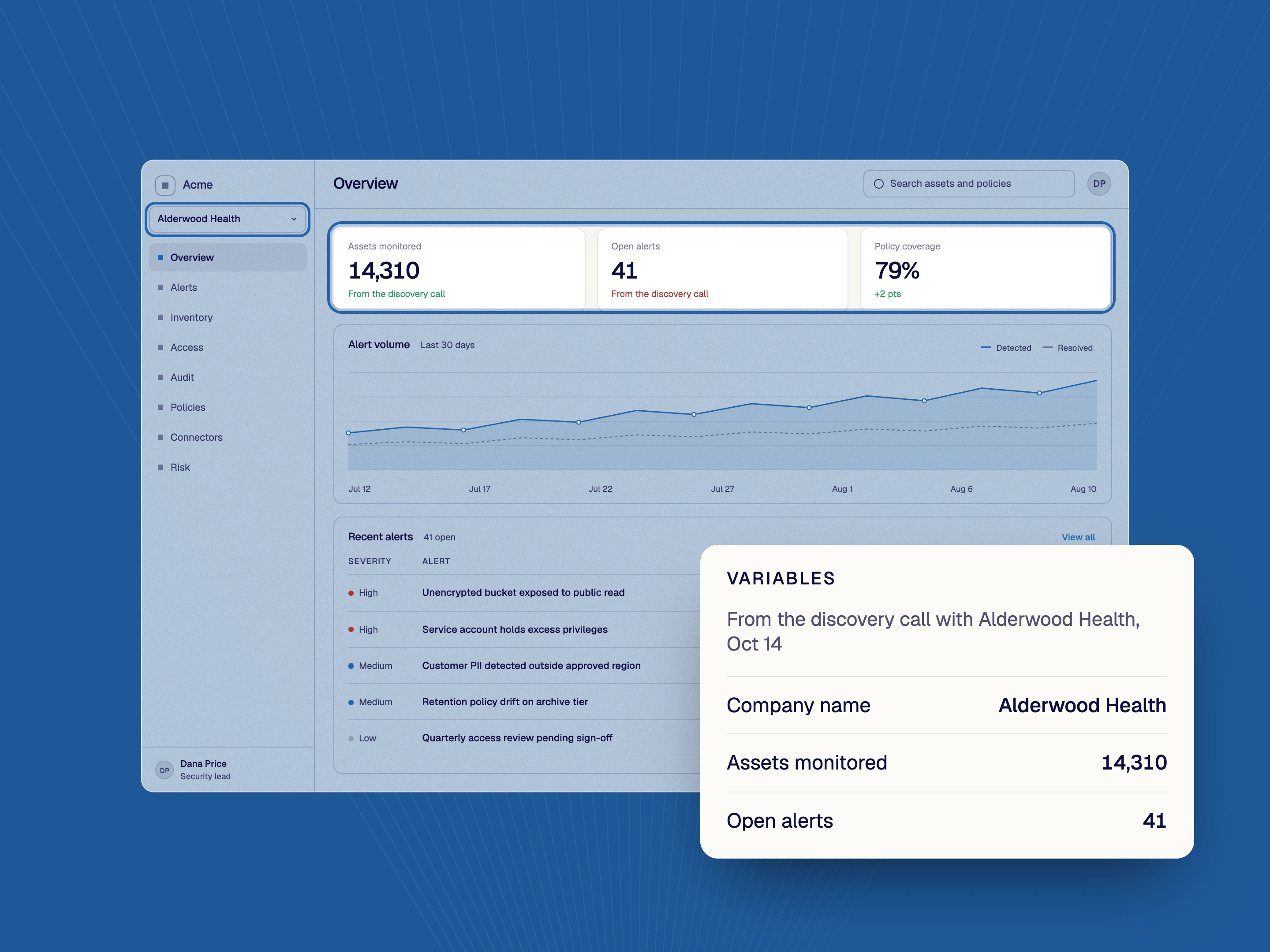
Use the prospect’s company name and the numbers from the discovery call.
Variables in the dataset carry the prospect’s name and numbers into every screen.
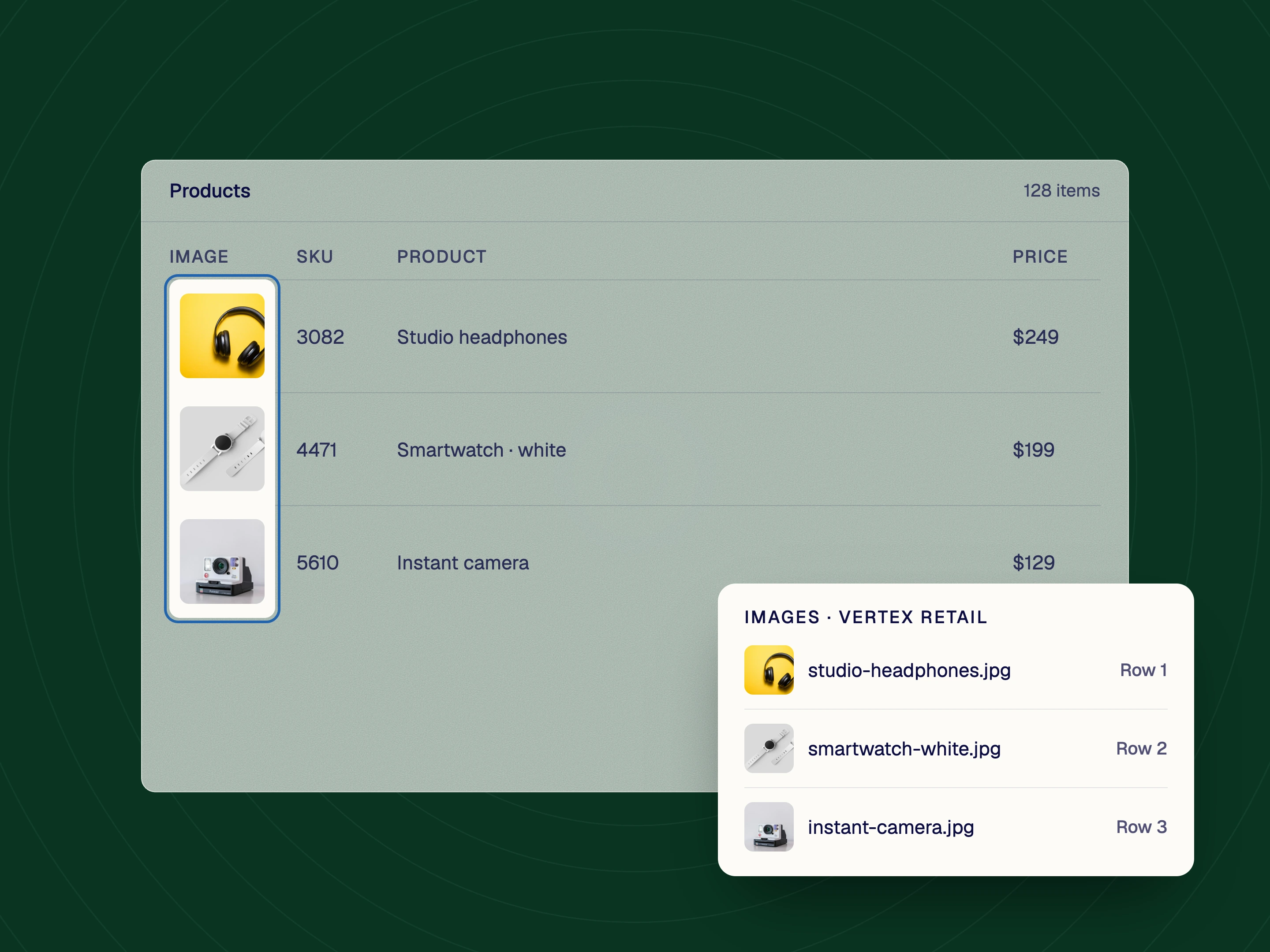
Add product thumbnails to every row in the list.
Images injected into the rows, not only text and numbers.
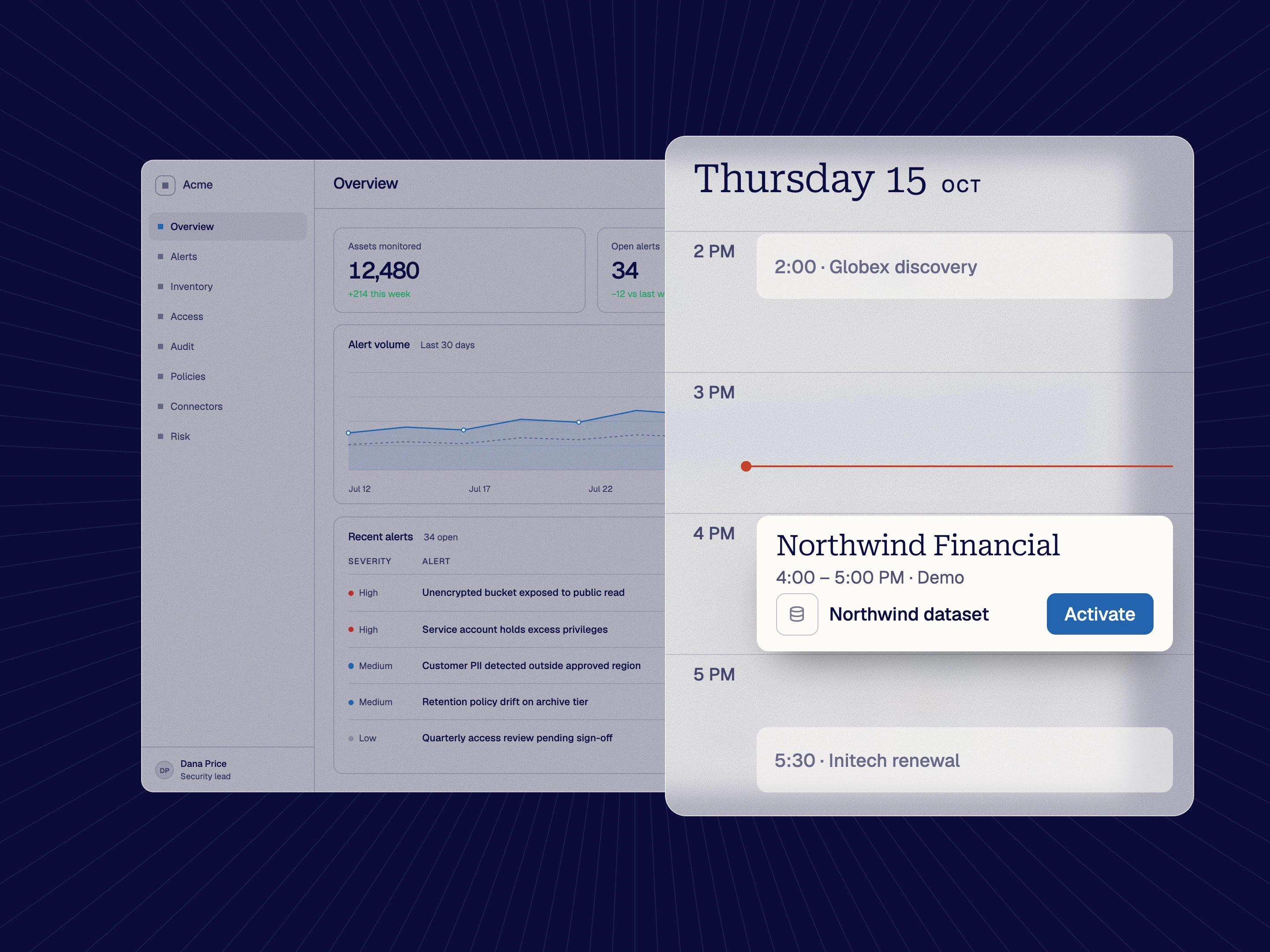
Make me a dataset for my 4pm call with Northwind.
A dataset for the call, switched on in the live application. Turn it off afterwards and the app is as it was.
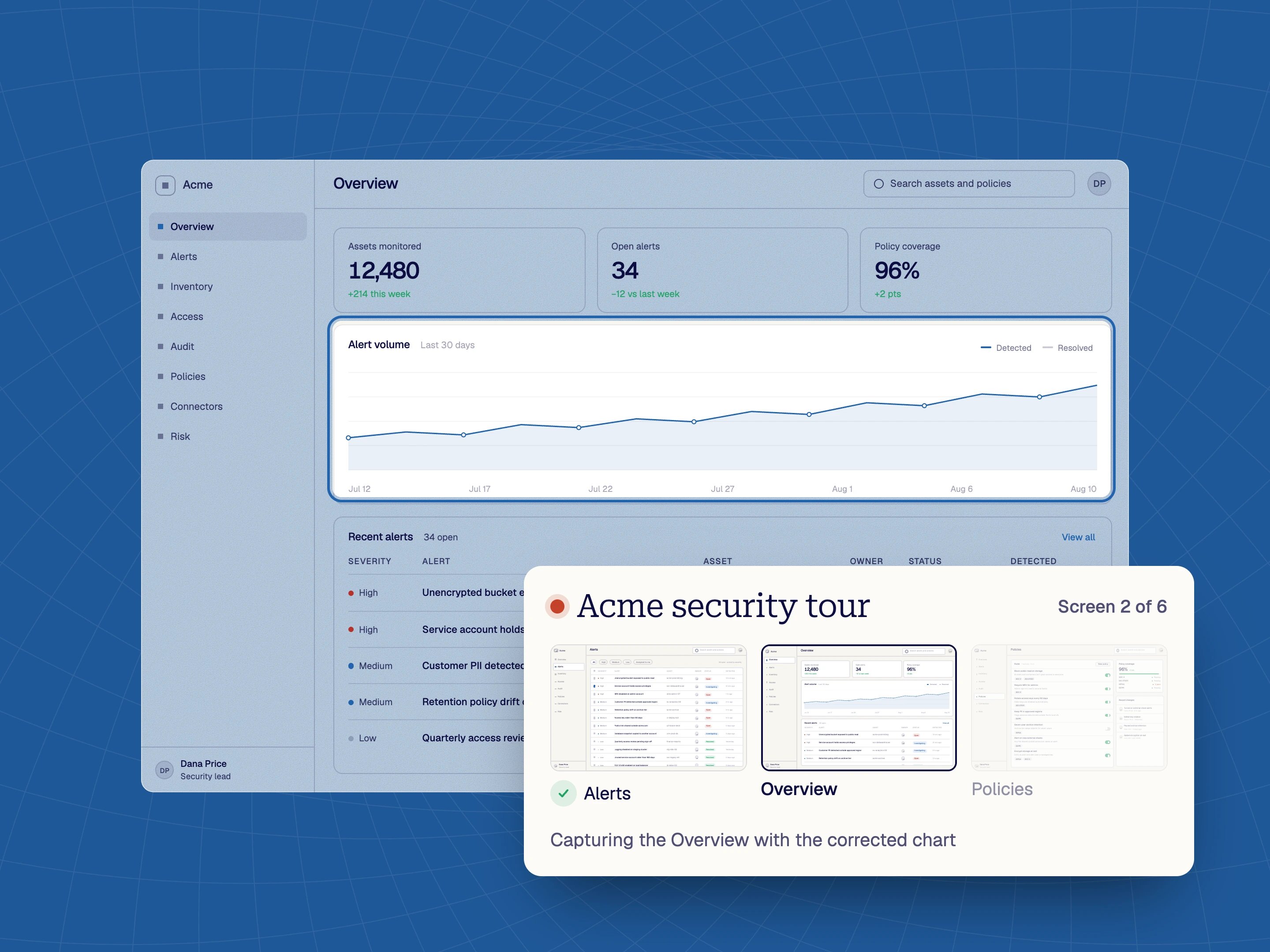
Fix this chart, then capture the screen for a tour.
The corrected data captured into the tour, so charts, tooltips and hovers agree.
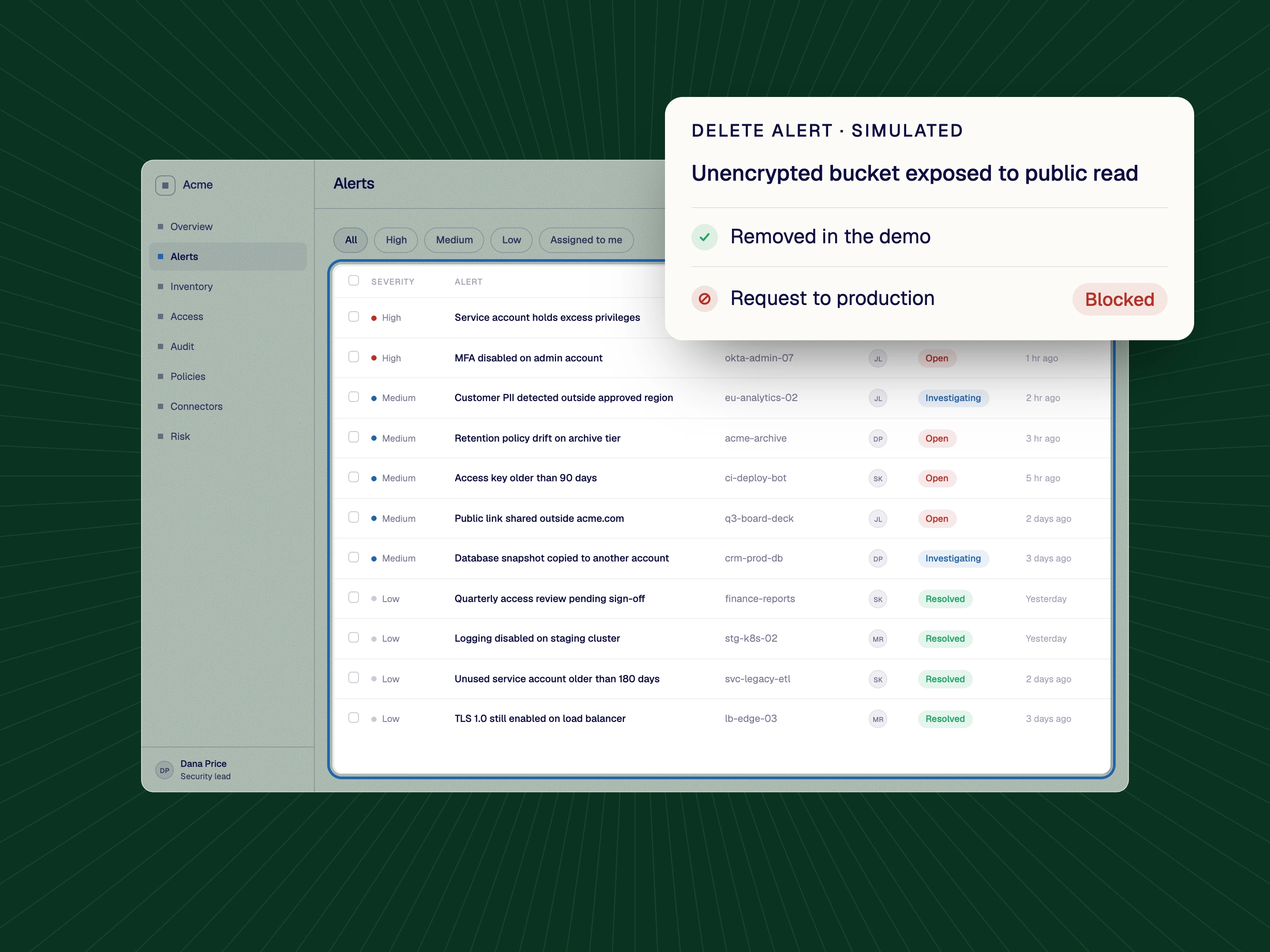
Make the delete button look like it removes the row, without touching production.
The row disappears in the demo. Production never receives the request.
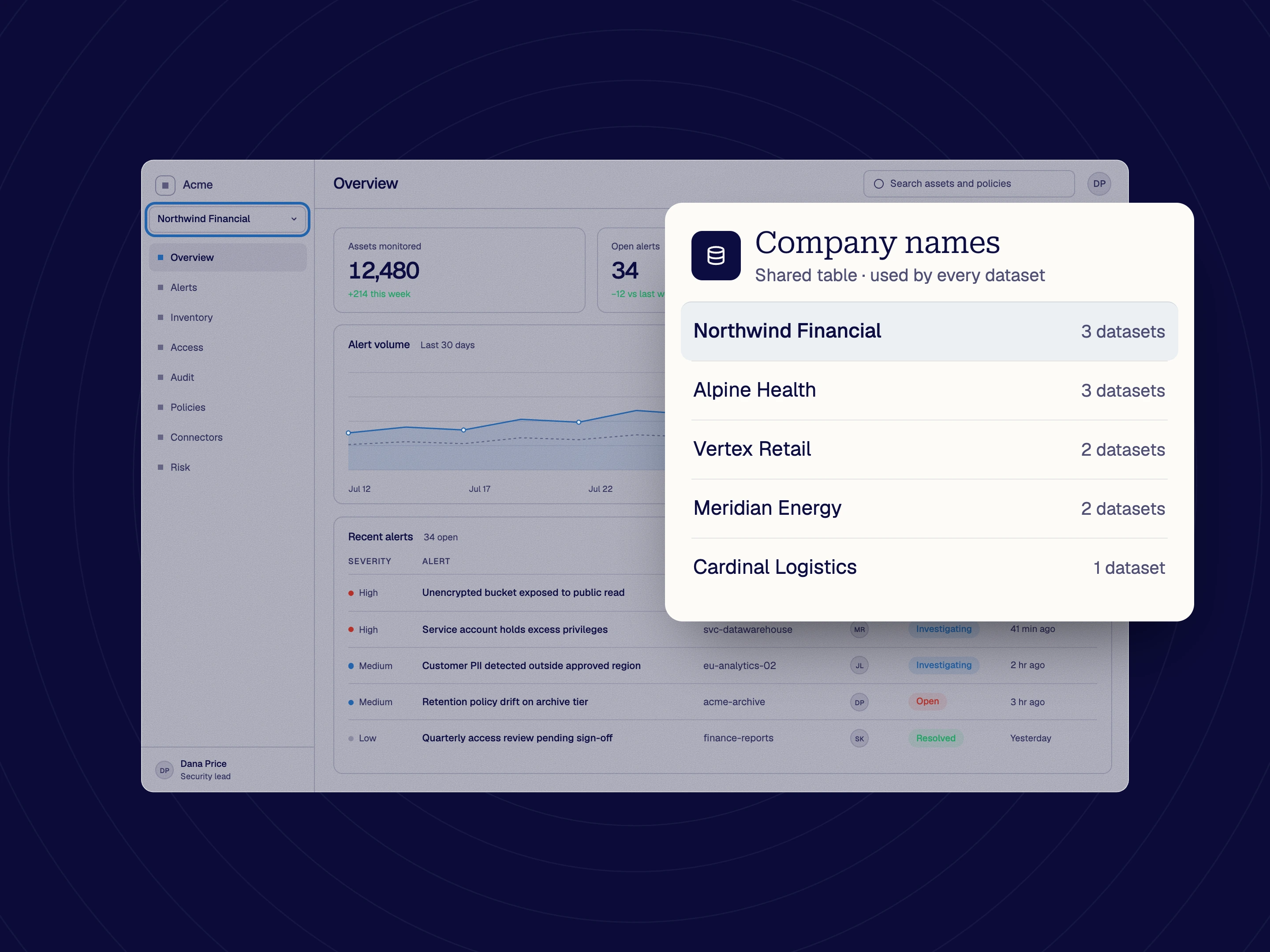
Create a list of anonymized company names used by all datasets.
One shared table, used by every dataset. Change a name once and it changes everywhere.
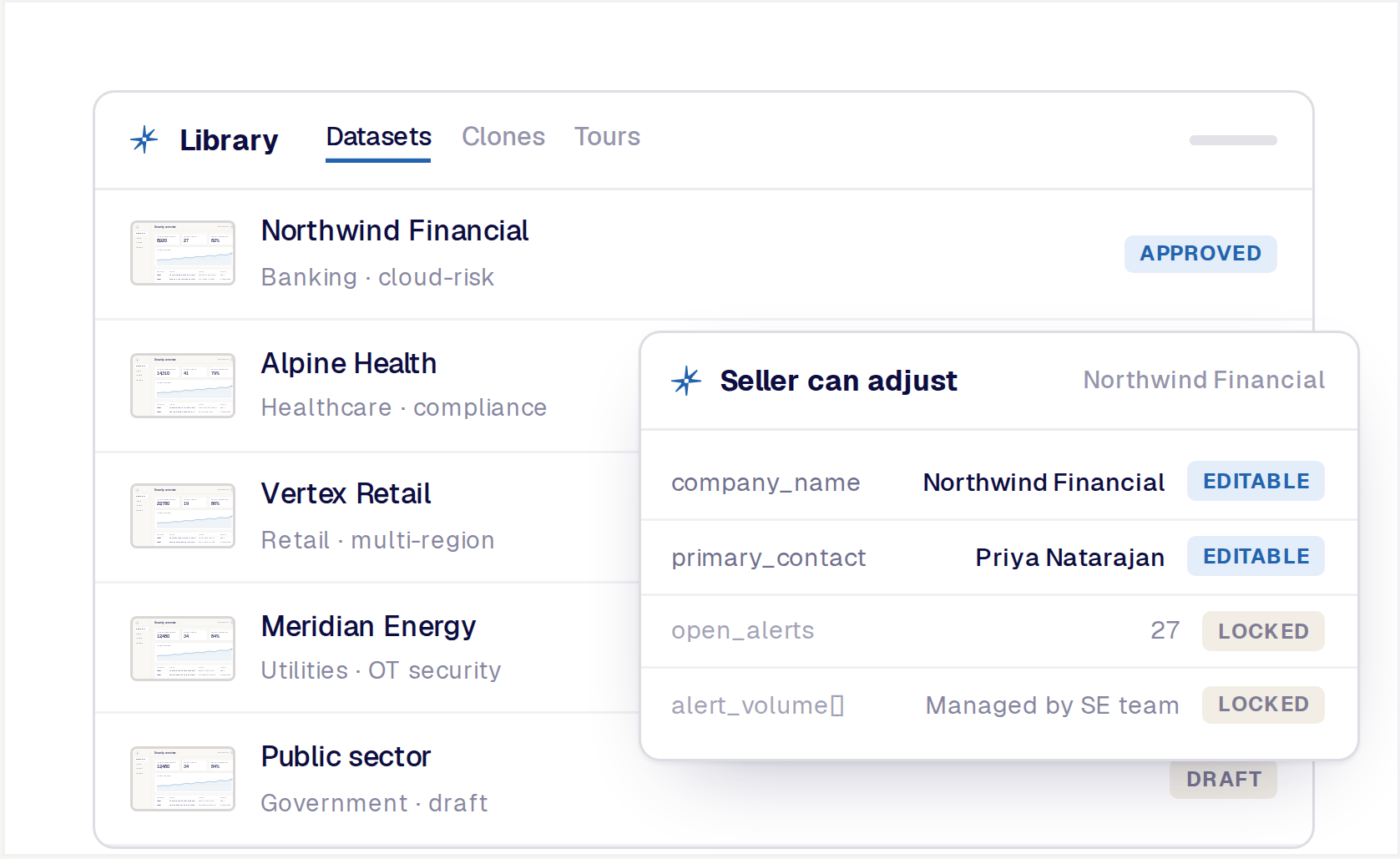
Create approved dataset templates and make them available to the people who need to prepare demos. Sellers can select a starting point and make the safe final changes allowed by the team instead of sending every request to one expert.
This gives solution engineering more time for discovery, technical validation, and complex deals while keeping the demo story consistent across a larger organization.
Organize reusable datasets by audience, product, use case, industry, region, or team.
Define which fields and final changes a seller can make without breaking the application or approved story.
Use Reprise role and folder controls to manage who can create, edit, approve, apply, and share datasets.
Connect supported demo engagement and operational data to the systems used by sales and marketing. See Integrations.

Bill G.
Enterprise
Demo data injection is the process of applying a prepared dataset to a live application or demo environment so the product displays the records, values, charts, and scenarios needed for a specific demonstration.
Reprise Data Injection uses an extension-based workflow to identify the data behind application screens, create or load an app-fit dataset, preview the affected fields, and apply the changes for the demo. The presenter can then turn the dataset off and return the application to its original state.
Real customer data may contain sensitive, regulated, confidential, or personally identifiable information that cannot be exposed in a sales presentation. It may also tell the wrong story or leave important areas of the product empty.
Synthetic or approved demo data lets the team create a believable product state without disclosing real customer information. The goal is not random sample data. It is a coherent dataset designed for the application and the buyer story.
Yes. Reprise can add realistic demo data to an empty or sparsely populated application or demo environment so the presenter can show useful product states, patterns, and outcomes.
The example above starts from an empty security overview and fills its numbers, chart, and alerts from one dataset.
Yes. Reprise Data Injection works through the extension on the application the team already uses, including supported live applications and demo environments. The selected dataset changes what the presenter sees for the demo without requiring a separate staging copy solely for personalization.
Supported browsers and installation requirements are confirmed for your application during setup.
No. The workflow is designed to be controlled and reversible. The presenter can preview the affected values, turn the dataset on for the demo, and turn it off afterward so the application returns to its original state.
The applied dataset changes what the presenter sees during the demo; the underlying application data is not modified.
Yes. Teams can save several datasets for the same application or demo environment and choose the one that fits the account, vertical, persona, region, or use case.
This makes the demo reusable. Instead of maintaining a separate environment for every story, the team maintains one foundation and prepares several approved data states around it.
Reprise can use connected data so changes to the underlying dataset are reflected across related tables, charts, totals, filters, records, and screens. This helps the final experience feel like a real product state rather than a collection of independent text edits.
Reprise discovers many of these relationships when it analyzes the application; others are set up once for the environment and reused by every dataset.
Yes. Teams can create, edit, review, save, and apply datasets directly without using AI.
Reprise's native AI agent can make dataset creation significantly faster and easier. Teams can also use a preferred AI agent through Reprise MCP, then review and refine every value before applying the dataset.
Reprise MCP makes supported demo-authoring tools available to compatible AI agents. A team can work from an agent that already has account, call, or campaign context and ask it to prepare a dataset for the upcoming demonstration.
The dataset remains in Reprise, where it can be reviewed, edited, approved, saved, applied, and governed.
Yes, within the limits the team sets. Teams prepare approved dataset templates and define which fields a seller can select or adjust for their role. This reduces repetitive preparation work while keeping the underlying application and main product story controlled.
Sellers work from approved templates; fields the team locks stay as approved.
Yes. Data Injection can populate supported live applications or Clone environments. The team can also apply the data first and then capture the populated experience as a Product Tour.
Data Injection, Application Clones, and Product Tours remain separate Reprise products. Their connection lets the team use the same data story in a reliable live environment and in a guided, shareable experience.
Text and image editing can personalize visible elements, but Data Injection is designed to create a coherent product state around an app-fit dataset. The resulting values appear across records, tables, charts, filters, and connected screens.
The difference is the story's consistency. The application looks populated with data that belongs there, not decorated with a few changed labels.
Data Injection helps teams avoid exposing real customer information by using synthetic or approved demo datasets. Reprise also provides platform controls around access, publishing, and governance.
See the Security page for certifications, privacy requirements, and role-based controls.
Reprise applies an app-fit dataset to the product environment and maintains the story across connected screens, charts, filters, and records. Teams can preview the affected data, switch the dataset on and off, save multiple stories for the same demo, and work through native AI, MCP, or direct editing.
Data Injection also works within the larger Reprise platform. The populated environment can support a live demo, an Application Clone, a Product Tour, a Flow, or a Sales Room while each remains a distinct product.
