


Table of Contents
Enterprise software is rarely just a web app. But where do most demos take place — in the browser, over Zoom.
So how are people demoing their desktop and mobile apps in 2026?
The answer is: not well.
Real-world enterprise stacks are multi-dimensional. They include desktop apps, mobile apps, multiple web applications, and complex integrations. They all need to be demoed.
That’s why we think of demoing in terms of “Full Stack”. That’s how you handle those tricky non-browser elements without trying to juggle three different devices on a live sales demo.
The Hierarchy of Capture Methods
Demo tech typically works by “capturing” your app and recreating it in a self-contained environment. There are three “levels” you can go to when building a demo:
- Pixels (screenshots and GIFs)
- HTML/CSS (frontend look and feel)
- Javascript/Web Requests (full functionality and interactivity)
HTML capture and application cloning let you take the actual underlying code of your web application, inject custom datasets, and create an experience that feels exactly like the live product. For your core web platform, you need that depth.
But that doesn’t work for mobile and desktop apps, which could leave companies with a handful of bad options. Mobile emulators are expensive and hard to use. Screensharing your desktop app isn’t recommended (too hard to control and maintain).
That’s where staying at the “pixel” level can help. The trick, then, is how do you make them still look and feel real?
The Mobile Paradox
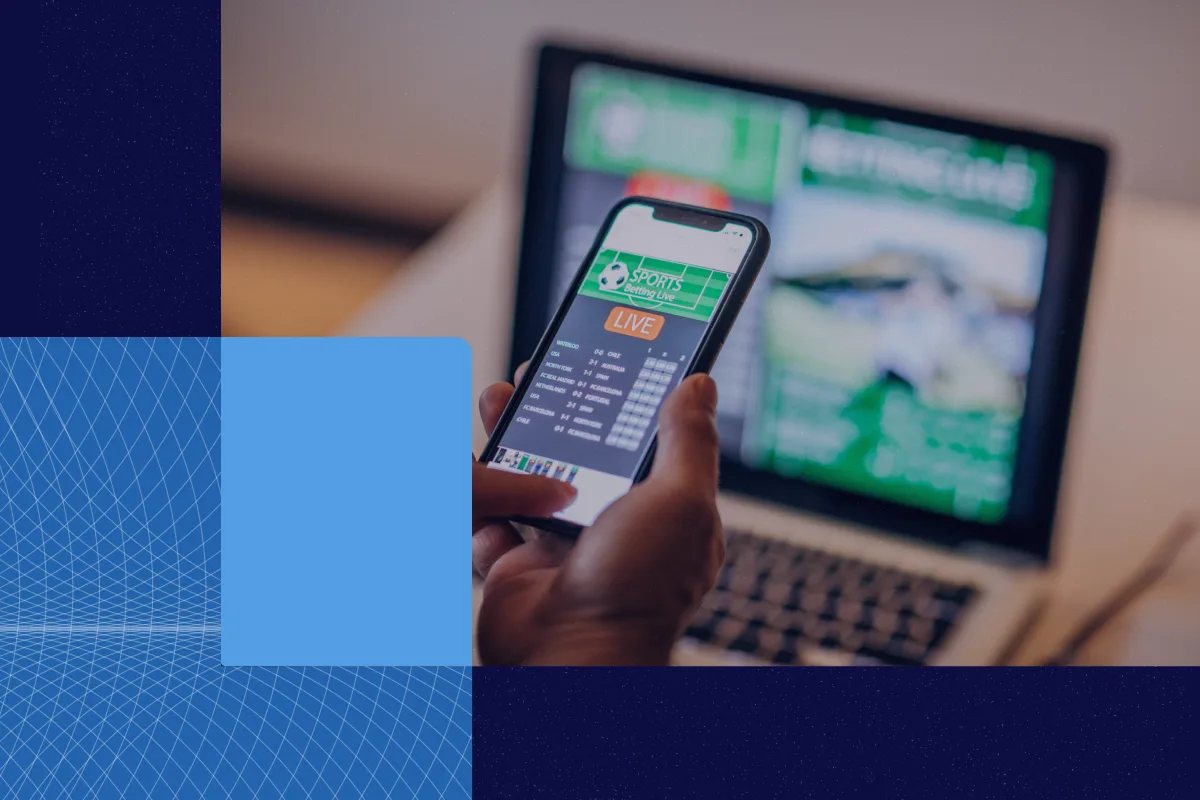
Live mobile demos fall somewhere between “bad” and “impossible.” You can try mirroring your phone screen to your laptop (unreliable and slow). You can try a mobile emulator (complicated). You can resize your web app to mobile width (not accurate to the product). Or you can throw your hands up and forgo the mobile demo entirely.
Notifications pop up at the worst times. The wifi drops. Plus, asking a prospect to “watch me swipe on my phone” feels small compared to a high-definition screen share.
With Reprise, you simply upload images or GIFs of your mobile experience. Our platform instantly applies a realistic device frame — phone or tablet — and scales the asset to fit.
Then you can layer the same interactivity (hotspots, guides, auto-scroll, etc.) you would for your web demo over that mobile capture. The result is a polished asset that looks like a live app but runs with the reliability of a slide deck.
The Desktop & Terminal Challenge
The same logic applies to native desktop applications, terminals, or anything that runs locally. You can’t capture these with a web-based extension.
Instead of switching tools, you can bring these assets into Reprise. Upload a GIF of your terminal command executing. Upload a screenshot of your desktop dashboard. Add your click paths. Layer in as much or as little interactivity as you want.
Now your desktop tool looks just as modern and realistic as your web app.
One Platform for the Whole Story
The goal isn’t just to make the mobile or desktop parts possible. It’s to keep your demo library under one roof.
When you fragment your demo tools — using one vendor for application cloning, another for mobile mockups, and slides for the rest — you lose control. Branding becomes inconsistent. Analytics get scattered. Your SEs waste time switching contexts.
By handling web, mobile, and desktop in a single platform, you create a unified narrative. You can start a demo in your web application using high-fidelity HTML cloning, click a link, and transition into a mobile view without the prospect ever sensing a change in the platform.
The Takeaway
Your software ecosystem is complex. Your demo tool shouldn’t force you to ignore the parts that don’t live in a browser.
By using a “full stack” approach to demoing, Reprise customers can keep all their demos in one secure, enterprise-ready environment.
Request a demo to see the full stack in action!