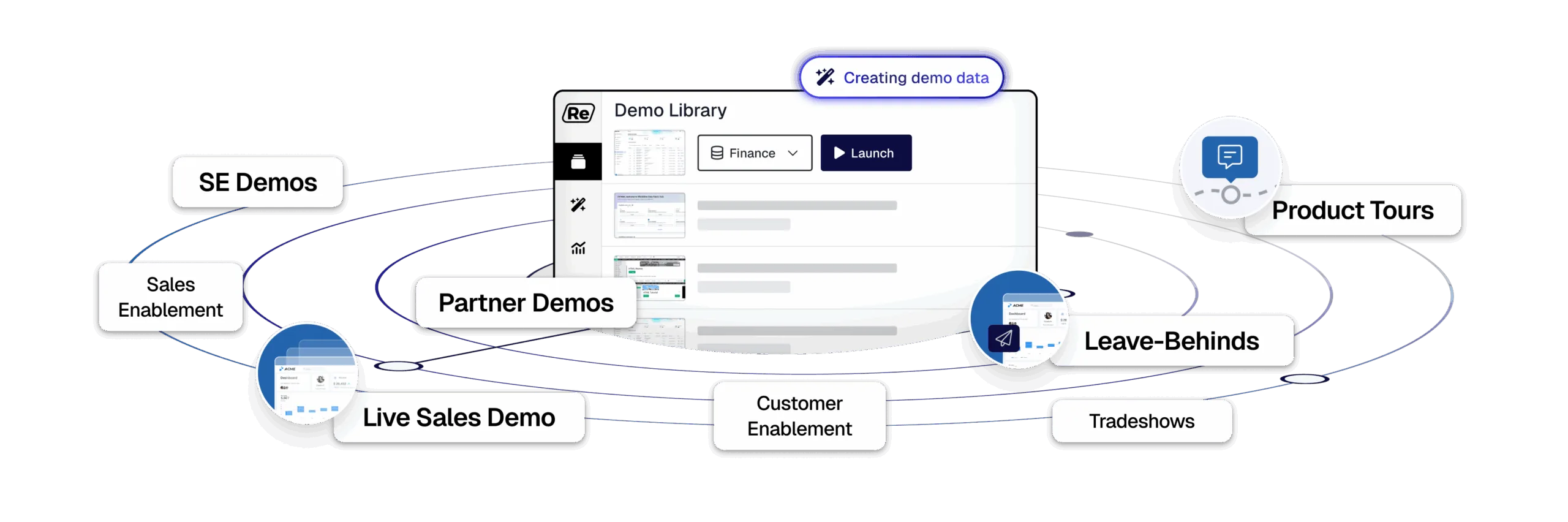

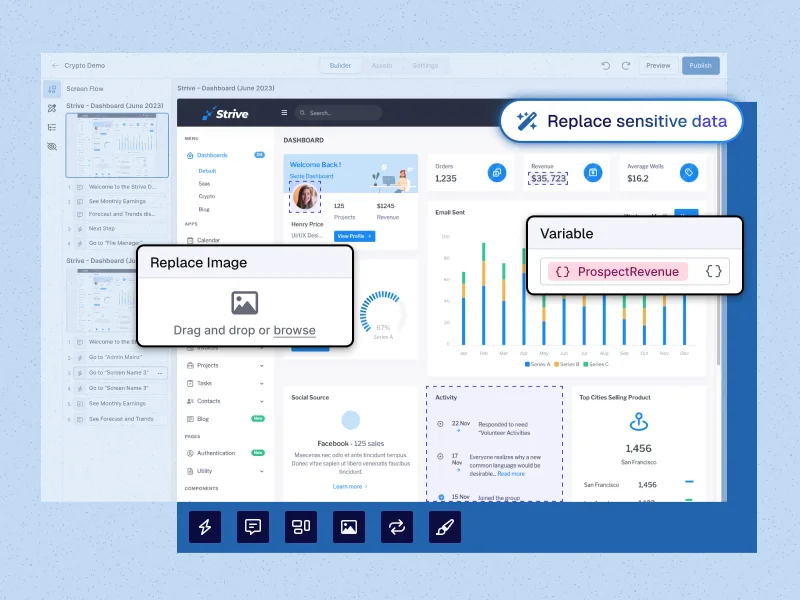
Use the Reveal extension to inject realistic demo data into your demo environment or live app.

Replace images, logos, and text, and bulk apply changes to your whole demo. Restore to its original state with the click of a button.

Save edits as reusable templates and share with your team.
Designed for even the most complex of products, Reprise's automated editing capabilities and extensive library of plug-ins allow for customization without limits. Tailor every detail – from product features to images to data and charts, at every level of the live demo – to create hyper-personalized and verticalized demos at scale.

Control every aspect of your product demos. Unlike other demo software, Reprise lets you directly edit the HTML. The Reprise demo platform gives you the flexibility to show future elements and fine-tune every nook and cranny of your interactive demo.

Demos should feel real and engaging. Reprise's intuitive code editing — including direct editing of HTML, CSS, and Javascript — lets you build demos that are interactive, engaging, and completely customizable.

Build and share scalable live demos faster with Reprise. Using AI-powered data injection, fill an empty environment with custom data — or swap out an existing dataset — so you can tell the right story to the right audience.

Jean-Paul M.
Enterprise
Gain control of your demo environment and your narrative. Reprise offers a dedicated demo environment that delivers unmatched resiliency and stability, ensuring your live demo performance is never at risk from outages or updates to your live app or shared demo environment.

Our standalone environment separates your demos from your live application to protect access in the face of unexpected product updates or unforeseen technical issues. No bugs, no collisions caused by too many sellers in a demo environment. Just a demo that works every time.

Reprise delivers live demos via a dedicated content delivery network (CDN), ensuring uninterrupted, high-performance demos, whether you're running five or five hundred at once.

Remote-hosted demos offer the flexibility to showcase your product anywhere, even in locations with unreliable or restricted internet access, such as tradeshows or government offices.

Build demo environments that faithfully render your products without massive cloud computing costs.
Protect your sensitive data from unauthorized access or disclosure with enterprise-grade security. Reprise ensures your content is protected with robust governance practices, including SOC 2 Type II compliance and demo-level access control.

Reprise gives you demo-level governance capabilities to ensure your content is protected when sharing across teams.

Your product demos are protected by Reprise's stringent security practices, meaning we never put your sensitive customer data at risk.

Reprise powers the product demo programs of the largest companies in the world. We adhere to the highest standard of consumer data privacy protections, including GDPR, CCPA, CPRA and other state-level regulations. Reprise is built with privacy in mind to ensure your data is always secure.

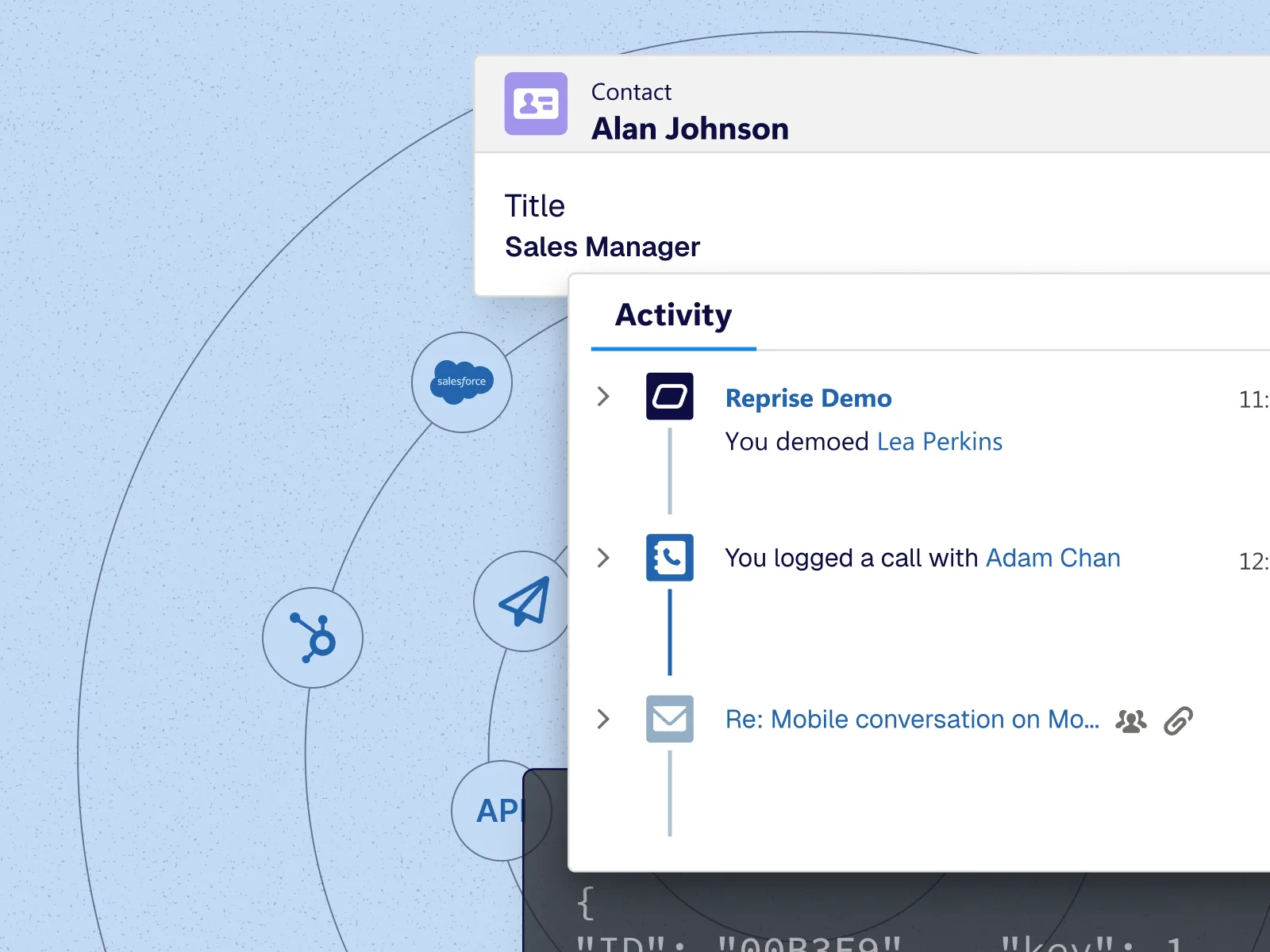
Between native analytics, pre-built integrations with leading platforms like HubSpot, Salesforce, and Marketo, and an open API for real-time data transfer, you get a comprehensive, continuous measurement of demo performance across the funnel.

Reprise natively integrates with the enterprise business systems you trust.

Connect through a custom API to feed real-time, click-level usage data directly into your warehouse, at scale.

The Reprise demo platform integrates seamlessly with sales enablement platforms like Seismic and Highspot, so you can embed your sales demos anywhere your sales team needs them.
Yes, demos built in Reprise can be embedded directly into your website, landing pages, or emails. This lets you put interactive product experiences where your prospects are already engaging. It's a seamless way to drive deeper interest and accelerate the path to conversion.
Updating a demo is simple and flexible using the Reprise platform. You can easily swap in new screens, update text, or adjust user flows without starting from scratch or involving engineering. This makes it easy to keep your demos current as your product evolves.
With Reprise, you can add rich interactivity to your product demo beyond guides and hotspots. Users can take actions and interact with your product in a way that feels real: think drag-and-drop, chatbots, charts with dynamic hover states, and more. Anything your product does, a Reprise demo can mimic. This lets prospects explore real product workflows in a way that feels natural and personalized. It's all designed to mirror the live product experience without needing engineering support.
A demo platform shortens the sales cycle by giving prospects instant, hands-on access to your product without waiting for a live call. It builds product understanding and interest earlier in the journey, so by the time they speak with sales, they're already further along in the decision-making process. Then, sales can give a live demo in the same environment — just unguided — for a seamless experience and no added work required.
An interactive demo gives users a hands-on experience where they can click through the product themselves. In contrast, a live demo is led by a salesperson and a recorded video is a one-way walkthrough with no user interaction. Interactive demos are often seen as the most effective way to let prospects experience real product value on their own time and terms. Live demos require a more open-ended demo environment. A demo platform should allow for both interactive demos and live environments.